By October 2025, 56% of US consumers were already spending like it was a recession, according to Gartner. Shoppers didn’t stop buying. They started comparing harder, leaving faster, and forgiving less.
And your store?
It probably gets improved in bursts.
A redesign sprint after a bad month. A new app after a competitor’s ad catches your eye. Then nothing for weeks, because orders, suppliers, and support tickets eat every hour you have.
The problem isn’t effort. It’s sequencing. Busy owners fix whatever feels loudest, so the fixes collide, nobody measures them, and the store ends the quarter roughly where it started, just with more apps installed.
This guide gives you a 12-week routine: one focus area per week, about three hours of work each, built so every fix stacks on the one before it.
Key Action Points:
- Block three protected hours every week for store work, and treat them like a supplier call
- Record one baseline metric for each focus area before you change anything
- Fix tracking and speed before you touch design or offers
- Stop installing apps until your audit week tells you what to remove
- Test one change at a time on your highest-traffic page
- Review results every fourth week and cut whatever didn’t move the number

What is a Shopify Store Improvement Plan?
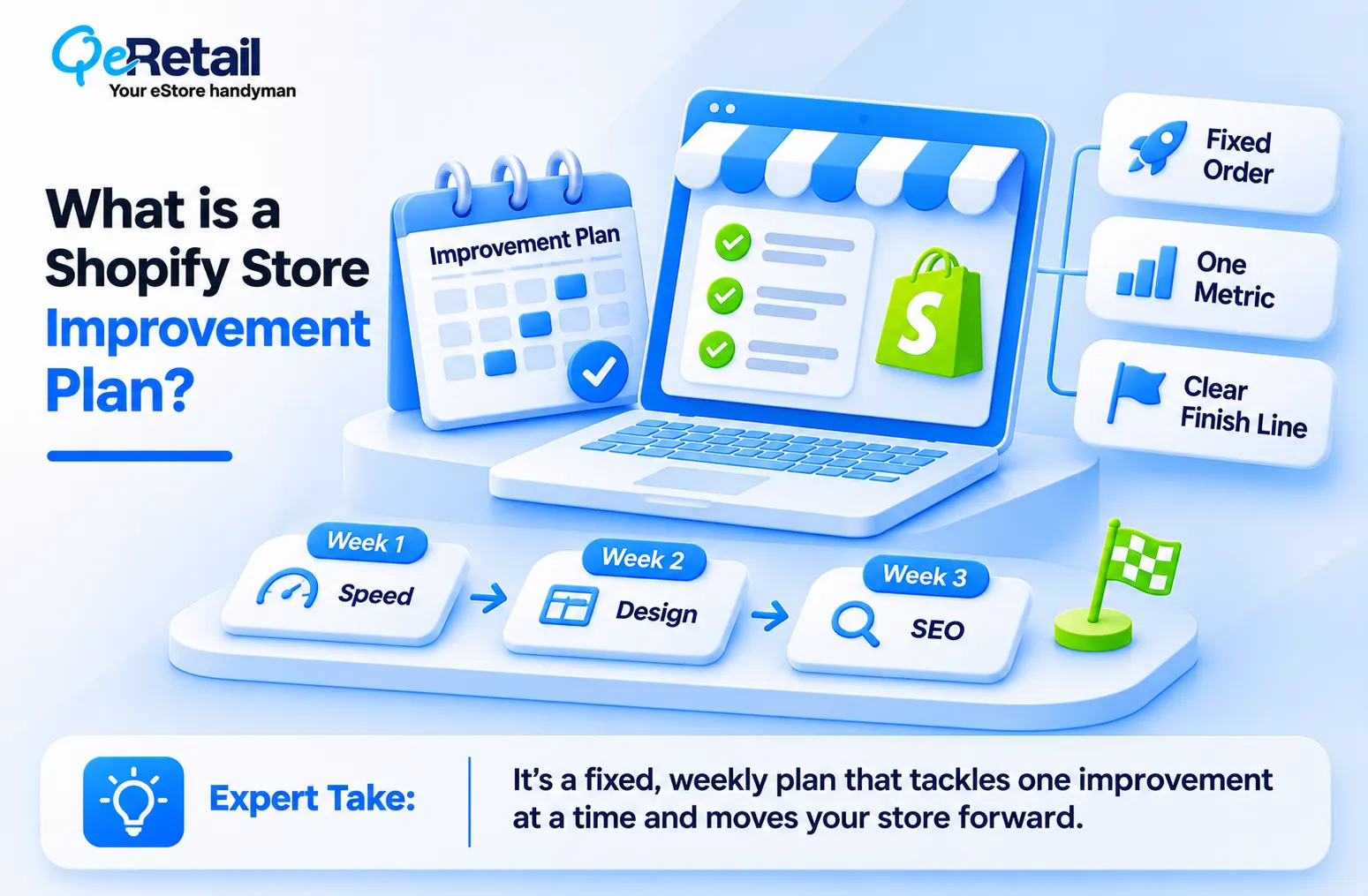
A store improvement plan isn’t a to-do list. It’s a fixed order of operations that decides what you ignore this week.
You already have the list. It lives in a notes app, a Slack channel, or the back of your head: faster pages, better product photos, a post-purchase email, cleaner navigation. The list is never the bottleneck. The order is.
A plan gives each problem a week, a single metric, and a finish line. Week three isn’t “work on SEO.” It’s “rewrite titles and meta descriptions for your top product pages, then log organic clicks for those URLs.” Tight scope means you can stop when the job is done instead of drifting into another tab.
For Shopify stores, the order matters more than usual. Apps, themes, and tracking scripts all interact. Change your theme before you fix tracking, and you lose the before-and-after comparison that tells you whether the redesign worked.
Why Most Busy Shopify Owners Fail at Store Improvement?
Here’s the uncomfortable part. Most stores don’t stall because the owner lacks ideas. They stall because improvements happen in reaction to panic.
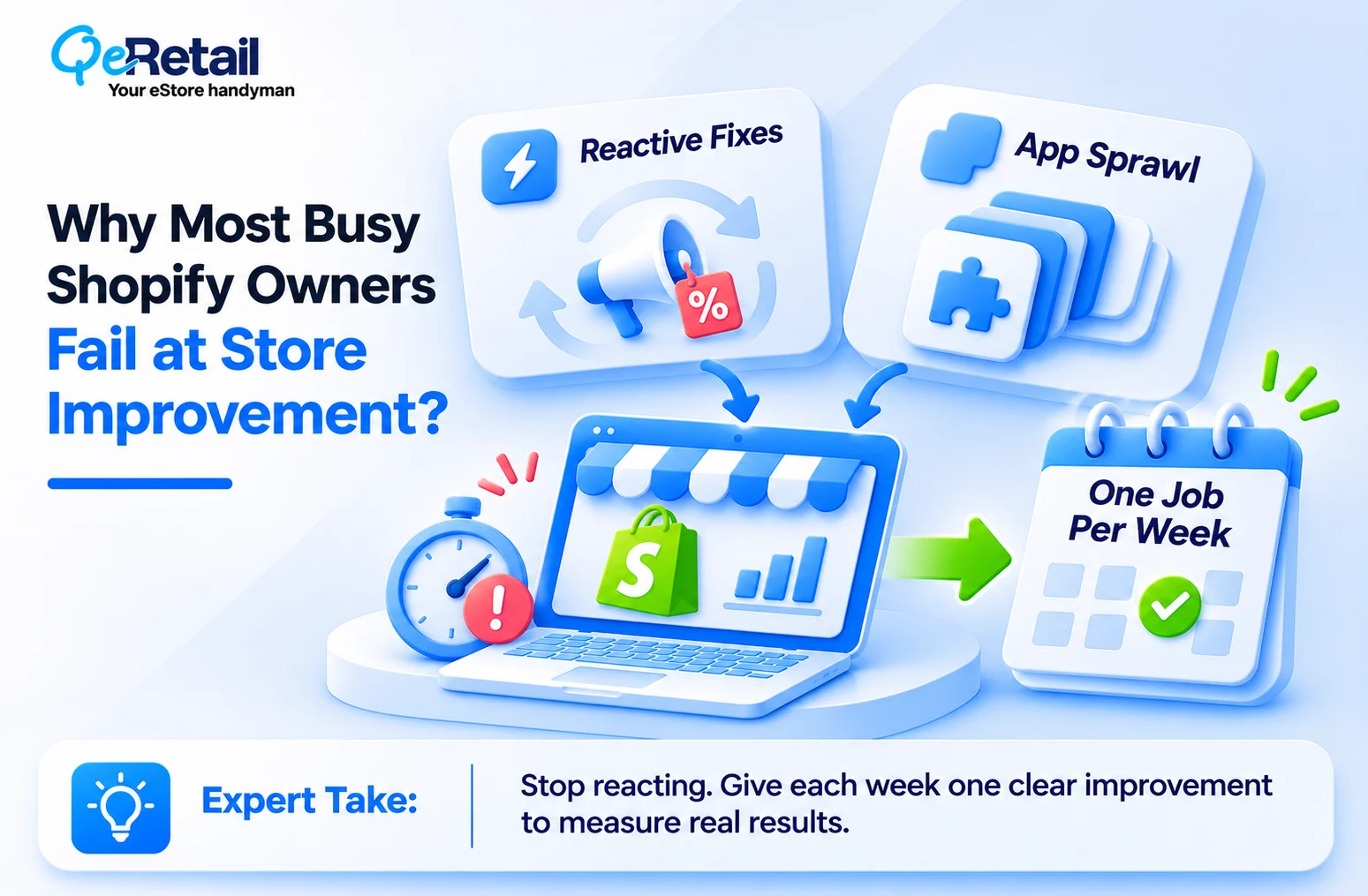
Reactive Fixes Hide What’s Actually Working
A slow Tuesday triggers a discount. A competitor’s launch triggers a theme change. Two weeks later, sales tick up, and you have no idea which change caused it, or whether that Tuesday was just a Tuesday.
That guesswork gets expensive when buyers are this careful. Seven in 10 holiday shoppers across all income groups engage in value-seeking behavior. Value-seekers compare by reading the return policies, checking delivery times, and leaving when a page loads slowly. Random fixes rarely land on the exact moment they leave.
App Sprawl Turns Into Technical Debt
Every unplanned fix tends to arrive as an app. Each one adds scripts, and those scripts compete for load time on the pages your customers judge you by. (If you can’t name what each installed app earns you, it’s probably costing you.)
So what do you do instead? You give every week one job.
The 12-Week Shopify Store Improvement Routine
The routine runs in three blocks of four weeks. Each block ends with a review week, so you never stack new work on top of changes you haven’t measured.
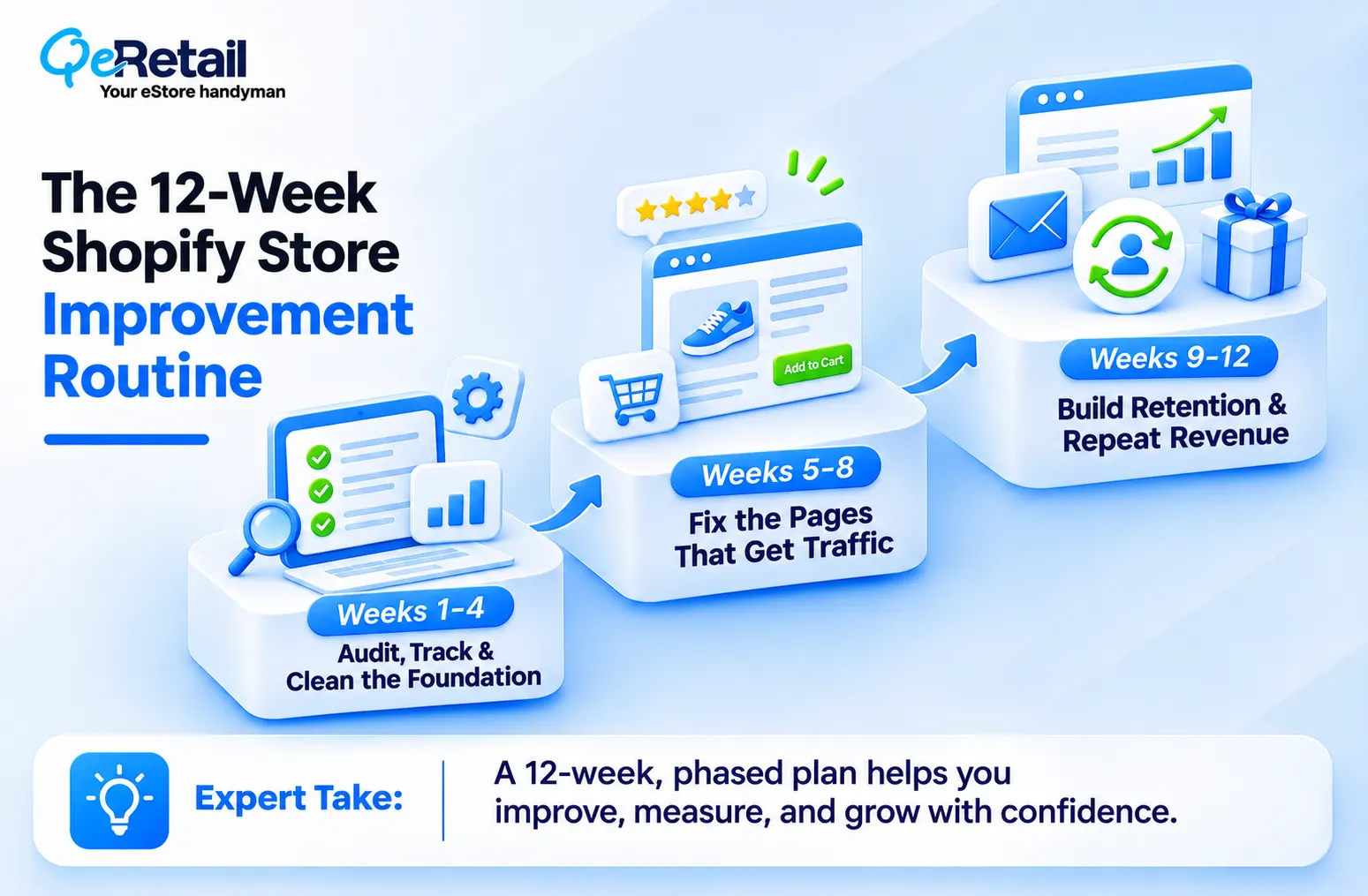
Weeks 1 to 4: Audit, Track, and Clean the Foundation
- Week 1 is a full audit: List every app, theme customization, and active discount, and note what each one is supposed to do.
- Week 2 fixes tracking: confirm Shopify analytics, GA4, and your ad pixels agree on order counts before you trust any number.
- Week 3 is speed: Compress images, remove unused apps, and test your top landing pages on mobile.
- Week 4 is review: write down your baseline conversion rate, average order value, and repeat purchase rate.
Boring? Yes.
But every later week depends on numbers you can actually trust.
Weeks 5 to 8: Fix the Pages That Already Get Traffic
This block targets the conversion surfaces you already pay to fill.
- Week 5 rebuilds your highest-traffic product page with clearer photos, shipping and returns information above the fold, and reviews close to the add-to-cart button.
- Week 6 works on collection pages and site search.
- Week 7 tightens checkout, and our Shopify checkout optimization guide covers the field-by-field fixes.
- Week 8 reviews results against your baseline.
Expert Take:
Redesigning your homepage is usually the least valuable thing you can do in this block. Your ads and search results send most shoppers straight to product and collection pages, so a homepage refresh feels productive while barely touching conversion. Fix the page your ads point to first, and leave the homepage until your review week proves it matters.
Quick Wins:
- Move shipping cost and delivery time above the fold on your top product page to cut surprise-driven exits
- Add a one-line returns policy next to the add-to-cart button so value-seekers don’t leave to find it
- Turn on Shop Pay and accelerated checkout buttons to shorten mobile checkout
- Remove one app per week that no longer earns its load time
Weeks 9 to 12: Build Retention and Repeat Revenue
Now you earn more from customers you already have.
- Week 9 sets up or rewrites your welcome and abandoned cart flows.
- Week 10 adds a post-purchase sequence that asks for a review and suggests a logical next product.
- Week 11 tests one offer, such as a bundle or a free shipping threshold set just above your current average order value.
- Week 12 reviews the full quarter and picks the next cycle’s priorities.
Retention work compounds. Every flow you build here keeps selling while you run the next 12 weeks. For deeper middle-funnel tactics, see our Shopify MOFU strategy guide.

How to Adjust the Routine by Revenue Tier
The 12-week structure holds at every store size. What changes is where your extra hours should go, and here’s how to split them:
- The Growth Starter ($100K to $200K): Spend extra time on weeks 1 to 4. At this tier, you’re often running a theme and app stack assembled during launch, and a clean foundation unlocks everything after it.
- The Scaling Operator ($200K to $400K): Weight weeks 5 to 8. You have enough traffic for page changes to show up clearly in the numbers, and every conversion gain lowers how hard your ads have to work. Our guide on how to reduce Shopify customer acquisition cost pairs well with this block.
- The Enterprise-Ready Brand ($400K to $500K+): Lean into weeks 9 to 12. Your customer list is now your most valuable asset, and segmented retention flows usually return more than another round of page tweaks.
Final Thoughts
Most busy owners treat store improvement as a crisis response. Something breaks, sales dip, and a weekend disappears into changes nobody measures. If you’ve installed five apps and swapped your theme twice this year without a baseline, you didn’t improve your store, you just rearranged it.
A 12-week routine replaces that cycle with compounding progress. Clean data makes page tests readable. Better pages make retention flows convert. And by week 12, you know exactly which changes earned money and which ones you can drop.
The decision isn’t whether to improve your store. That’s already made. The decision is whether you keep reacting or start running a routine that tells you what works. And if you’d rather not run it alone, you need a partner who has done this for Shopify stores at your stage.
Book a free consultation, and we will audit your store and map your first 12 weeks around the fixes most likely to pay back.
Frequently Asked Questions
How Much Time Does a Shopify Store Improvement Plan Take Each Week?
What Should I Fix First on My Shopify Store?
Do I Need a Developer to Follow a 12-Week Improvement Routine?
How Do I Know If My Store Improvements Are Working?
Can I Repeat the 12-Week Routine After the First Cycle?
Table of Contents