
Every product you retire leaves a URL behind.
That URL may hold backlinks, ranking history, and a steady trickle of organic visits you never pay for.
Delete it carelessly, and all of it disappears with one click.
Most store owners do exactly that. A product sells out or gets discontinued, so the team archives it, deletes it, or buries it.
The page returns a 404, Google drops it from the index, and the traffic goes with it.
Every organic visit you lose gets replaced with paid traffic, which pushes your customer acquisition cost higher. Here is why it keeps happening.
Shopify makes removing a product easy, but it never tells you what the page was worth. Inventory decisions get made in the ops tab. SEO consequences show up three months later in Search Console.
This guide shows you how to sort every unavailable product into the right bucket, pick the right fix for each, and protect the rankings you already earned.
Key Action Points:
- Audit every sold-out or archived product for backlinks and organic traffic before you touch it.
- Keep temporarily out-of-stock pages live and add back-in-stock alerts plus related products.
- Redirect discontinued pages with a 301 to the closest matching product or collection, never the homepage.
- Check that your availability markup updates the moment inventory hits zero.
- Review the Pages report in Google Search Console every month for new 404 and soft 404 errors.

Why Do Most Shopify Stores Mishandle Unavailable Product Pages?
Shopify treats an unavailable product as an inventory event. Google treats it as a URL event. That gap is where your rankings leak. Two mistakes cause most of the damage.
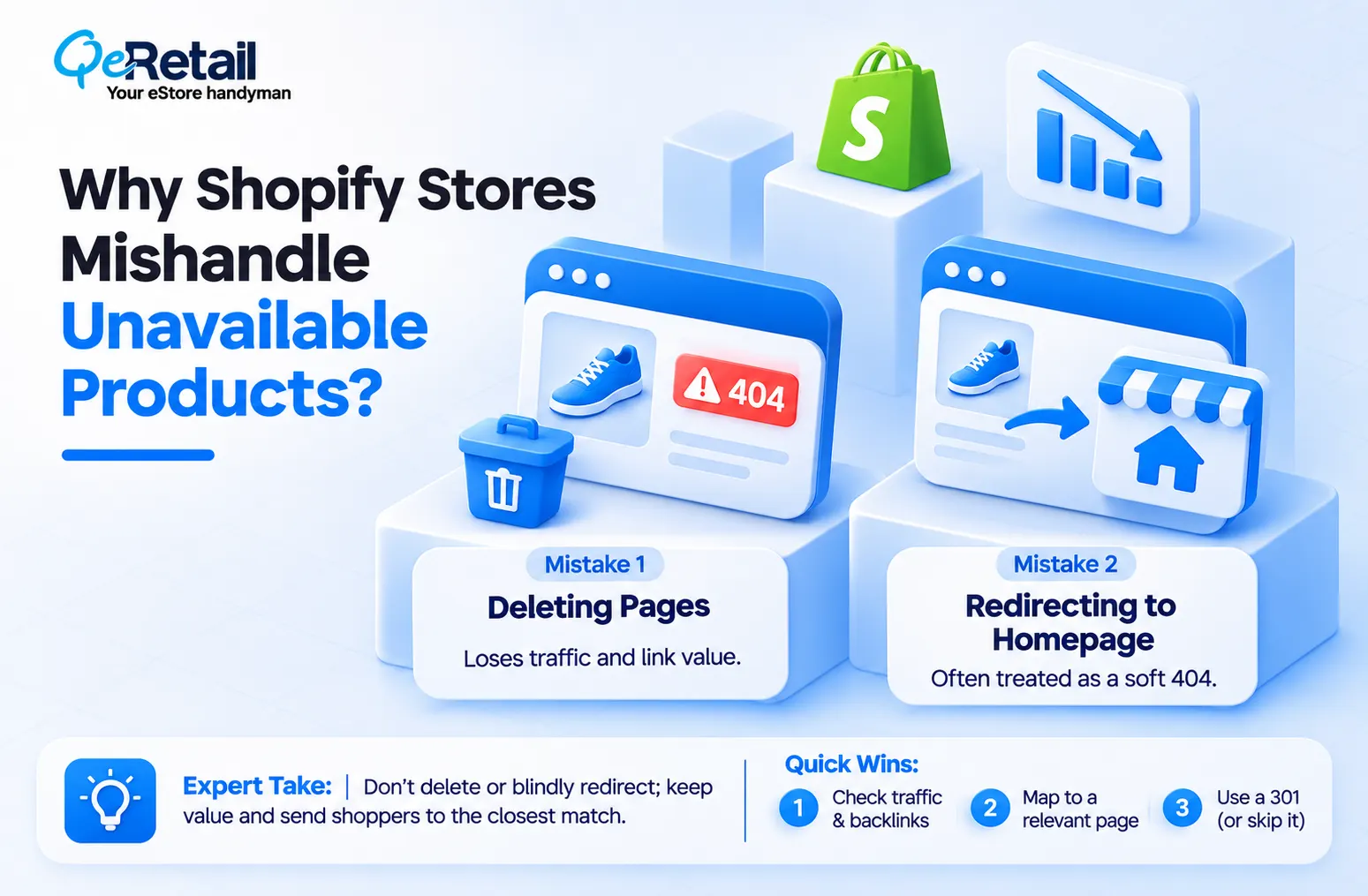
Deleting Pages That Still Earn Traffic
Deleting a product in Shopify removes the page and returns a 404. Google eventually drops the URL, and every backlink pointing at it stops passing value to your store. For a product with years of reviews, links, and impressions, that is a real loss. You did not clean up your catalog. You threw away an asset.
Expert Take:
A 404 is not a penalty. It is a forfeit. Google will not punish you for deleting a page, but you hand back every ranking signal that page collected. Check traffic first, delete second.
Quick Wins:
- Pull 12 months of organic clicks from Search Console before any deletion.
- Check backlinks to the URL in your SEO tool.
- Keep live or archive any page with meaningful traffic or links.
Redirecting Everything to the Homepage
The usual fix is a blanket redirect to the homepage. It feels safe. It is not. Google can treat irrelevant redirects as soft 404s, so the page earns nothing and clutters your Search Console reports. A shopper searching for a specific leather wallet who lands on your homepage simply bounces.
Expert Take:
Redirect relevance matters more than redirect existence. A 301 to a mismatched page is a polite way of deleting the URL. Send the signal to the closest match, or let the 404 stand.
Quick Wins:
- Map each retired URL to the nearest product or collection in a spreadsheet.
- Create each 301 with Shopify’s URL Redirects tool.
- Skip the redirect when no relevant match exists.
The 3-Status Framework for Unavailable Shopify Products
Not every unavailable product is dead.
Sort each one into a status first, because the status decides the fix. (If you cannot say which status a product is in, you are not ready to touch the page.)
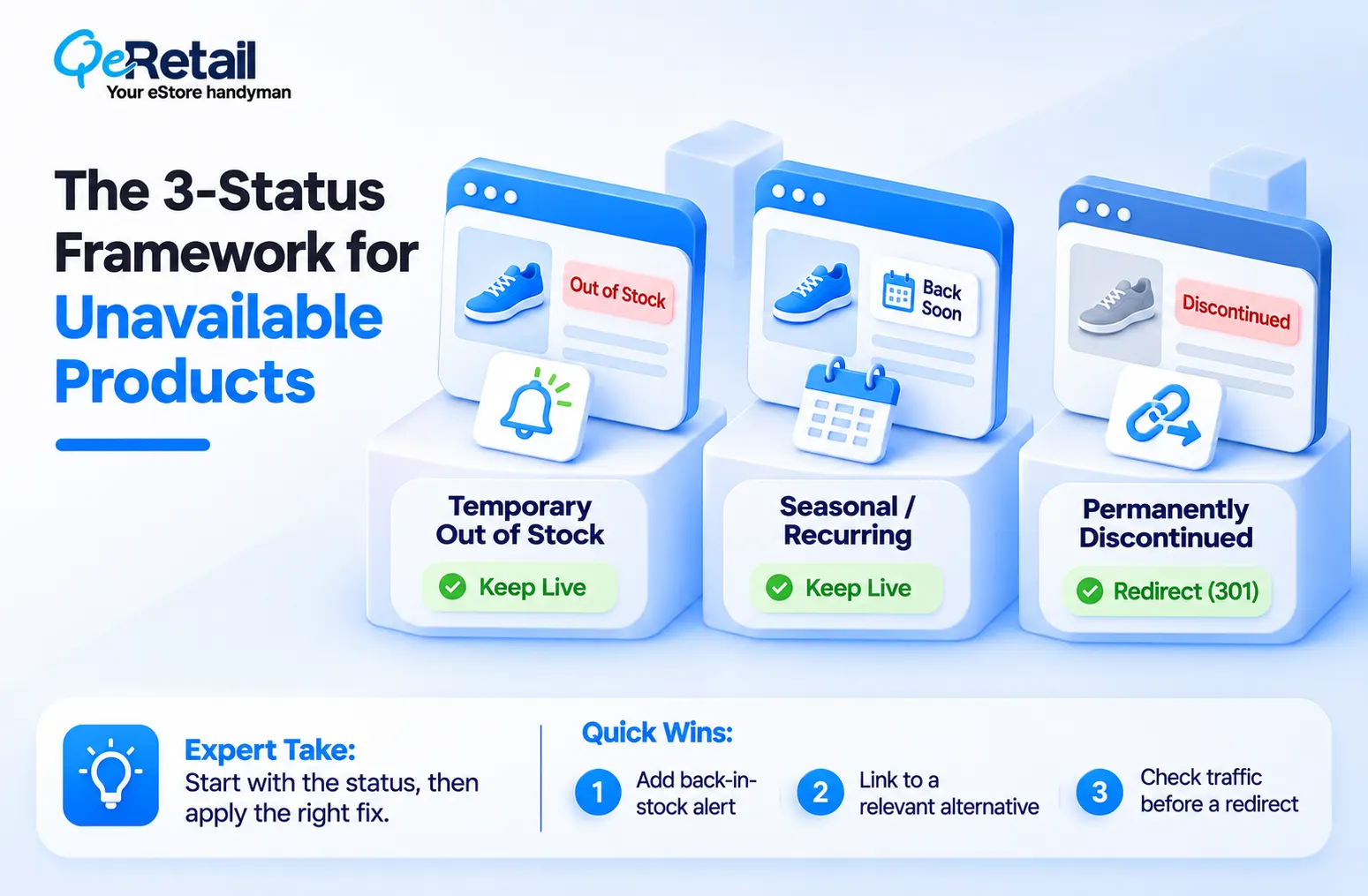
Status One: Temporarily Out of Stock
The product is coming back. Keep the page live, keep the URL, and keep the 200 status. Shopify shows a sold-out button automatically when inventory hits zero, and overselling is off. Your job is to stop the page from becoming a dead end. Add a back-in-stock alert form, show related in-stock products above the fold, and state the restock window if you know it.
Expert Take:
Do not unpublish a sold-out page to avoid disappointing shoppers. Unpublishing kills the URL, and the restocked product starts from zero. A live sold-out page with an email capture form beats a missing page every time.
Quick Wins:
- Add a back-in-stock alert form to your sold-out product template.
- Place three related in-stock products directly under the sold-out button.
- Run the page through Google’s Rich Results Test to confirm the markup says out of stock, not available.
Status Two: Seasonal or Recurring
Think holiday bundles or summer colors. The product returns, just not soon. Keep the page live year-round, update the copy to say when it comes back, and link to the current seasonal alternative. Seasonal URLs that stay live build authority across cycles, so each return launches with ranking history instead of a cold start.
Expert Take:
Recycling the same URL each season is one of the cheapest SEO wins in Shopify. Stores that create a brand new product every year throw away last year’s authority for nothing.
Quick Wins:
- Title the page for the return season, not a past year.
- Link to the live seasonal alternative in the first paragraph.
- Push the product lower in your collection sort order so it stops taking prime space.
Status Three: Permanently Discontinued
This is where a redirect belongs. Check the page for traffic and backlinks first. If it has either, send a 301 to the closest replacement product or the parent collection. If it has neither, a clean 404 is fine. Shopify has no native 410 option, and Google treats a 404 as a normal answer for pages that no longer exist.
Expert Take:
Do not keep a discontinued page live forever just to hold the traffic. Visitors who hit a permanent dead end leave, and you pay for that in lost sales. If the page earns links, redirect it. If it earns nothing, let it go.
Quick Wins:
- Check traffic and backlinks before choosing between a 301 and a 404.
- Redirect to the closest replacement product first, then the parent collection.
- Fix hand-built menu and blog links that still point at the retired URL.

Match the Fix to Your Revenue Tier
A $120K store with 80 products and a $450K store with 900 products do not need the same process. Match the effort to your catalog.
The Growth Starter ($100K to $200K): Review by Hand
You have few enough products to check each one yourself. Do it in an afternoon. Export every zero-inventory product, check its traffic, assign a status, and set the redirects.
The Scaling Operator ($200K to $400K): Write a Rule
Your catalog turns over fast, so manual review breaks. Write a one-page policy that sets status by sales velocity and traffic. Name one owner, so ops and SEO stop colliding.
The Enterprise-Ready Brand ($400K to $500K+): Automate the Audit
Run a monthly crawl for 404s, soft 404s, and redirect chains. Tie every discontinuation in your inventory system to a redirect ticket, so no product disappears without a mapped destination. Redirects only pay off when the destination converts, so pair this work with your checkout optimization plan.
What can Shopify store owners do?
Pick one owner and one status rule this week. Process beats tools at every tier.
A 14-Day Cleanup Roadmap
1. Days 1 to 3: Export every product with zero inventory, draft status, or archived status. Pull 12 months of Search Console clicks and backlink counts for each URL.
2. Days 4 to 7: Assign each product one of the three statuses. Write the redirect map.
3. Days 8 to 10: Add alert forms and related products to temporary stockout pages. Create the 301s in Shopify.
4. Days 11 to 14: Test every redirect, check structured data, and resubmit your sitemap in Search Console. Then set a monthly 404 check.
Final Thoughts
Most stores treat unavailable products as clutter. Archive, delete, forget. But you did not clean your catalog. You erased years of ranking history and handed that traffic to a competitor.
The right path costs a few hours. Live pages for temporary stockouts, recycled URLs for seasonal items, and relevant 301s for permanent exits. Every rescued URL keeps a free traffic source working, and every lost one gets replaced with paid traffic.
Not sure which of your unavailable pages are worth saving? Work with a team that maps every retired URL to its best destination.
Frequently Asked Questions
Should I Delete Out-of-Stock Shopify Product Pages?
Does a 404 on a Shopify Product Page Hurt SEO?
Should I Redirect Discontinued Products to the Homepage?
How Long Should a Discontinued Product Page Stay Live?
Table of Contents