
Your Shopify store may already have quality products, competitive pricing, and a steady stream of visitors. Yet if customers struggle to find products, understand important information, or complete their purchase without hesitation, many of those visits will never become sales.
Conversion problems are often associated with marketing, pricing, or product selection. However, the user interface plays an equally important role because it shapes how easily customers interact with every stage of the buying journey. Even small interface decisions can influence whether visitors continue exploring or leave before completing an order.
According to Google, as page load time increases from 1 second to 3 seconds, the probability of a visitor bouncing increases by 32%. Since many interface elements directly affect loading behaviour and user interaction, even small UI decisions can influence both engagement and conversions.
For growing Shopify businesses, improving conversion rates is therefore not always about attracting more traffic. It often starts with making the existing shopping experience simpler, clearer, and more intuitive.

Key Action Points Summary
- Simplify your primary navigation
- Improve product page information hierarchy
- Design stronger and clearer call-to-action buttons
- Reduce unnecessary checkout distractions
- Build trust with visual reassurance throughout the buying journey
- Test interface changes using customer behaviour data
- Measure conversion improvements continuously
- Optimize mobile interactions separately
- Remove unnecessary visual clutter
- Prioritize usability before adding new features
Quick Wins: Improve Your Shopify User Interface Today
Before investing in a complete redesign, evaluate how customers interact with your current interface. These quick usability checks can reveal friction points that often prevent visitors from completing a purchase.
1. Review Your Homepage Navigation
Ask someone unfamiliar with your business to find one of your best-selling products within 30 seconds. If they struggle to locate it or navigate confidently, simplify your menu structure and prioritize categories that customers use most often.
2. Check Your Product Page Hierarchy
Review whether your product title, pricing, key benefits, delivery information, reviews, and Add to Cart button are immediately visible without unnecessary scrolling or competing visual elements distracting attention.
3. Test The Complete Mobile Buying Journey
Complete an entire purchase using your own smartphone instead of preview mode. Identify every unnecessary tap, confusing interaction, slow-loading section, or usability issue that could discourage mobile shoppers from completing their purchase.
4. Remove Unnecessary Visual Distractions
Evaluate banners, pop-ups, announcement bars, floating widgets, and promotional labels across your store. If several elements compete for attention simultaneously, simplify the interface so customers can focus on purchasing decisions.
5. Observe Real Customer Behaviour
Use session recordings and heatmaps to understand where visitors hesitate, abandon pages, or repeatedly click. Behavioural insights often reveal user interface issues that traditional analytics reports fail to identify.
Why User Interface Matters More Than Most Shopify Stores Realize
Many merchants think of user interface as a design exercise focused on colors, typography, or aesthetics. In reality, every interface decision influences how customers navigate the store, evaluate products, and complete purchases.
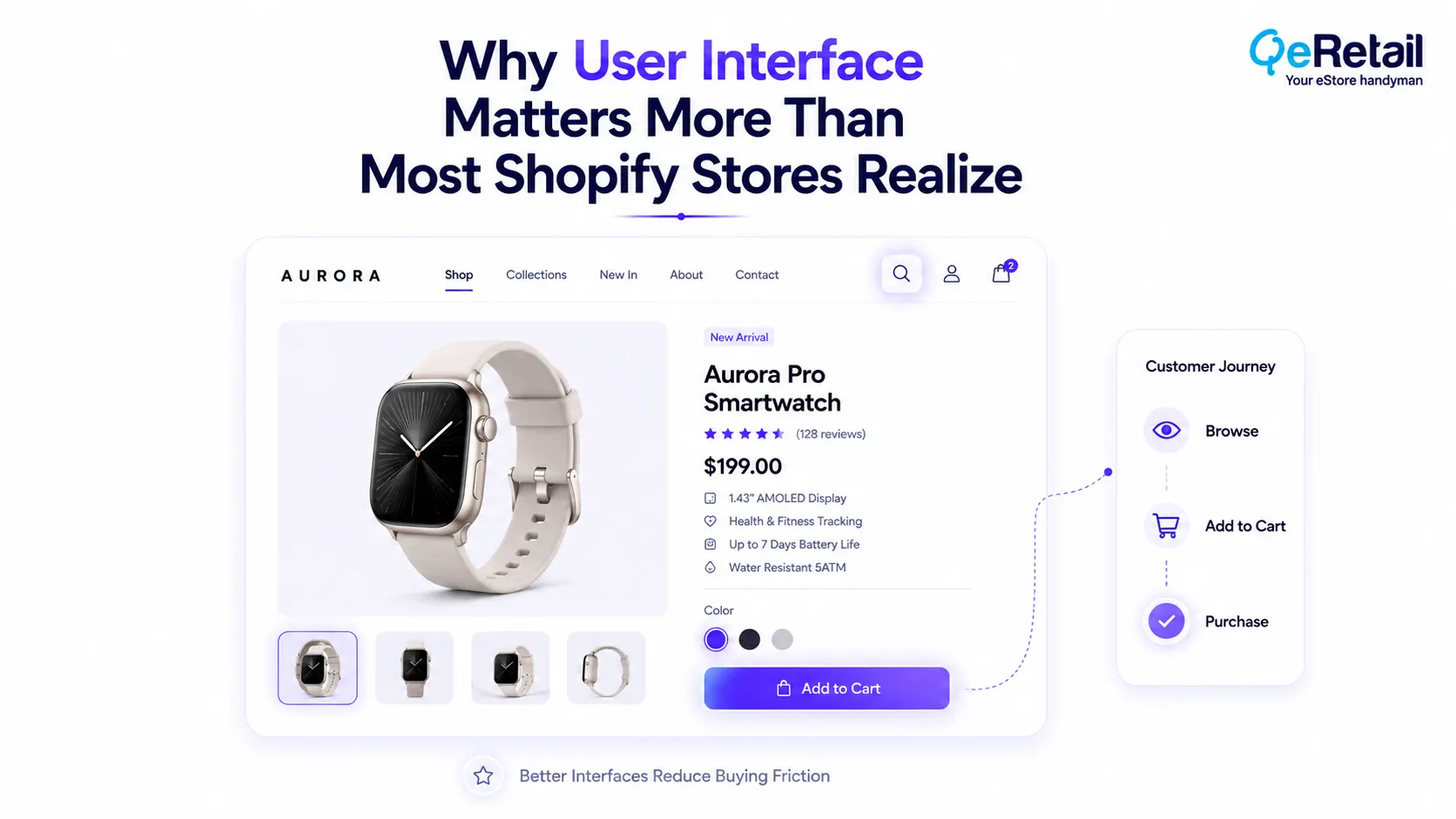
Visitors rarely analyze a website consciously. Instead, they respond instinctively to how easily they can find information, compare products, understand pricing, and move toward checkout. When interactions feel effortless, customers remain engaged. When they feel uncertain or overloaded, even strong buying intent can quickly disappear.
Research by Forrester has found that a well-designed user interface can increase website conversion rates by up to 200%, while better user experience design has the potential to increase conversions by as much as 400%.
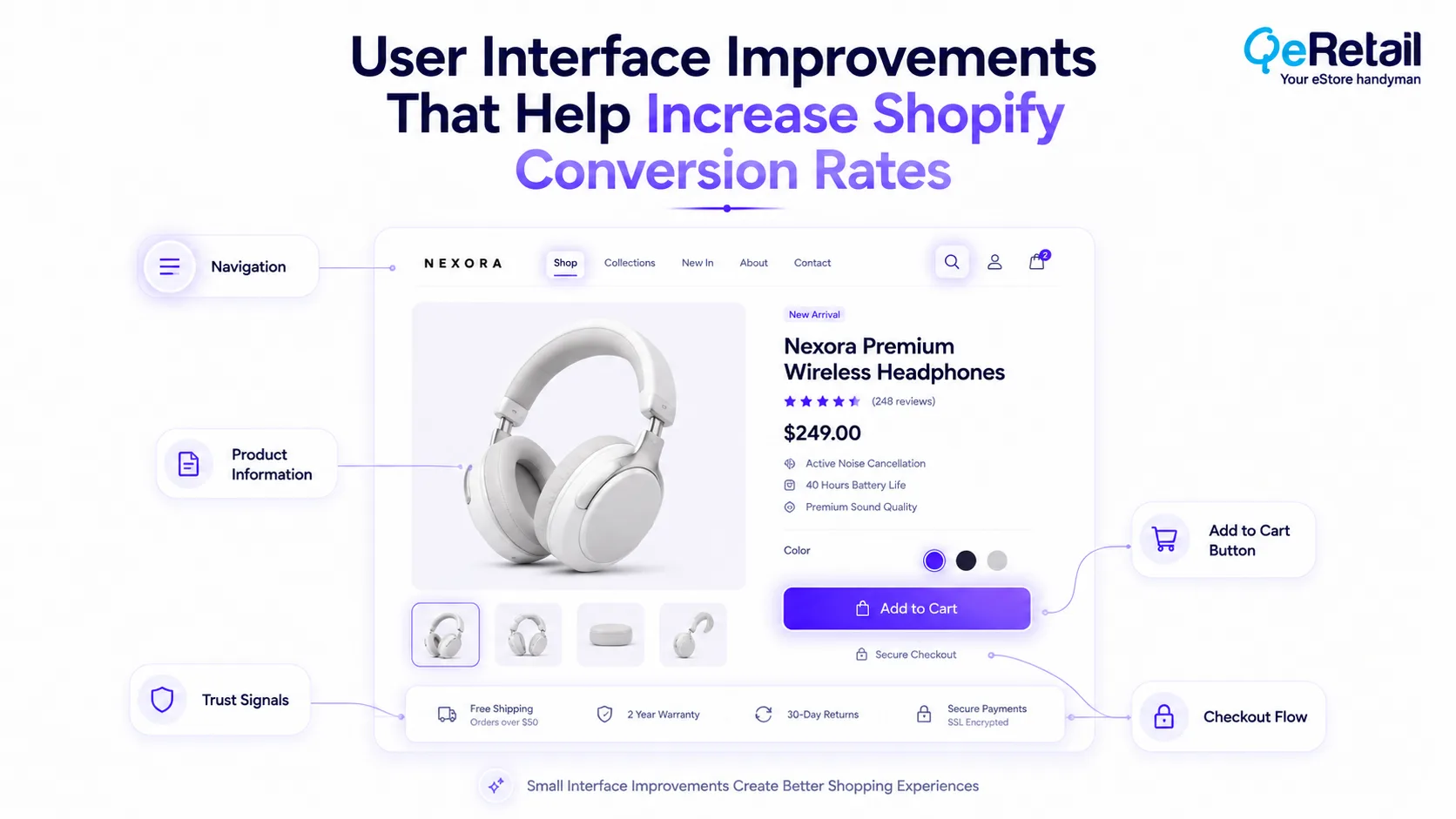
5 User Interface Improvements That Can Increase Shopify Conversion Rates
Many Shopify merchants continuously add banners, apps, promotional messages, and new design elements as their stores grow. Over time, these additions can create unnecessary complexity that quietly reduces usability and makes purchasing more difficult.
1. Simplify Navigation Around Customer Intent
Most visitors arrive with a specific objective rather than a desire to browse endlessly. Navigation should therefore help customers reach products with as few decisions as possible.
During Shopify UX reviews, we frequently find navigation structures expanding as businesses grow, while categories, menus, and promotional links become increasingly difficult to scan. Customers spend more time searching instead of shopping.
What Should Shopify Stores Do To Improve?
- Group products logically
- Reduce unnecessary menu options
- Prioritize popular categories
- Improve search visibility
- Review navigation using customer behaviour
Quick Wins:
Count how many clicks customers need to reach your top-selling products. Reducing even one unnecessary interaction can improve product discovery.
2. Create Better Product Information Hierarchy
Customers should immediately recognize the most important buying information without searching for it.
Price, product images, availability, delivery information, reviews, and purchase options should naturally guide decision-making instead of competing equally for attention.
What Should Shopify Stores Do To Improve?
- Prioritize essential information
- Improve content spacing
- Highlight purchasing details
- Reduce visual competition
- Keep layouts consistent
Quick Wins:
Open your highest-traffic product page for five seconds. If the primary buying information is not immediately obvious, simplify the layout.
3. Make Primary Call-To-Action Buttons Impossible To Miss
CTA buttons that blend into surrounding content, compete with promotional banners, or appear inconsistently across pages can interrupt purchasing momentum.
Across many Shopify stores we have evaluated, improving CTA visibility has often delivered measurable improvements without requiring complete redesigns.
What Should Shopify Stores Do To Improve?
- Increase CTA contrast
- Maintain consistent styling
- Reduce competing actions
- Keep buttons visible on mobile
- Test button placement
Quick Wins:
Compare your Add to Cart button against every surrounding element. It should naturally become the first interactive element customers notice.
4. Reduce Checkout Friction Before Customers Reach Checkout
Conversion problems often begin long before payment.
Unexpected popups, excessive announcements, confusing variant selectors, and unnecessary interactions gradually increase cognitive effort throughout the shopping journey.
What Should Shopify Stores Do To Improve?
- Simplify product options
- Reduce intrusive popups
- Remove unnecessary form fields
- Improve mobile usability
- Eliminate repetitive interactions
Quick Wins:
Complete one purchase yourself without using administrator shortcuts. Record every point where you hesitate or become uncertain.
5. Build Trust Through Interface, Not Just Content
Consistent spacing, professional layouts, clear delivery information, recognizable payment methods, authentic reviews, and transparent return messaging reduce uncertainty throughout the buying experience.
During Shopify audits, we often discover stores investing heavily in marketing while trust-building elements remain inconsistent or difficult to locate.
What Should Shopify Stores Do To Improve?
- Display payment methods
- Improve delivery visibility
- Surface return information
- Showcase authentic reviews
- Maintain consistent branding
Quick Wins:
Review your product page from the perspective of a first-time visitor. Remove every unanswered question before customers reach checkout.
How QeRetail Helps Improve Shopify User Experience?
QeRetail helps Shopify businesses improve user experience by identifying usability barriers, simplifying customer journeys, and optimizing interface elements that directly influence conversion rates and long-term store performance.
1. Shopify User Experience Assessment
We evaluate navigation, product discovery, page layouts, mobile usability, and customer journeys to identify interface issues that may reduce engagement and prevent visitors from completing purchases.
2. Conversion-Focused UI Optimization
Our team recommends practical user interface improvements that simplify customer interactions, improve information hierarchy, and create smoother shopping experiences without introducing unnecessary design complexity.
3. Shopify Theme Customization
We customize Shopify themes to improve usability, accessibility, and conversion performance while ensuring every enhancement remains scalable, maintainable, and aligned with your brand experience.
4. Mobile Shopping Experience Optimization
We analyze how customers interact with your store on smartphones and tablets, helping optimize navigation, touch interactions, product pages, and checkout experiences across all mobile devices.
5. Continuous UX & Conversion Improvement
Customer expectations continue to evolve, so we regularly review behavioural data, usability insights, and interface performance to help businesses make informed improvements that support sustainable conversion growth.

Conclusion
Many Shopify stores redesign their interface only when it begins to look outdated. The stronger reason to improve it is that customer expectations continuously evolve. Every year, shoppers become more accustomed to faster navigation, clearer product pages, and simpler buying journeys because the best ecommerce experiences constantly raise the standard.
Stores that regularly refine their user interface are not simply improving design; they are reducing friction before it affects revenue.
QeRetail helps Shopify businesses improve user experience through conversion-focused UI reviews, theme customization, usability improvements, and continuous optimization that support sustainable ecommerce growth.
Contact us to discover how strategic user interface improvements can help your Shopify store convert more visitors into customers.
Frequently Asked Questions
What Is The Difference Between Shopify User Interface (Ui) And User Experience (Ux)?
Can Improving My Shopify User Interface Really Increase Conversion Rates?
Which User Interface Improvements Usually Deliver The Quickest Results?
How Often Should I Review My Shopify Store's User Interface?
How Can QeRetail Help Improve My Shopify Store's User Interface?
Table of Contents