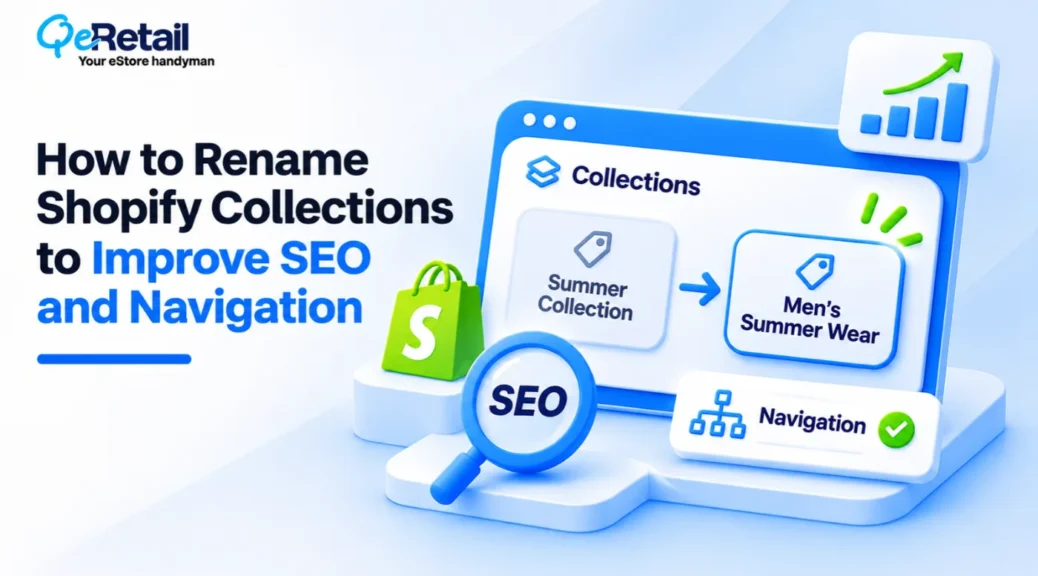
By August 2025, half of US consumers were intentionally seeking out AI-powered search engines. Those engines don’t browse your store the way a shopper does. They read it. And on a category page, the first thing they read is the collection name.
So what is your store telling them?
If your collections are called “The Drop,” “Fan Faves,” and “Summer Vibes,” it’s giving inside joke, and neither Google nor ChatGPT is in on it.
The gap isn’t effort. Most owners named collections at launch, when the catalog was small, and branding felt like the priority. The catalog grew. The names didn’t. Now your category pages compete for searches they never actually mention.
This guide shows you how to rename Shopify collections for search and browsing without breaking URLs, rankings, or navigation.
Key Action Points:
- Audit clicks and queries for every collection URL before you rename anything
- Lead every collection name with the product type shoppers actually search for
- Keep the existing URL handle unless the old one is actively misleading
- Merge overlapping collections and redirect the weaker URL to the stronger one
- Update menu labels, homepage tiles, and internal links by hand after each rename
- Track each renamed URL in Google Search Console against its pre-rename baseline

What Makes a Shopify Collection Name Work?
A collection name isn’t a label. It’s the headline of a landing page that search engines, AI tools, and shoppers all judge in about a second.
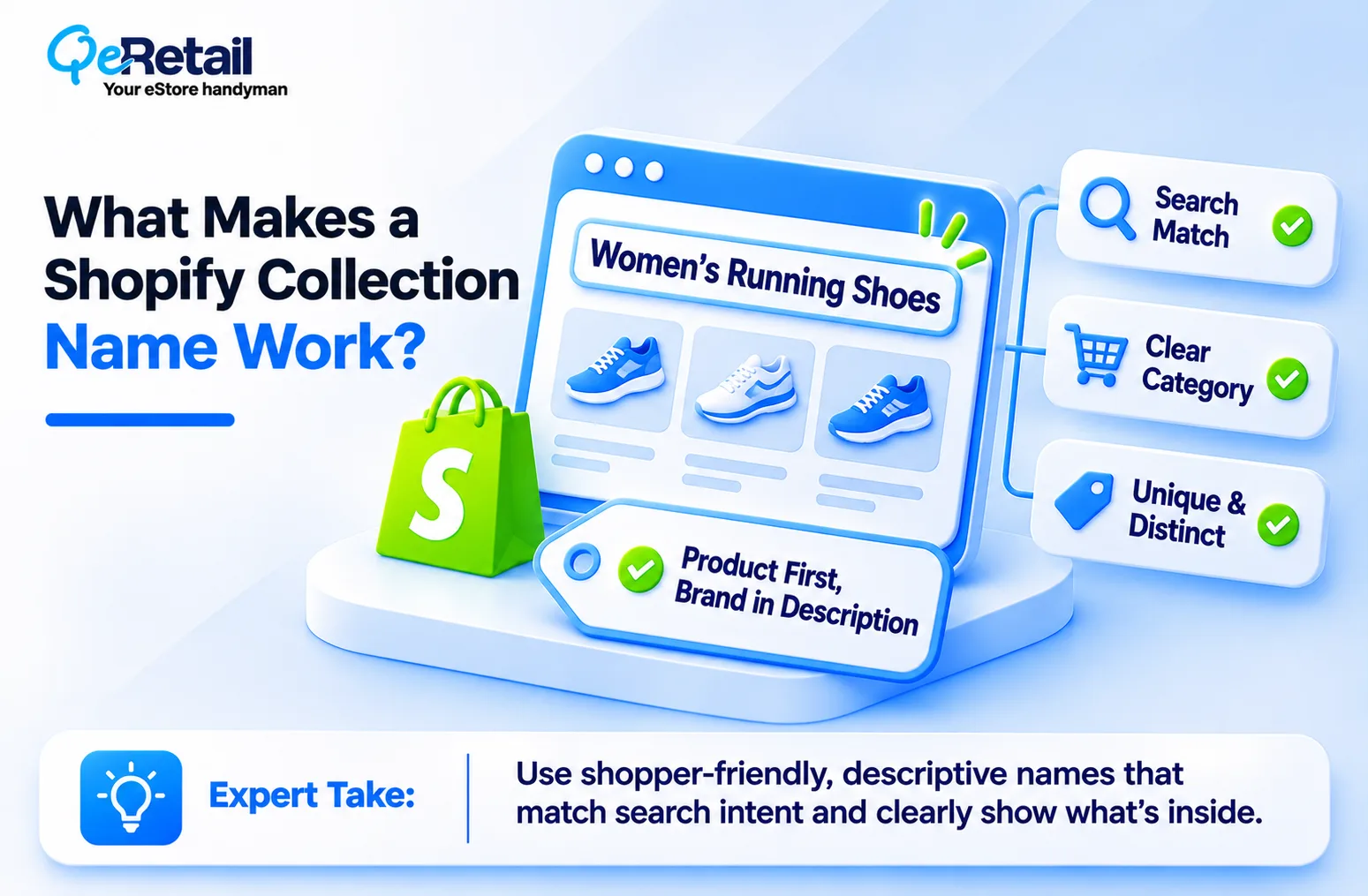
On most Shopify themes, the collection title becomes the page’s H1, the default SEO title, and the starting point for the URL handle. One field, three jobs.
A name that works does three things. It matches what shoppers actually type (“Women’s Running Shoes,” not “Run Club”). It tells a browsing shopper exactly what’s inside before they click. And it stays distinct from every other collection, so you’re not splitting traffic between “Tees” and “T-Shirts.”
Branded names aren’t banned. Let the product type have main character energy in the title, and let the brand story play support in the description.
Why Most Shopify Stores Name Collections Wrong?
Every store owner’s canon event: launching with a collection called “New Arrivals,” another called “The Edit,” and a “Shop All” page that’s a total beige flag. Harmless at a small catalog. A real problem once you scale.
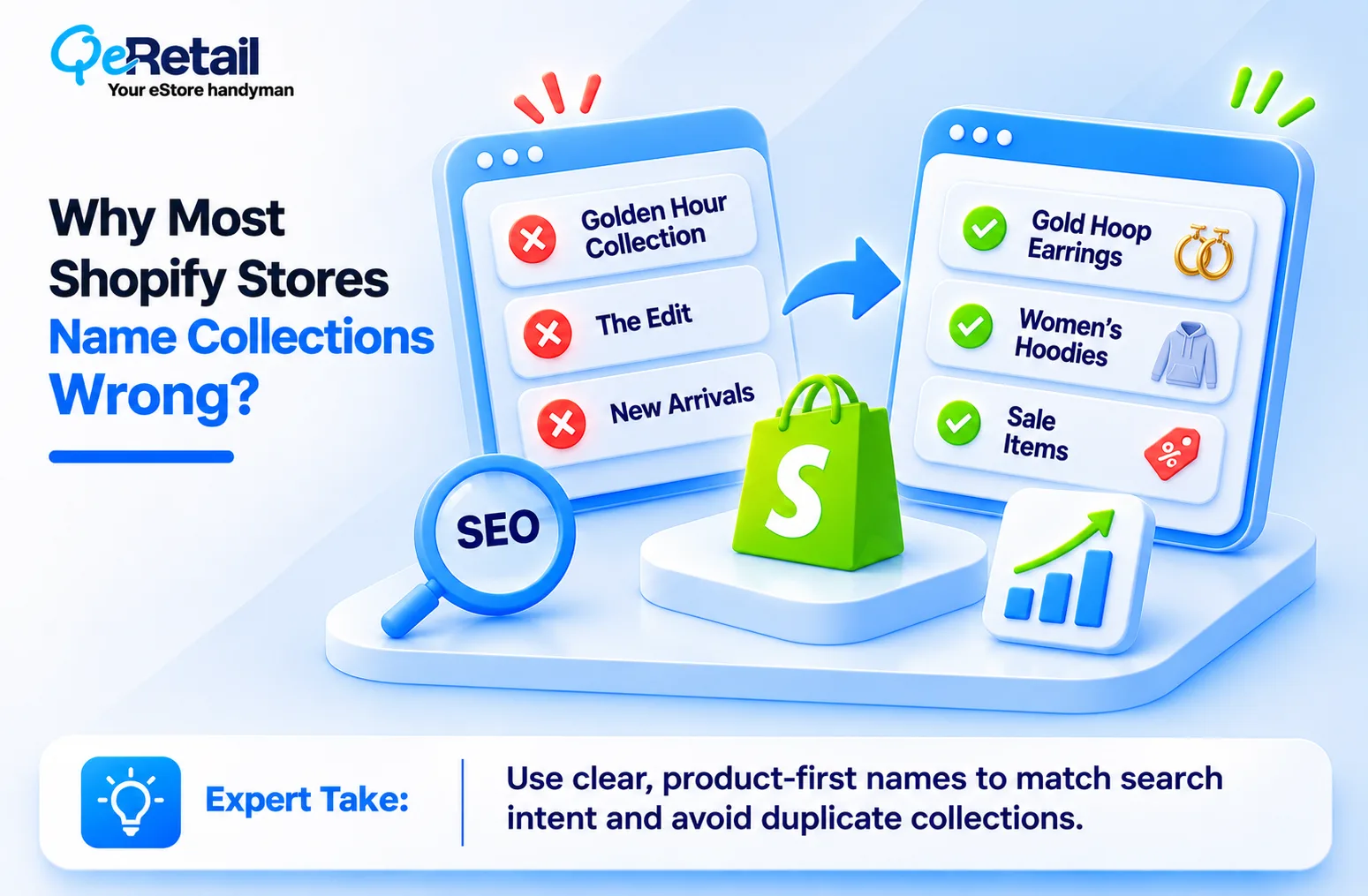
Cute Names Don’t Match Search Intent
Creative names feel on-brand. But nobody searches “Golden Hour Collection” when they want gold hoop earrings. When the name skips the product type, your page has nothing clear to rank for, and shoppers scanning your menu have to click just to find out what’s inside. That extra click lowkey gives a lot of them the ick.
And the stakes are rising. The same McKinsey research warns that unprepared brands could see traditional search traffic fall 20 to 50% as AI search grows. If your category pages don’t say what they sell, AI tools have even less reason to cite them.
Overlapping Collections Split Your Rankings
Catalogs pick up near-duplicates over time: “Sale,” “Clearance,” and “Last Chance,” or “Hoodies” and “Sweatshirts” holding nearly the same products. Each page competes with the others for the same search, so none of them ranks well. (If two collections share most of their products, one of them shouldn’t exist.)
The 4-Step Shopify Collection Renaming Framework
Renaming is the easy part. Renaming without losing the rankings you already have is where most stores get cooked.
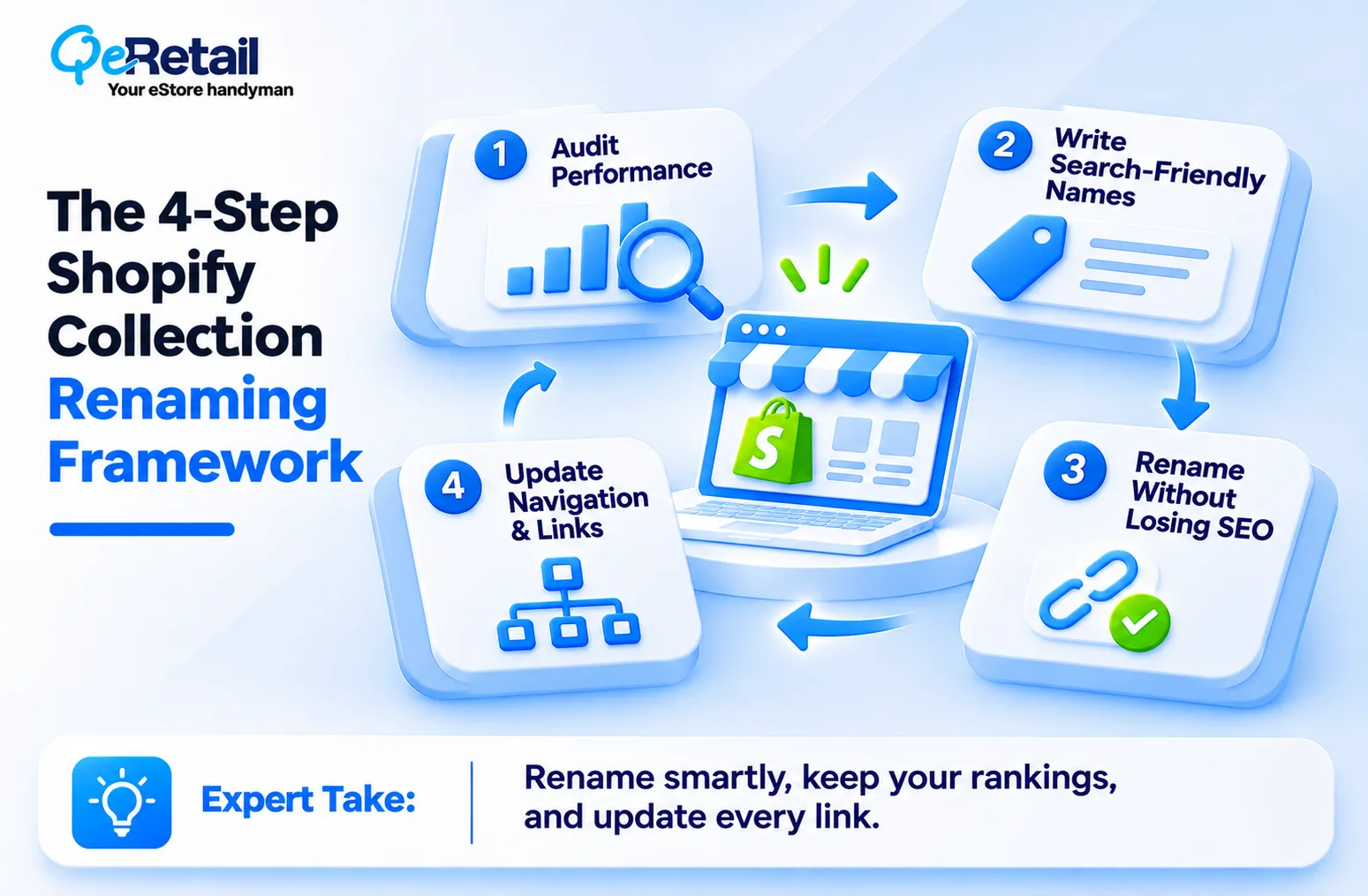
Step 1: Audit What Each Collection Already Earns
Before you touch a name, pull a few months of Google Search Console clicks, impressions, and top queries for every collection URL. Then check Shopify analytics for sessions and conversion rate by collection page.
A collection with steady clicks gets a careful rename. One with no impressions gets a full rewrite, or gets merged.
Step 2: Write Names Shoppers Actually Type
Use the queries from Step 1, your own store’s search terms, and Google autocomplete. Lead with the product type, then add the one modifier that matters most: gender, material, use case, or style. “Linen Shirts for Men” beats “Coastal Collection,” no cap.
Keep collection titles short enough to scan in a menu, ideally two to five words. If you want an extra modifier or your brand name, put it in the SEO title instead.
Step 3: Rename Without Breaking URLs
Here’s where most renames go sideways. In Shopify admin, changing a collection’s title doesn’t change its URL handle. Editing the handle does, and Shopify offers a checkbox to create a redirect from the old URL to the new one. Leave that box checked every time.
Changing handles through an app or the API? Redirects don’t always come along for the ride, so check your URL redirects list afterward.
Step 4: Sync Navigation, Filters, and Internal Links
A renamed collection is only half done until the rest of your store reflects it. Menu labels in Shopify navigation don’t update when you rename a collection, so edit each menu item by hand. Then update homepage tiles, banner links, and blog posts that still use the old name.
If you run the Shopify Search & Discovery app, add synonyms so shoppers who type the old name still land in the right place. Clear menu names mean fewer dead-end clicks and a shorter path from browsing to buying.

How to Approach Collection Names by Revenue Tier
The framework holds at every store size. What changes is where you start and how deep you go, and here’s how to split it:
- The Growth Starter ($100K to $200K): Fix the collections in your main menu first. You probably have only a handful that matter, so rename them in one locked-in afternoon and skip handle changes unless a URL is misleading.
- The Scaling Operator ($200K to $400K): Write a naming rule set: product type first, one modifier, no internal codes or campaign names. Apply it to every new collection, so your catalog doesn’t drift back into chaos. Clearer category pages also reduce how much paid traffic you need, which our guide on how to reduce Shopify customer acquisition cost breaks down.
- The Enterprise-Ready Brand ($400K to $500K+): Treat collection names as part of your AI search readiness. Consistent, plain-language names help AI shopping tools read and recommend your catalog.
Final Thoughts
Most stores name collections the way their team talks internally: seasonal codes, campaign names, and brand-speak that lives rent-free in the founder’s head but nowhere in Google’s index. If you renamed “The Drop” to “The Latest Drop” and called it SEO, you didn’t optimize your collections; you just rebranded them.
Clear names compound. Each renamed collection starts ranking for searches it never touched before, gets picked up by AI tools that need plain language, and sends browsing shoppers to the right products in one click. That’s not a vibe. That’s revenue architecture.
Not sure which of your collections are pulling weight and which ones are mid? You need a partner who reads the data before touching a single URL.
Book a free consultation, and we will audit your collection structure and map a rename plan that protects the rankings you already have.
Frequently Asked Questions
Does Renaming a Shopify Collection Hurt SEO?
How Long Should a Shopify Collection Name Be?
Should My Collection Names Match My Menu Labels?
Can I Keep Branded or Creative Collection Names?
How Soon Will I See Results After Renaming Collections?
Table of Contents