Your homepage says “ships fast.” Your shipping policy page, tucked away in the footer, says 2 to 3 weeks. Most shoppers never open that page. They pay, they wait, and around day five they start to worry.
Then comes the “where is my order?” email. Then a second one. Then a chargeback, which is when the shopper asks their bank to take the money back.
None of that happened because shipping was slow. It happened because the shopper was surprised.
That is the real rule of holiday delivery. Shoppers will wait, but won’t forgive a surprise delay of delivery when they were told it would be a same-day one.
So, what’s the way out?
This guide shows precisely where Shopify stores usually hide the delivery date, what that costs you after checkout, and how to put a clear Shopify estimated delivery date in front of shoppers.
Key Action Points:
- Audit all seven delivery touchpoints and make every date match.
- Add a delivery date under Add to Cart, with a buffer day built in.
- Turn on Shop Promise if your store qualifies.
- Set processing time so checkout and confirmation emails show one date range.
- Publish holiday “order by” dates and update them weekly.
- Track “product not received” chargebacks to see what hidden dates cost you.

Holiday Shoppers Will Wait For Delivery, But They Won’t Accept Surprises
Fixing the speed of your website and delivery of products is not everything. Many eCommerce Shopify owners think that making their websites faster is enough to satisfy customers. But if you consider that speed alone boosts holiday sales for your eCommerce Shopify store, it’s a naive thought.

The reason is simple: overlooking policies listed on your Shopify store can make a big impact. Imagine you have a 2-3 day delivery window mentioned in the policies, but your landing page overpromises with same-day deliveries and often mentions a product return window that is not viable.
And this anxiety of keeping the exact delivery dates a little further out is more of a myth. Because a McKinsey survey says that more than 1,000 US shoppers said that over 80% will still buy an item when free delivery takes four to seven days.
So a slower shipping time, on its own, does not kill the sale. What shoppers care about more is whether you keep your word. The same research found that about 85% of shoppers don’t call an order “unacceptably late” if it arrives within one or two days of the expected date.
Where Shopify Stores Hide The Delivery Date
Most stores don’t hide the date on purpose. It just ends up in the wrong place, or in four places that disagree.
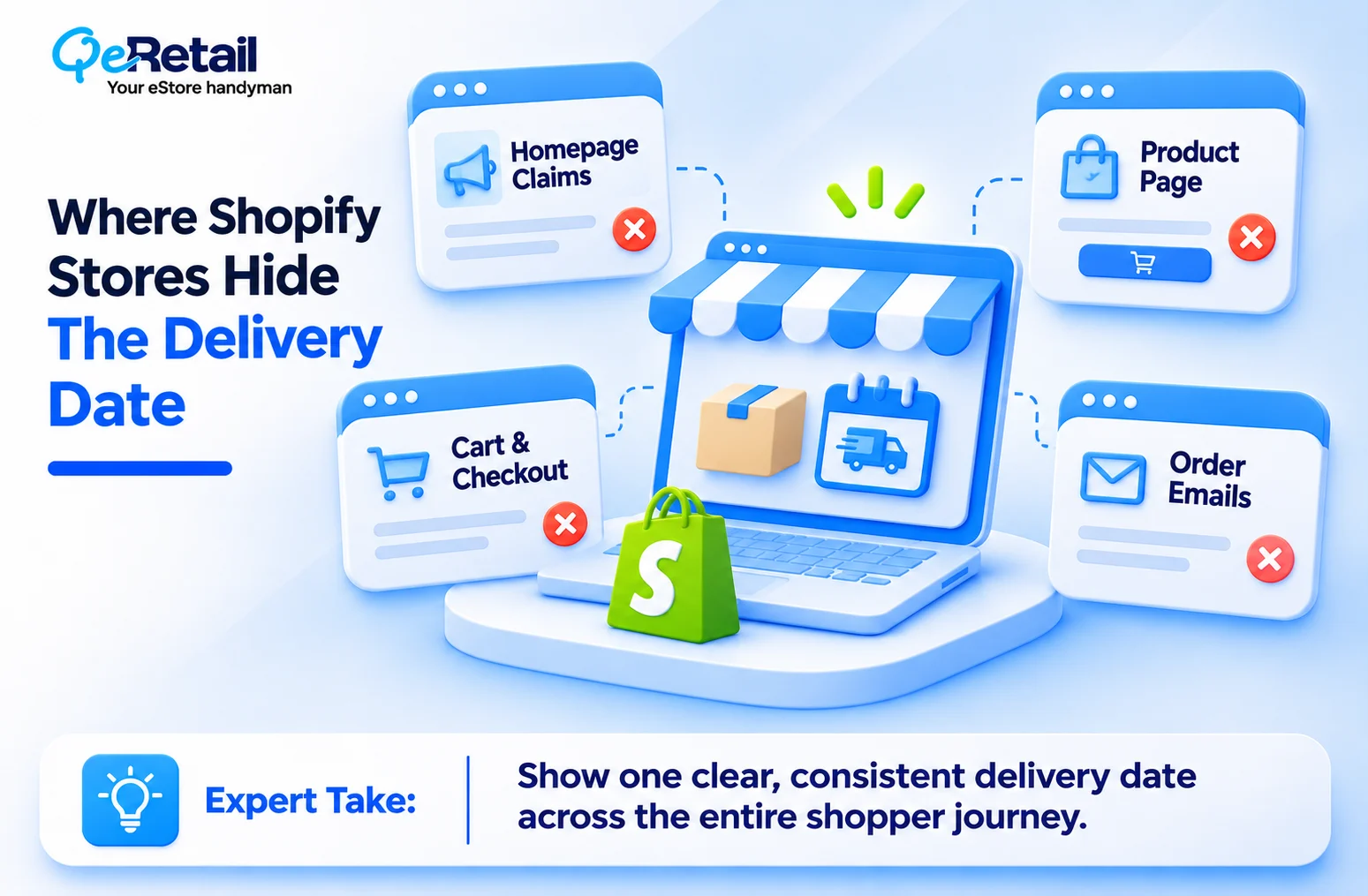
Homepage Claims That The Policy Page Contradicts
Your banner says “Ready to ship.” Your footer links to a policy that says made-to-order items take 10 business days. Both can be true for different products. But the shopper doesn’t know which one applies to them, so they believe the nicer one. When the slower one turns out to be right, you look dishonest.
Product Pages With Nothing Under Add To Cart
The add to cart button is where the shopper decides. If there is no date near it, they guess. Most guess “a few days,” because big retailers have trained them to. Every empty space under that button is a guess you didn’t control.
Cart And Checkout Dates That Don’t Match
Some stores show “3 to 5 days” on the product page, “5 to 8 business days” in the cart, and a calendar date at checkout. These usually come from different apps or settings that don’t talk to each other. The shopper sees three answers and trusts none of them.
Confirmation Emails And Tracking Pages That Go Quiet
After payment, many stores send one plain email and then nothing until the label prints. If the date isn’t in the confirmation email, and the tracking page says “label created” for four days, the shopper fills that silence with worry. Worry turns into support tickets.
What A Hidden Delivery Date Costs You After Checkout
A hidden date doesn’t cost you at checkout. The sale still goes through. The bill arrives later, in pieces:
- “Where is my order” tickets: These eat your team’s time during your busiest weeks.
- Cancellations: Shoppers cancel when they decide the gift won’t arrive in time.
- Chargebacks: The bank pulls the money back, and you often pay a dispute fee on top.
- Refund requests: Orders that land after the holiday often come back.
- Bad reviews: “Took forever” shows up even when the product was great.
We won’t put a dollar figure on this, because it depends on your store. Your own data will tell you more than any industry average. Pull two reports this week:
- Support ticket tags: Count how many tickets last December were about shipping, delivery, or order status. If you don’t tag tickets yet, start now.
- Chargeback reason codes: In your Shopify Payments disputes, look for ones marked “product not received.” Those are delivery date problems wearing a payments label.
Expert Take:
Holiday chargebacks don’t show up in November. They land in January, after the gift arrived late or never seemed to come. By then you have already spent the season’s profit on ads, stock, and staff. The bank takes the money from an account you thought was safe. That is why a delivery date is a margin decision, not a design choice.

How To Show Delivery Dates On Your Shopify Store
You don’t need a new warehouse to fix this. You need one date, shown early, and shown the same way everywhere.
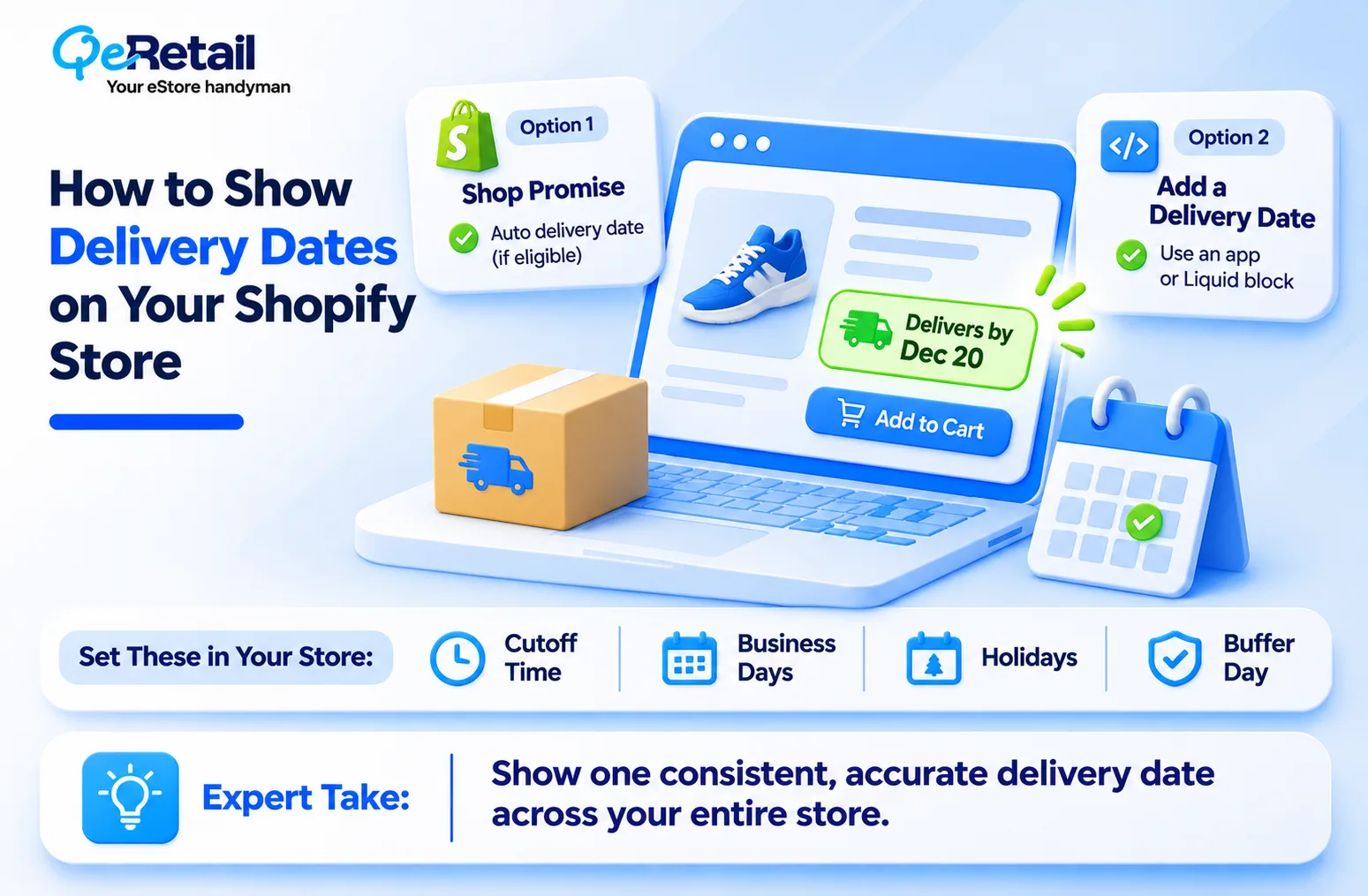
Use Shop Promise If Your Store Qualifies
Shop Promise is Shopify’s own delivery badge. It puts a delivery date on eligible products across your store. Based on Shopify’s current Shop Promise eligibility rules, you need an active Shopify plan, at least one US location that ships to US customers, Shop Pay turned on, tracking on at least 90% of eligible orders, and an account in good standing.
There is no application. Shopify checks eligibility daily, and you can switch it on yourself once you qualify. One catch. The “Trusted delivery” label only shows on products that also hit Shopify’s shipping speed targets. If you ship from outside the US, skip to the next option.
Add A Delivery Date Block To Your Product Page
If Shop Promise isn’t an option, add the date yourself. You have two routes. A delivery date app from the Shopify App Store does the math for you. A Liquid block is a small piece of theme code that a developer adds to your product page, with no monthly app fee.
Either way, set four things:
- Cutoff time: The hour after which a new order ships the next working day.
- Business days: The days your team actually packs and ships.
- Holidays: The days your warehouse or carrier is closed.
- Buffer day: One extra day on top, so a small delay still lands inside your promise.
That buffer day is the cheapest insurance you will buy this season.
Show The Same Date In Cart, Checkout And Emails
In your Shopify admin, go to Settings, then Shipping and delivery, and set your processing time. Shopify then shows a date range at checkout, on the order status page, and in the order confirmation email, as its delivery dates guide explains.
Now make sure your product page block uses the same cutoff and processing time. One date range, everywhere. If two steps disagree, fix the setting behind them, not just the words.
What to do by revenue:
- $100K to $250K: Use one app or Liquid block, one honest date range, and a holiday buffer you add by hand. A simple date that’s right beats a clever one that’s wrong.
- $250K to $500K: Show dates for each country you ship to, pull real ship times from your 3PL (the outside warehouse that packs your orders) or your own warehouse, and show different dates for standard and express shipping.
Set Your Holiday Cutoff Dates Before Black Friday
Holiday shopping now leans online. Deloitte’s 2026 Holiday Retail Survey found that 55% of retail holiday budgets are planned for online, versus 45% in-store. That is a lot of gifts riding on your date being right.
A holiday shipping cutoff tells shoppers the last day they can order and still get the gift in time. Without one on your Shopify store, someone orders on December 21 and expects a miracle. Do three things this week:
- Publish “order by” dates: Set one for each shipping method and each country you ship to.
- Show them twice: Put them in a site banner and on product pages, next to the delivery date.
- Update them weekly: Carriers change holiday deadlines through December, and an old banner is worse than none.
The 15-Minute Delivery Promise Audit
Grab your phone and one best-selling product.
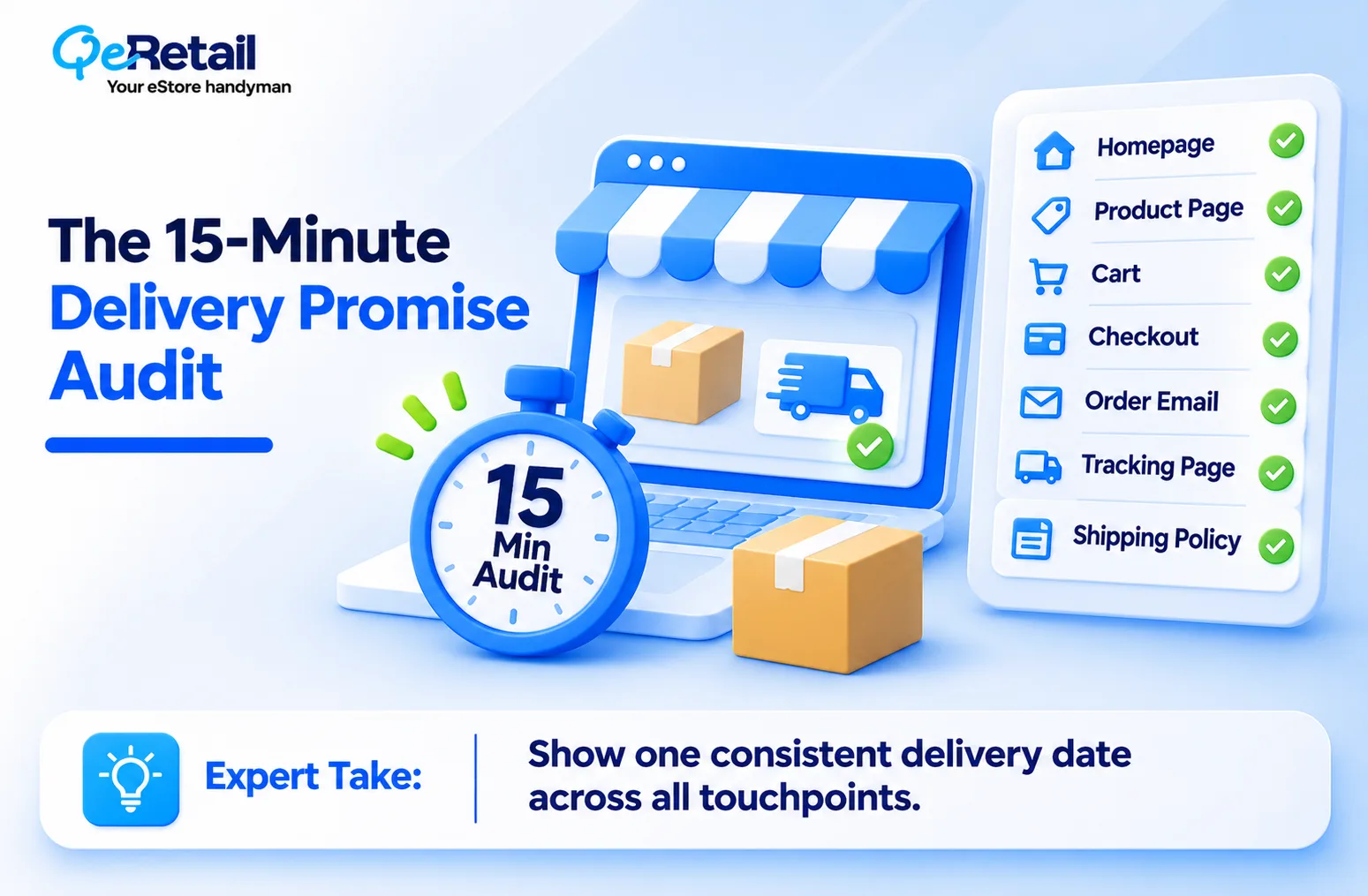
Walk through your store like a shopper and write down the delivery date or claim you see at each of these seven points:
- Homepage shipping claim
- Product page, under Add to Cart
- Cart drawer
- Checkout
- Order confirmation email
- Tracking page
- Shipping policy page
Every point should show the same date, or a claim that matches it. If a point is blank, add a date. If two points disagree, find which app or setting feeds each one and make them match. (If you can’t tell where a date comes from, your shopper can’t trust it either.) Place a test order to check points 5 and 6, then cancel it.
Conclusion
You don’t need faster shipping to win this holiday season. Stores that only add “fast shipping” to a banner didn’t fix delivery; they just repainted the sign. What works is an honest Shopify estimated delivery date, shown before the shopper pays and kept the same at every step.
That protects your sales now and your margin in January. Connect with our experts to ensure your Shopify delivery policies are clearly communicated through your landing pages and audit pages for other issues.
Frequently Asked Questions
Will Showing a Longer Delivery Time Hurt my Shopify Conversions?
What is the Difference Between Processing Time and Shipping Time on Shopify?
How do I Show Different Delivery Times for Stocked and Made-to-Order Products?
Can I Win a Chargeback When the Order Arrived Within My Promised Delivery Window?
Why Does Tracking Say “Label Created” for Days, and What Should I Tell Shoppers?
Table of Contents