Low conversion rates, rising cart abandonment, and inconsistent revenue growth usually point to one critical part of the Shopify buying journey. The final moments before purchase.
Many store owners focus heavily on acquisition, product visibility, and storefront experience, only to discover that shoppers are dropping off when they are closest to converting.
Last-minute cart abandonment is rarely random. In growing Shopify stores, it often comes from deeper operational gaps across checkout architecture, payment flow behavior, mobile interaction patterns, cart state persistence, and third-party app dependencies.
These issues do not always appear as obvious technical errors. Many of them surface only under real customer conditions when traffic, device behavior, and checkout logic interact at scale.
That is why improving conversion rates requires more than watching analytics dashboards. Store owners need to understand what happens inside the final purchase journey and why customers change direction when they are already close to buying.
Key Action Points Summary
Here is a quick overview of the practical actions Shopify stores can take to reduce last-minute cart abandonment.
- Limit visible promo code fields during checkout
- Audit payment decline and fraud filter logic
- Remove unnecessary checkout popups and overlays
- Keep upsells optional and clearly explained
- Test checkout forms across real mobile devices
- Validate autofill behavior on all major browsers
- Review app conflicts affecting checkout scripts
- Track checkout exits by device and payment type
- Reduce distractions near payment completion
- Monitor checkout behavior after theme or app updates
Quick Wins: Do These Before Anything Else
These actions take less than 30 minutes to implement and can immediately reduce some of the most common causes of last-minute cart abandonment.
1. Hide the Coupon Field for 7 Days and Measure Checkout Completion
If discount codes are not central to your acquisition strategy, temporarily remove the visible coupon field from checkout-related experiences.
Monitor checkout completion rates and abandoned checkout recovery data during the test period.
Result: Fewer shoppers leave to search for external discounts, and purchase momentum remains intact.
2. Review Failed Payment Logs From the Last 30 Days
Open your payment gateway dashboard and analyze failed transactions that were not flagged as fraud.
Look for patterns by geography, payment method, device type, or card issuer.
Result: Recover legitimate transactions that may be getting blocked by overly aggressive risk settings.
3. Remove Every Non-Essential Popup From Cart and Checkout Pages
Audit every banner, widget, newsletter prompt, survey popup, and promotional overlay that appears after a customer enters the cart.
Keep only elements directly related to completing the purchase.
Result: Reduced distraction and a cleaner path to payment completion.
4. Audit Optional Charges Inside the Cart
Review shipping protection, order insurance, warranty add-ons, and other supplemental charges.
Ensure they are clearly explained, optional, and easy to remove.
Result: Improved customer trust during the highest-intent stage of the buying journey.
5. Test Checkout Forms on a Real Mobile Device Today
Complete a full checkout using your own smartphone.
Pay close attention to autofill behavior, address validation, field persistence, and keyboard interactions.
Result: Quickly identify mobile friction that analytics dashboards often fail to surface.
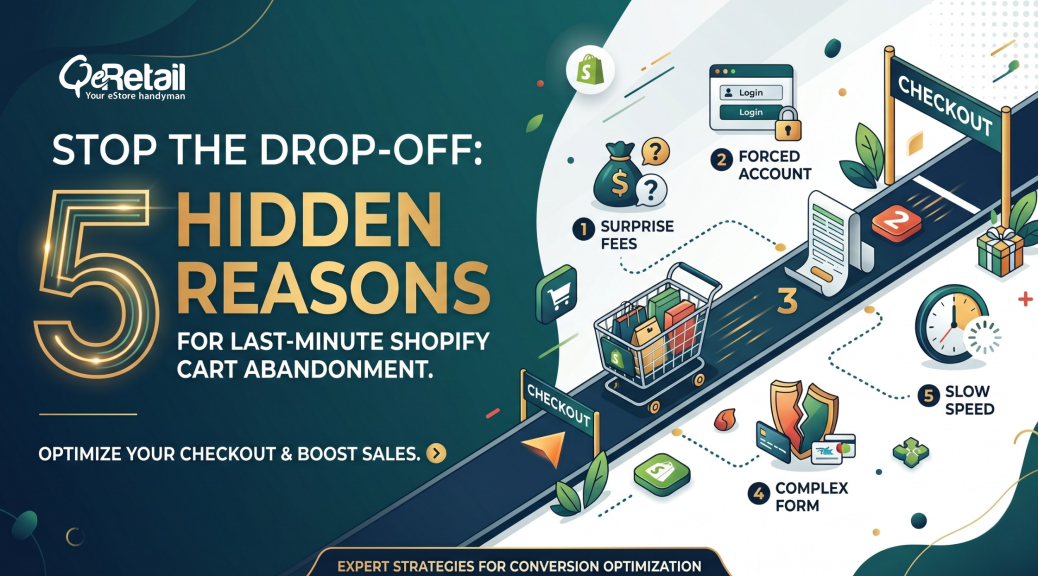
5 Reasons Shopify Shoppers Abandon the Cart
Not every cart abandonment issue comes from obvious checkout friction. In many Shopify stores, the final drop off happens because of smaller behavioral and operational triggers that are easy to overlook in standard conversion analysis.
These moments often appear when customers are already ready to buy. That is exactly why they matter. A small interruption at this stage can break purchase intent faster than a major issue earlier in the funnel.
1. Coupon Hunting Delays
A shopper reaches checkout, sees the promo code field, and pauses. That single moment can shift attention away from purchase completion. Instead of paying, they open another tab to search for a discount code. Many never return.
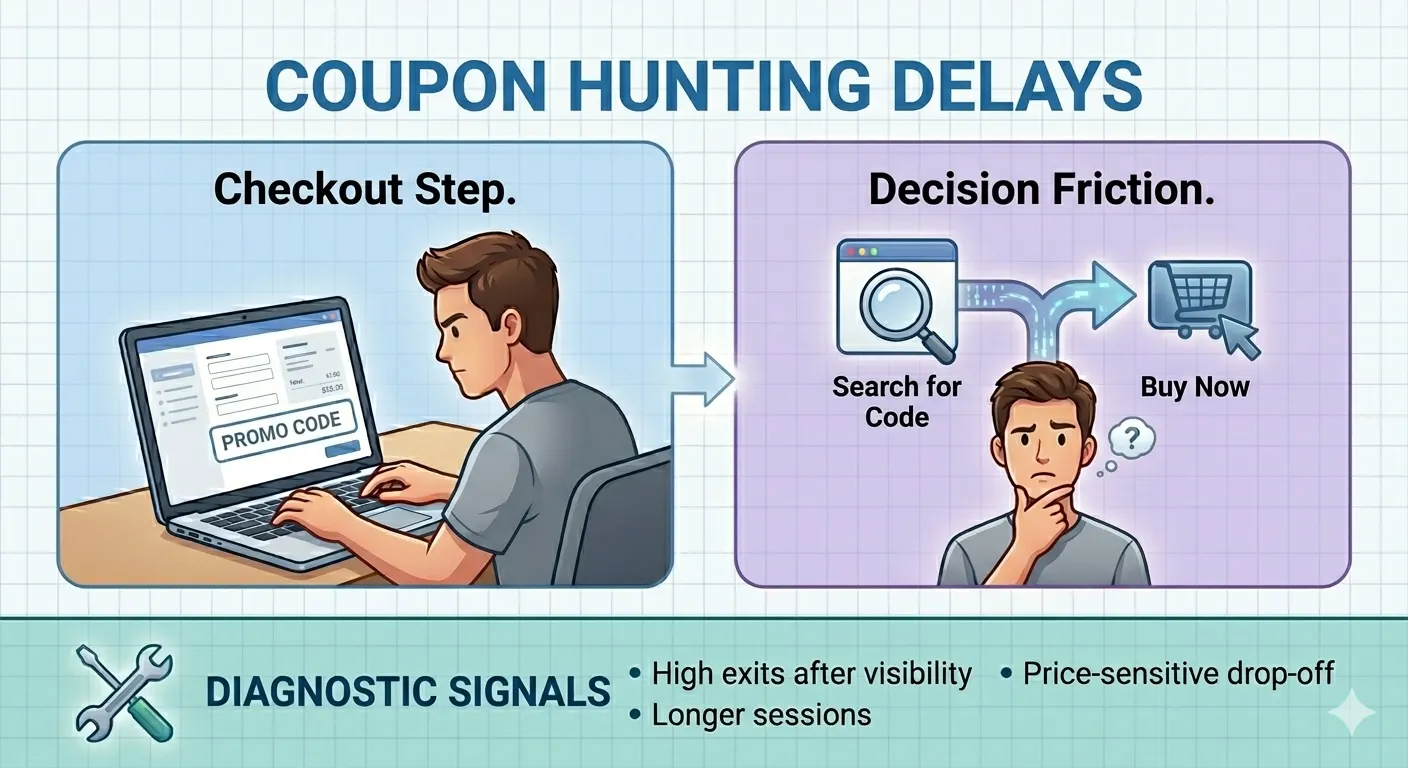
From a conversion perspective, the promo field can unintentionally create decision friction. It changes the customer’s mindset from buying to optimizing. During that delay, distraction, comparison shopping, or a competitor’s offer can easily pull them away.
Diagnostic Signals That Reveal Friction:
- High checkout exits immediately after promo code visibility
- Longer checkout session duration without payment completion
- Increased drop-off from first-time visitors and price-sensitive traffic
Quick Win: Only display promo entry where it is commercially necessary. Many stores see better completion rates by using auto-applied discounts, cart messaging, or targeted promotional flows instead of inviting coupon hunting at the final stage.
2. False Payment Declines
Sometimes the customer’s card is valid, the intent is strong, and the checkout still fails. The problem is not always the shopper. It can be your payment risk logic.
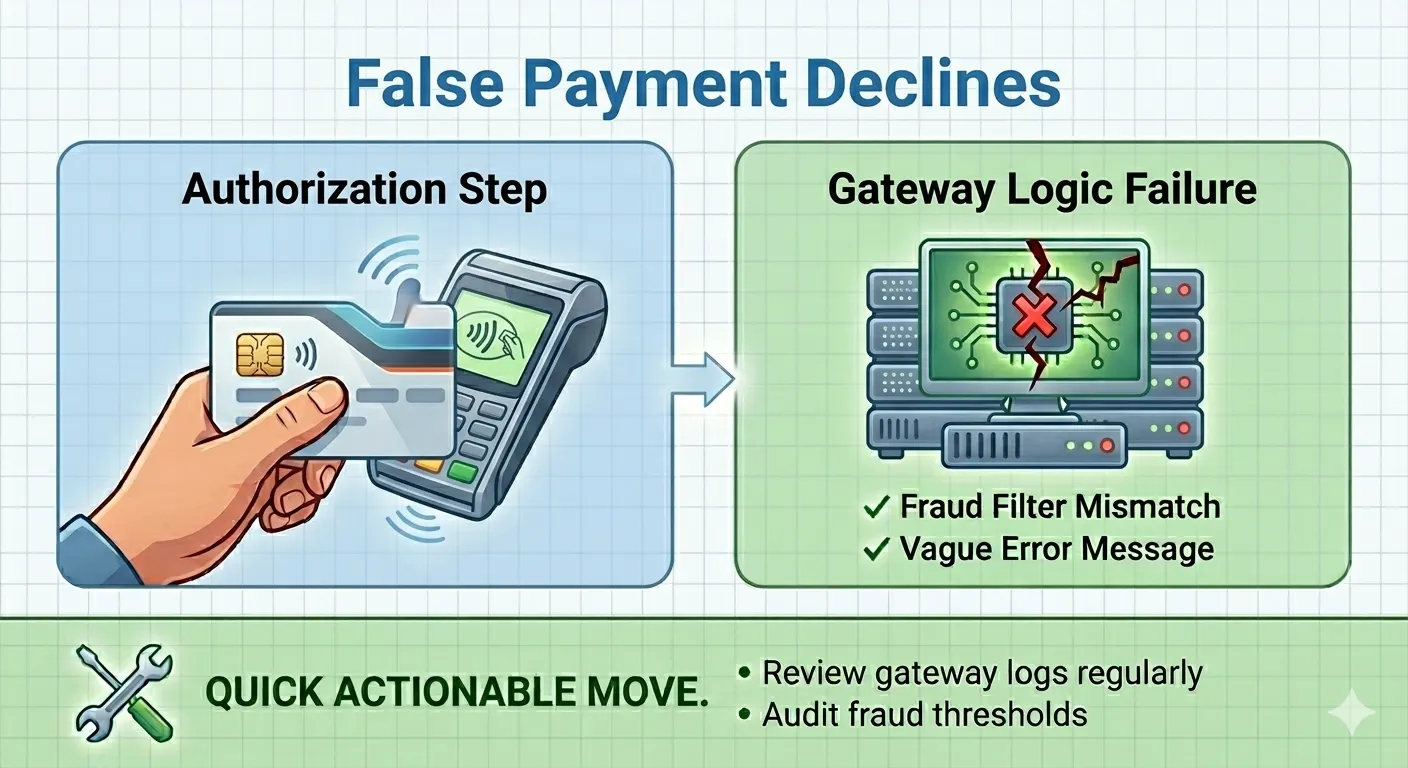
False declines happen when fraud filters, outdated gateway rules, authentication mismatches, or aggressive risk scoring incorrectly reject legitimate transactions. The customer often receives a vague failure message with no real explanation.
Diagnostic Signals That Reveal Friction:
- Failed payment attempts with no corresponding fraud flags
- Abandonment concentrated around specific geographies or card types
- Unusual variance between payment initiation and payment success rate
Quick Win: Review gateway logs regularly. Audit fraud thresholds, 3D Secure behavior, and payment rejection patterns by device, location, and payment method. Small payment logic adjustments can recover high-intent revenue quickly.
3. Excessive Popups and Promotional Interruptions
Pop-ups can help earlier in the customer journey. At checkout, they often do the opposite.
Extra overlays, promotional banners, newsletter prompts, and floating widgets create unnecessary cognitive load during the most sensitive conversion moment. Instead of guiding attention forward, they compete for it.
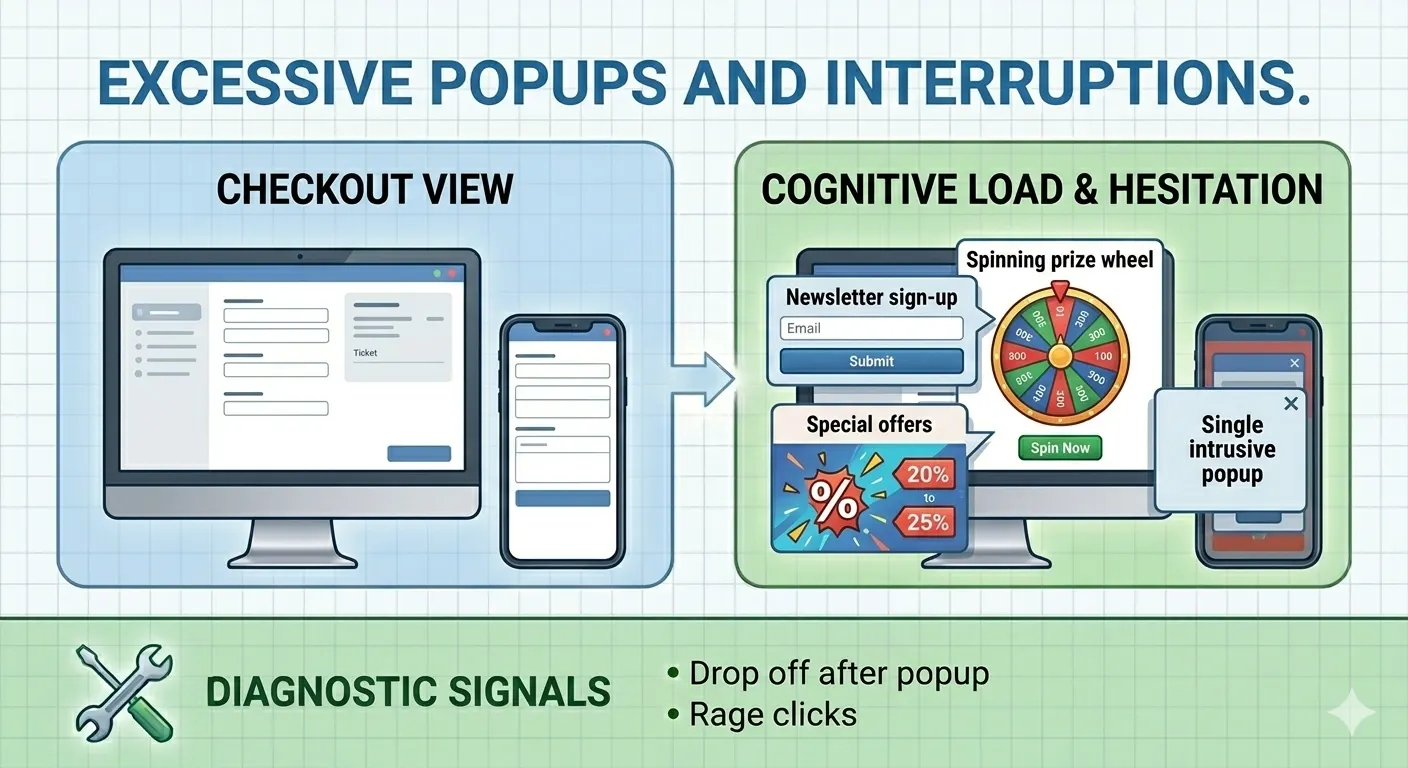
Even small interruptions can increase hesitation, especially on mobile devices where screen space is already limited.
Diagnostic Signals That Reveal Friction:
- Drop off after the pop-up triggers during checkout, adjacent pages
- Higher mobile abandonment compared with desktop
- Increased rage clicks, rapid exits, or repeated close actions
Quick Win: Keep checkout focused on one primary action. Audit every pop-up, banner, and overlay that appears after cart entry. If it does not directly help with purchase completion, remove it.
4. Cart Hijacking Through Forced Upsells
Many Shopify stores introduce order protection, shipping insurance, or add-on products directly inside the cart. The intention is to increase average order value. The result can be the opposite.
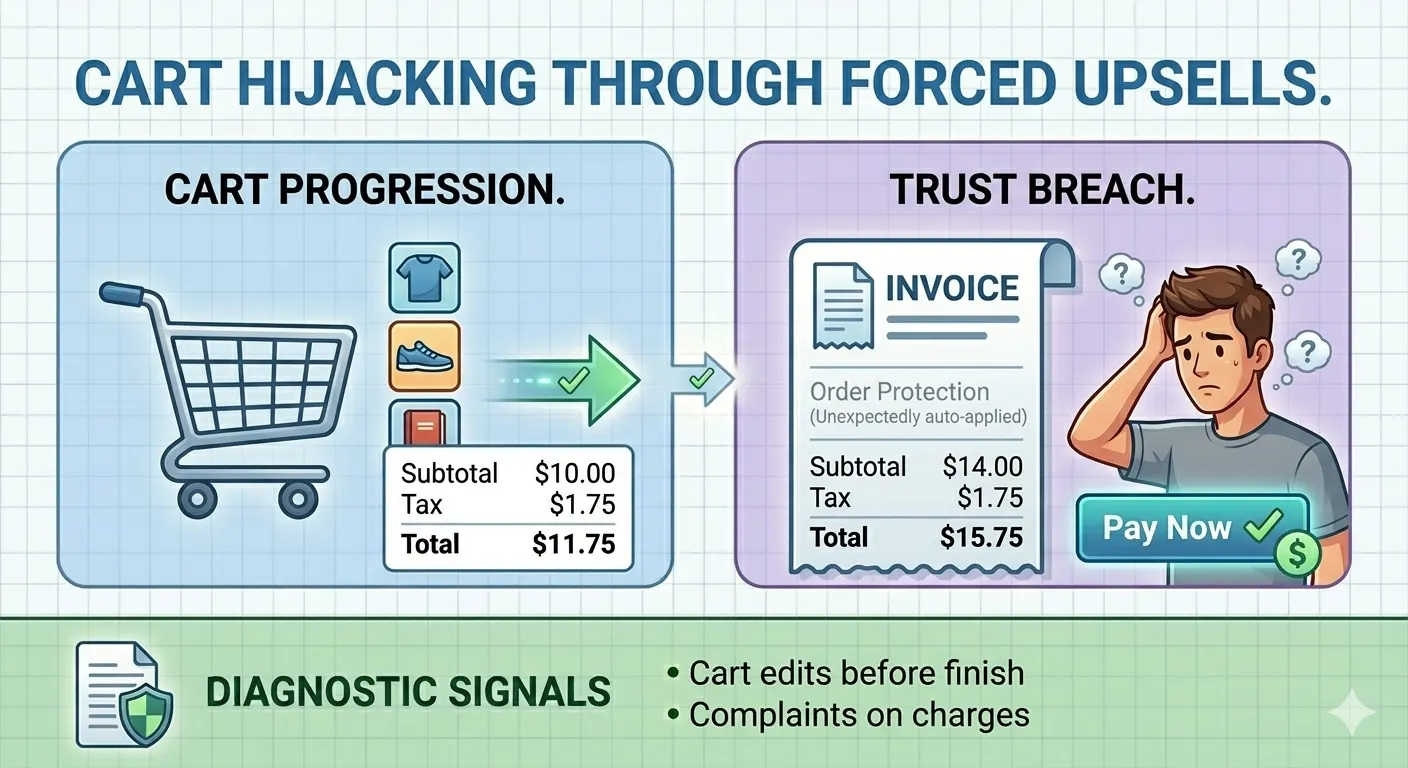
When customers notice unexpected additions at the final stage, the issue is not just pricing. It creates a trust problem. Buyers begin questioning whether the checkout is working for them or selling against them.
That moment of doubt can trigger abandonment faster than a higher product price.
Diagnostic Signals That Reveal Friction:
- Cart edits immediately before checkout completion
- Higher abandonment after order protection visibility
- Customer support complaints around unexpected charges
Quick Win: Make upsells optional, clearly explained, and easy to remove. The best checkout experiences increase confidence first. Revenue expansion should never feel hidden or forced.
5. Auto Fill Friction and Form Reset Failures
Checkout forms should reduce effort. In many Shopify stores, they do the opposite.
When browser autofill fails, address fields behave inconsistently, or one validation error clears previously entered information, customers experience instant frustration. On mobile, this becomes even more damaging because re-entering data feels slow and tedious.
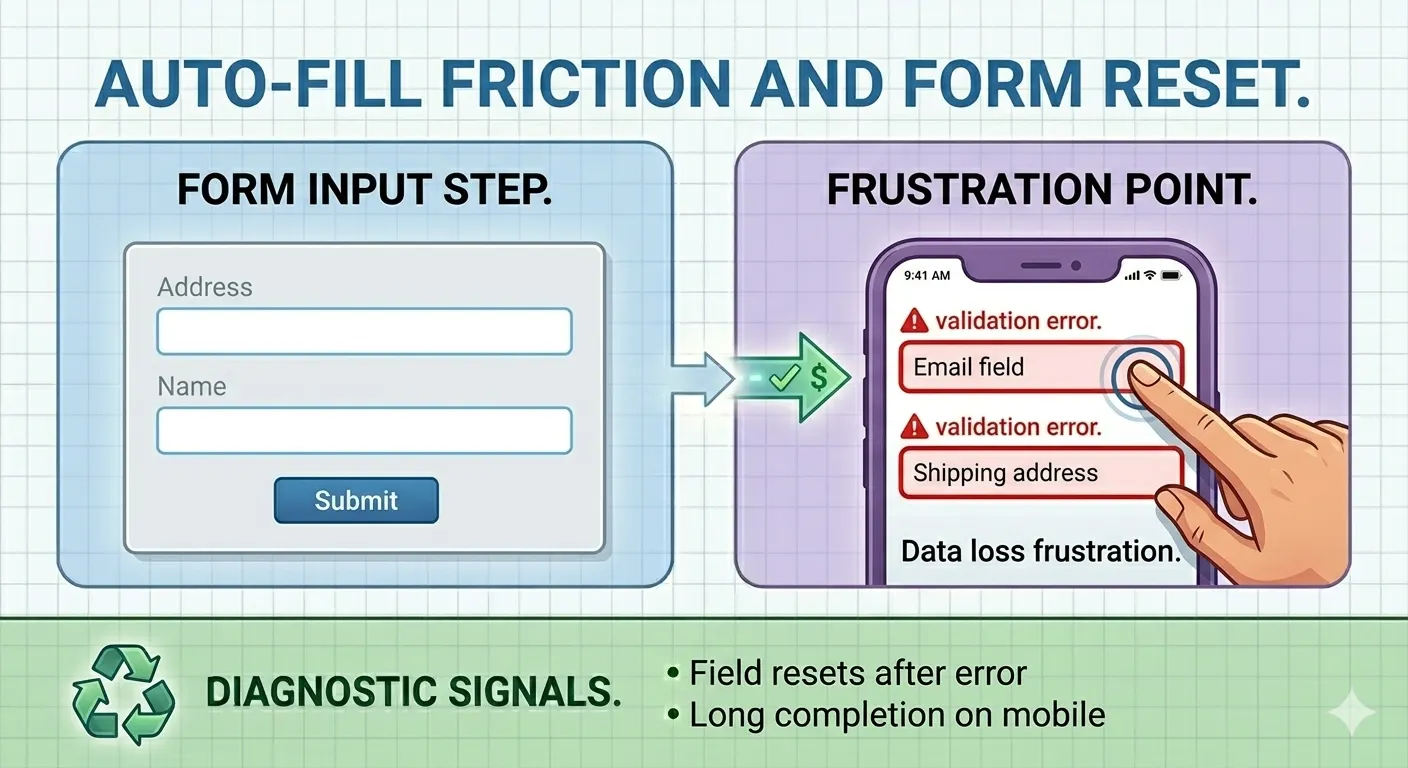
These are small technical moments, but they often create immediate abandonment from otherwise committed buyers.
Diagnostic Signals That Reveal Friction:
- High abandonment at the address and shipping information steps
- Repeated field corrections during checkout sessions
- Longer completion time on mobile compared with desktop
Quick Win: Test forms across browsers, devices, and autofill scenarios. Validate field persistence after input errors. Experienced Shopify teams usually test checkout behavior under real customer conditions, not only ideal flows in staging environments.
How QeRetail Can Help Improve Conversion Rates?
In most Shopify stores, conversion performance is shaped by how multiple systems work together across customer behavior, storefront logic, transaction reliability, and purchase journey continuity.
That is where QeRetail takes a different approach. We do not look only at isolated symptoms. We examine how customers move through the buying journey, where decision momentum weakens, and which operational gaps are creating measurable conversion leakage.
Conversion Journey Diagnostics
Strong conversion work starts with understanding where customers slow down, hesitate, or change direction. We map critical user paths across product discovery, cart progression, checkout flow, and purchase completion to identify where high-intent sessions lose momentum.
What do we evaluate?
- Funnel progression by traffic source, device type, and customer segment
- Session behavior patterns around high drop-off points
- Cart to checkout movement versus completed purchase ratio
Check out the architecture and technical review
Many conversion issues sit below the visible interface. Theme dependencies, script execution order, app interaction layers, and checkout event handling can all affect how smoothly a customer moves toward payment.
What do we evaluate?
- Check out the latency across critical transaction steps
- Script load sequencing and third-party dependency impact
- Cart state persistence and cross-device session continuity
Customer Behavior And Experience Analysis
Not all conversion gaps are technical. Customers respond to clarity, confidence, decision flow, and perceived effort. Small experience signals often shape whether the purchase feels easy or uncertain.
What do we evaluate?
- Session recordings and behavioral interaction patterns
- Scroll depth, hesitation points, and repeated navigation loops
- Experience friction across mobile and desktop journeys
Data Quality And Conversion Measurement
Sometimes, the real challenge is not only conversion loss. It has incomplete visibility into where conversion loss is happening. Weak event tracking and fragmented reporting often lead to decisions based on partial signals.
What do we evaluate?
- Check the event tracking accuracy
- Funnel attribution quality across acquisition channels
- Conversion reporting consistency between the storefront and analytics platforms
Prioritized Execution That Focuses On Impact
Many stores already have a long list of possible improvements. The real value comes from knowing what to fix first. We prioritize changes based on commercial impact, implementation effort, and conversion opportunity.
How do we work?
- Identify high-impact fixes that can move conversion fastest
- Separate immediate improvements from deeper structural optimization
- Create a practical execution path aligned with business priorities
Conclusion
Cart abandonment is often treated as a conversion problem, but it also acts as an early signal of how resilient your Shopify store is under real customer behavior. When shoppers hesitate at the final stage, it often reveals broader gaps in decision flow, operational readiness, and purchase continuity that can limit long-term growth.
QeRetail approaches conversion improvement with a broader business lens. As a digital solutions company, we combine Shopify expertise, behavioral analysis, and technical diagnostics to help brands build stronger buying journeys that convert more consistently and scale more confidently.
If you want to understand what is quietly limiting conversion performance in your Shopify store, contact us.
Frequently Asked Questions
What Is a Good Checkout Conversion Rate for a Shopify Store?
A healthy checkout conversion rate depends on product category, average order value, traffic quality, and device mix. Instead of relying only on broad benchmarks, Shopify store owners should compare conversion trends by channel, customer type, and checkout stage to identify meaningful performance gaps.
How Do I Measure Cart Abandonment Accurately in Shopify?
Accurate measurement starts with tracking the difference between customers who add products to their cart, begin checkout, and complete payment. Reviewing checkout step-level behavior gives better visibility than looking at overall abandonment numbers alone.
Can Shopify Apps Affect Checkout Conversion Rates?
Yes. Apps can improve store functionality, but they can also introduce extra scripts, UI friction, or slower rendering. Regularly reviewing app impact helps maintain a cleaner and more efficient checkout experience.
Why Does High Traffic Not Always Lead to Higher Revenue?
Traffic only creates opportunity. Revenue depends on how effectively your Shopify store converts purchase intent into completed orders. Strong visitor numbers with weak conversion often point to friction inside the buying journey rather than acquisition issues.
How Often Should a Shopify Store Review Its Checkout Performance?
Checkout performance should be reviewed continuously, especially after theme changes, app updates, promotional campaigns, or traffic spikes. Small technical or behavioral shifts can affect conversion faster than many store owners expect.
Table of Contents