Since 2024, the share of shoppers planning to buy over Black Friday-Cyber Monday has climbed from 79% to 82%. Your store is about to meet that demand with a count you haven’t verified. And when you meet that demand, your inventory needs to be ready.
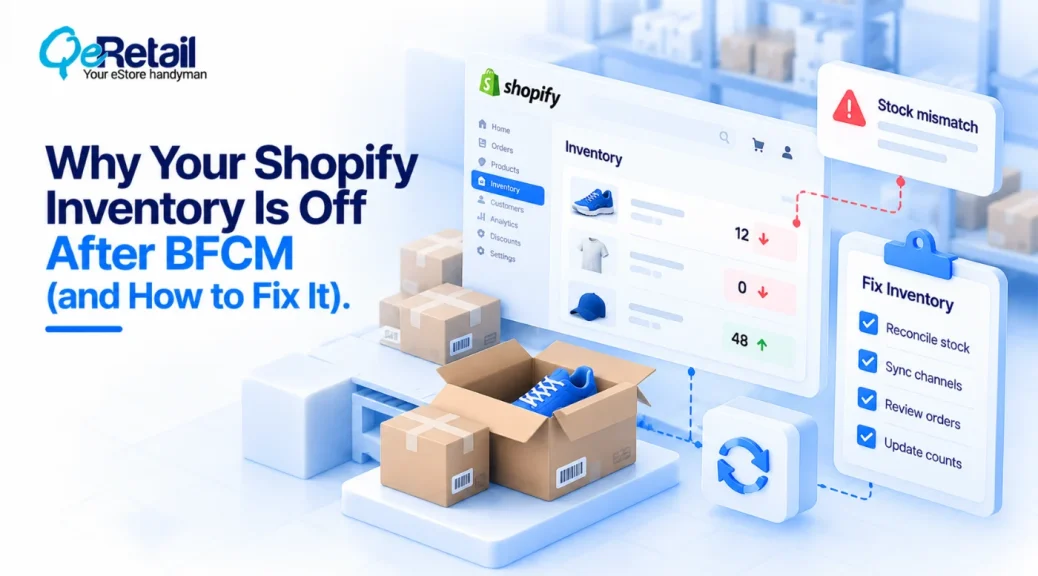
But your admin says 14 units. The shelf holds 11. Nothing flags the gap, so you find it when the third order for that item lands on Black Friday.
Your inventory isn’t organized. It’s remembered. That works until the volume is too high for the entire inventory system to handle. So, what’s the way out?
This piece provides four rules to keep your count true before BFCM and helps you ensure the products are in stock.
Key Action Points:
- Count your top 20 SKUs against on-hand this week.
- Adjust the count the day an item moves.
- Park pulled items as Unavailable, never off the record.
- Keep SKUs fixed and track the place separately.
- Run the seasonal packer test before Nov 20.

Why Most Shopify Stores Fail at Stock Accuracy Before BFCM?
Drift is silent. Shopify defines On hand as committed plus unavailable plus available units, tracked per location. When any piece moves without a record, the total is wrong, and a wrong total looks identical to a right one.
The mismatch surfaces only when an order needs the item.
(A sheet nobody updates at the moment of the move is a diary, not a system.)
Expert Take:
A system you carry in your head is a dependency on you. BFCM is the week it gets audited.
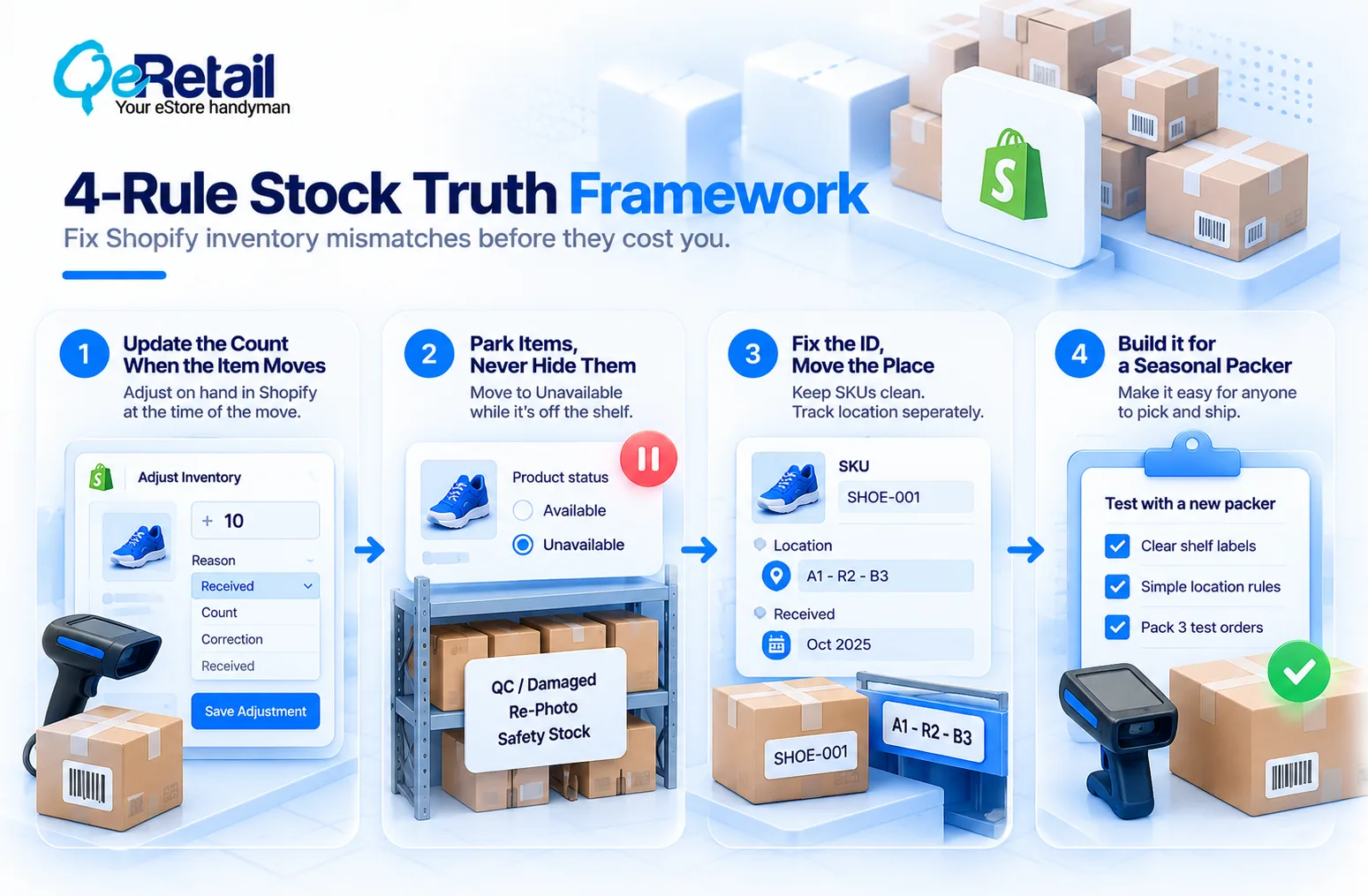
4-Rule Stock Truth Framework
Each rule fixes one way your count drifts, using Shopify settings you already have.
Rule 1: Update the Count When the Item Moves
“Later” is where every mismatch starts. At the moment of a move, adjust On hand in Shopify and pick a reason: Count, Correction, or Received. Adjustment history shows who changed a quantity, but only for the last 180 days.
Expert Take:
A fix at day’s end is a guess. Memory decays by lunch, so log the move while the item is still in your hand.
Quick Wins:
- Adjust on hand at the move, with a reason.
- Pull the adjustment report for anything older than 180 days.
Rule 2: Park Items, Never Hide Them
Pulling an item for a re-photo is normal. Leaving it Available while it sits on a desk is not, because the next order can’t ship it. Move it to unavailable until it’s back. Shopify lists damaged, quality control, and safety stock as reasons, so pick one as a team convention and test it first.
Expert Take:
The oversold order is the real damage: a refund, a lost customer, and ad spend on a click you couldn’t fill. That’s the waste reducing Shopify customer acquisition cost is meant to prevent.
Quick Wins:
- Write down one parking convention for your team.
- Return parked items to Available the day they go back on the shelf.
Rule 3: Fix the ID, Move the Place
Your SKU never changes. Where the item sits does. Shopify tracks quantity by location, so keep bin and shelf notes in a spreadsheet, metafield, or app, and test what fits your setup. A received-month stamp is safe because it never changes either.
Expert Take:
Putting the shelf inside the SKU turns every move into a SKU edit. Stores skip the edit, and the record rots.
Quick Wins:
- Strip location codes out of your SKUs.
- Add a received-month stamp to new stock.
Rule 4: Build it for a Seasonal Packer
Run one test. Could someone who has never seen your shelves ship an order while you’re away? If they’d have to text you, part of your system still lives in your head. Seasonal help arrives in November. Your memory doesn’t transfer.
Expert Take:
Training a packer isn’t the fix. A plain label and a location rule are. Then the adjustment report, filterable by staff, app, location, SKU, and reason, shows who changed what.
Quick Wins:
- Label every shelf and bin in plain words.
- Have a new hire pack three test orders solo before Nov 20.

Run the Stock Truth Test First
Score yourself before you read the rules. Answer yes or no.
- Did you adjust the count the day your last item moved? (If not, start with Rule 1.)
- Do pulled items have a defined parking status? (If they vanish for photos, see Rule 2.)
- Does an item keep its SKU when its place changes? (If not, see Rule 3.)
- Could a seasonal packer ship without texting you? (If not, see Rule 4.)
- Did you count your top 20 SKUs against on-hand in the last 7 days?
- Do you know the age of your oldest stock?
- Can you find any sold item in 10 seconds?
- Can you see who last adjusted your top SKU?
Seven or eight yes answers means you’re ready. Four to six means fix the gaps before Nov 20. Zero to three means start now.
Which Stock Gets the BFCM Discount?
Not all of it. 34% of shoppers say retailers are discounting less, and about 70% are value-seeking, per Deloitte. That points to targeted offers over blanket ones, though it’s our inference, not a Deloitte finding.
Expert Take:
A sitewide percent-off hands margin to items that were already selling. Use your received-month stamp, find the oldest stock, and aim the deepest offer there.
Quick Wins:
- List your 10 oldest SKUs and set a floor price for each.
- Keep full price on fast sellers.
The Growth Starter ($100K-$200K): Focus on a Single Source of Truth!
At this tier, the real count lives in your head and a spreadsheet.
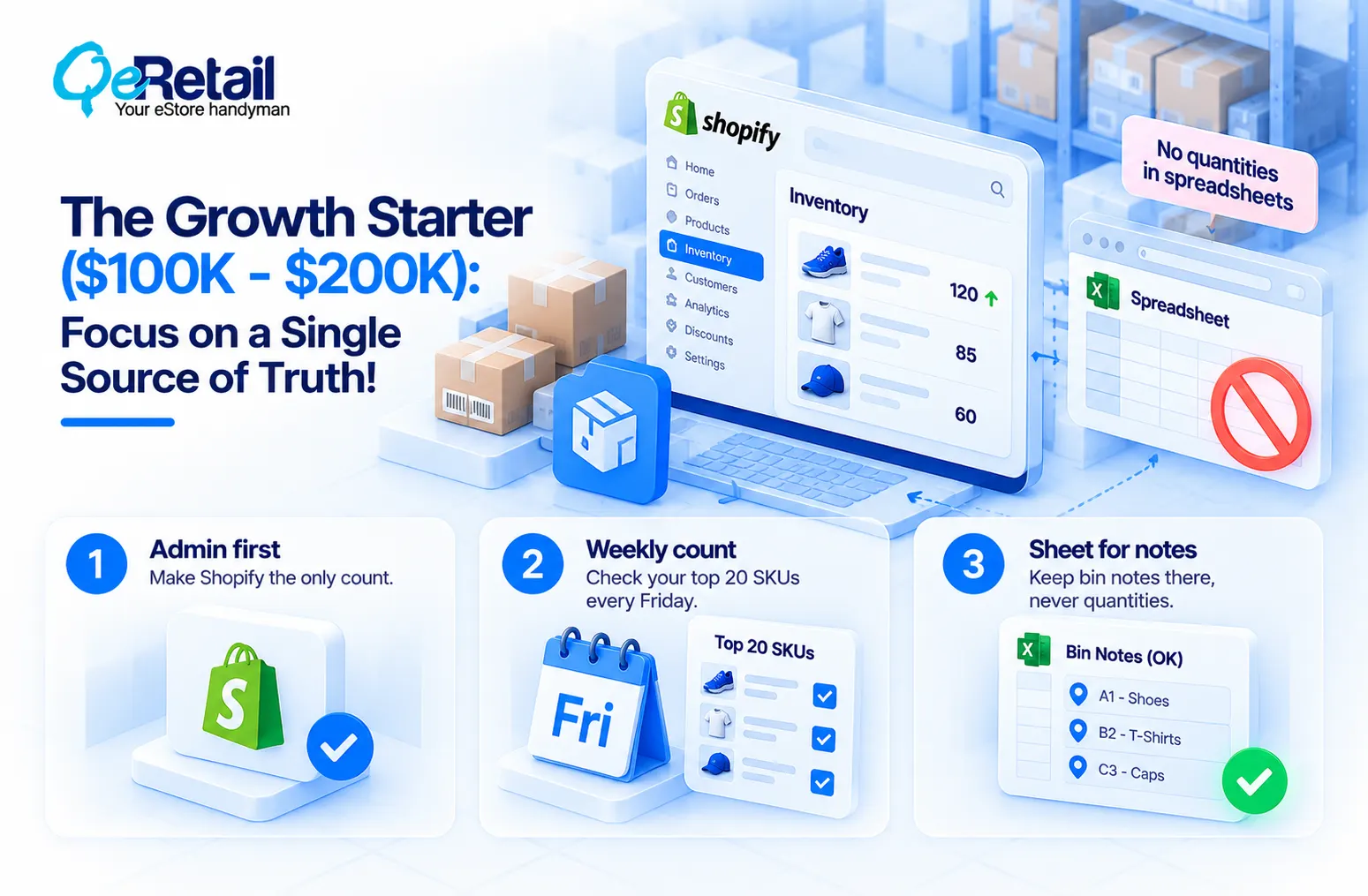
1. Admin first: Make Shopify the only count.
2. Weekly count: Check your top 20 SKUs every Friday.
3. Sheet for notes: Keep bin notes there, never quantities.
The Scaling Operator ($200K-$400K): Create a Receiving and Count Routine!
More stock and more hands multiply drift.
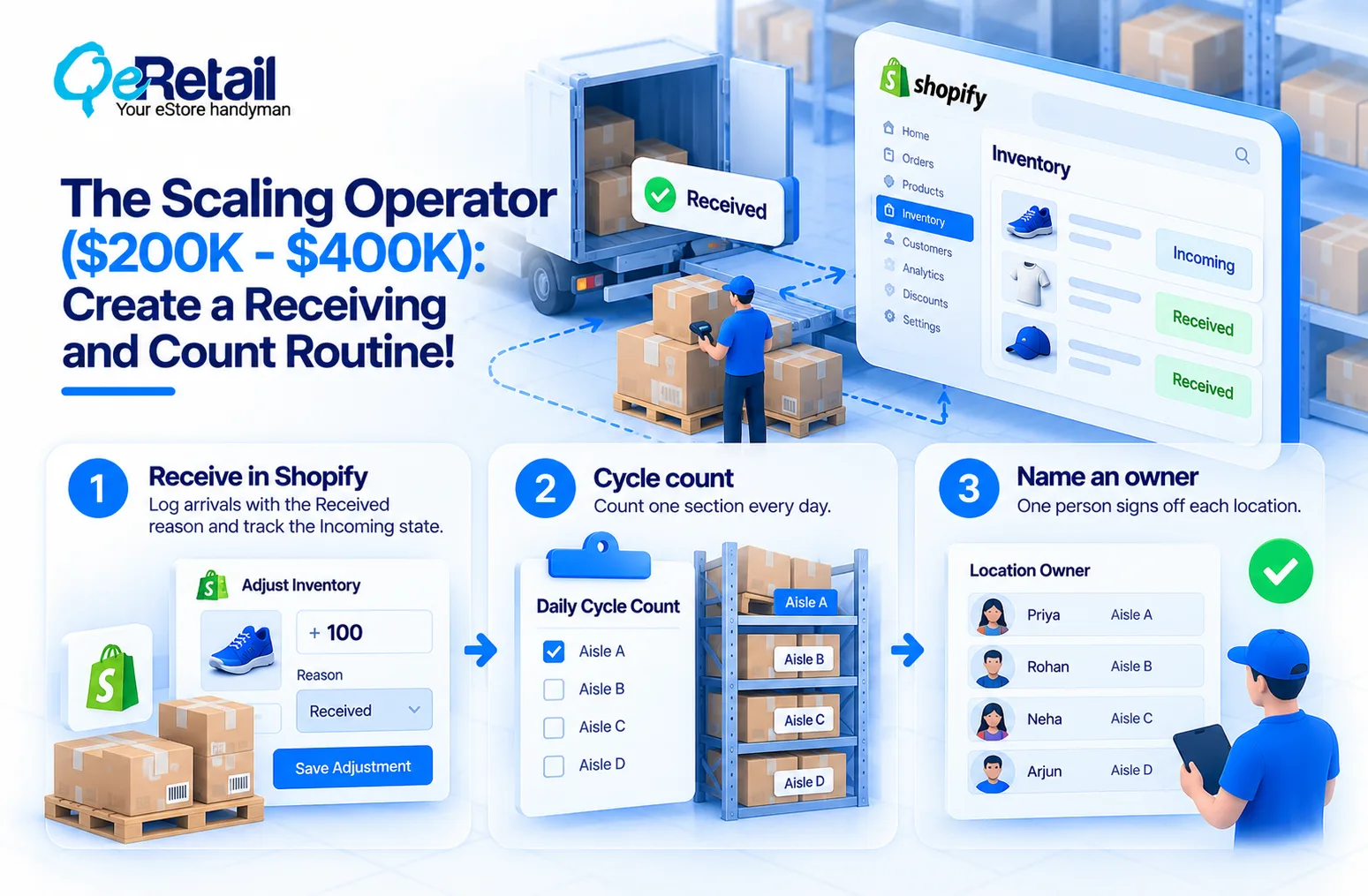
1. Receive in Shopify: Log arrivals with the Received reason and watch the Incoming state.
2. Cycle count: Count one section every day.
3. Name an owner: One person signs off each location.
The Enterprise-Ready Brand ($400K-$500K+): Focus on Audit Trails!
Apps and warehouses move quantities too, so you need to see who did what.
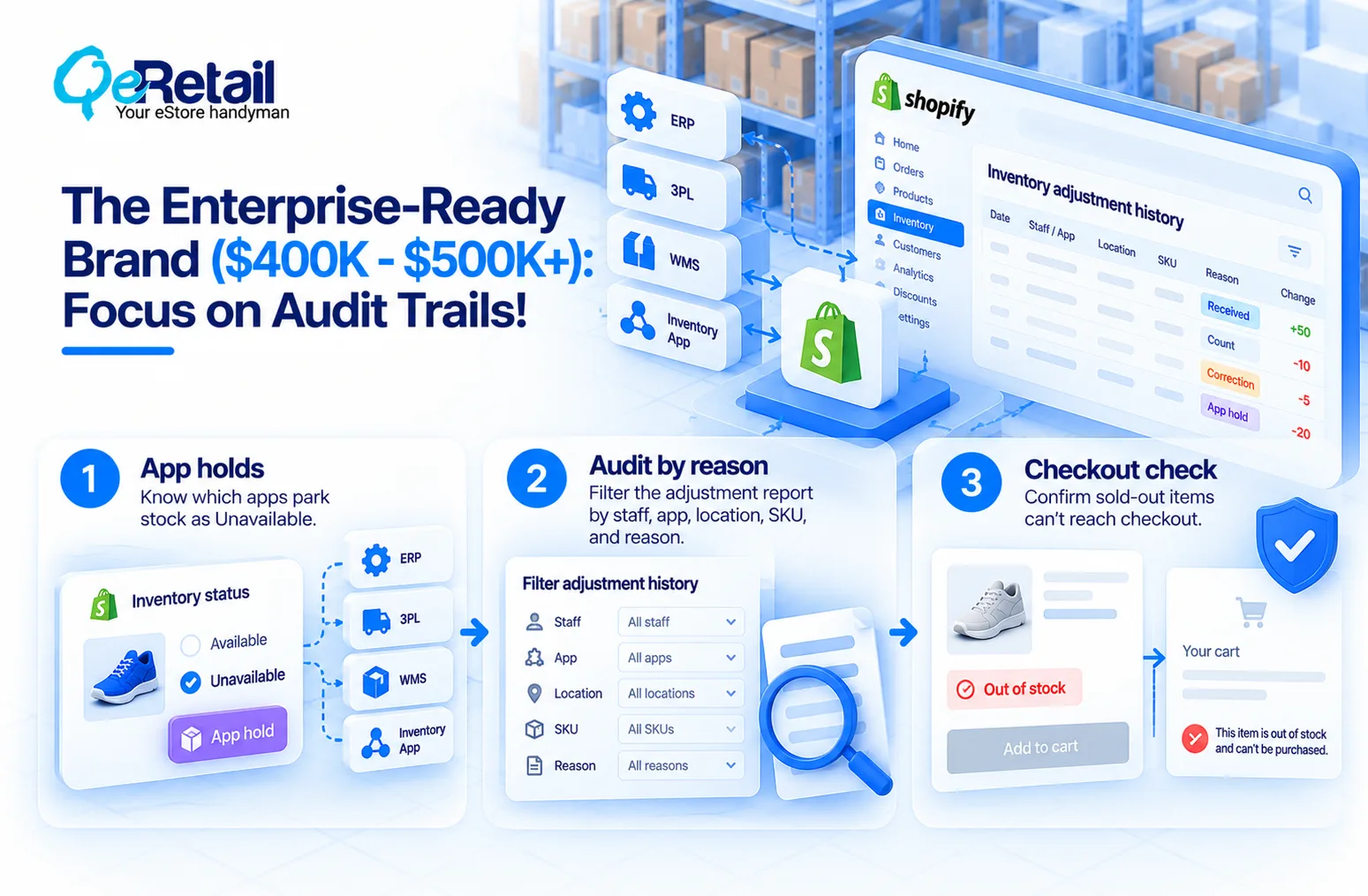
1. App holds: Know which apps park stock as Unavailable.
2. Audit by reason: Filter the adjustment report by staff, app, location, SKU, and reason.
3. Checkout check: Confirm sold-out items can’t reach checkout.
Six-Week BFCM Inventory Roadmap
Black Friday is Nov 27. Count backward.
- Oct 16-22: Count your top 20 SKUs.
- Oct 23-29: Set the location and parking rules.
- Oct 30-Nov 5: Fix IDs and add received-month stamps.
- Nov 6-12: Run the seasonal packer test.
- Nov 13-19: Set your stale-stock offers.
- Nov 20-26: Freeze changes, count again, and retake the test.
Stop Trusting Your Memory. Start Trusting Your Count.
Most stores buy a spreadsheet, a few bins, and a label maker, then call it a system. If your records only hold because you remember them, you didn’t build a system; you just memorized a shelf.
The right path compounds. Every move you log today is one fewer mystery in November, and a count your team trusts turns Black Friday into fulfillment instead of firefighting.
Need a partner who checks the Shopify side of your count before the rush?
Want your Shopify stock counts checked before Black Friday? Book a free audit.
Frequently Asked Questions
How Early Should You Audit Your Shopify Inventory Before BFCM?
What do Shopify's Inventory States Mean?
How do you see who changed a Shopify Inventory Quantity?
How Many Shoppers Plan to Shop on Black Friday-Cyber Monday?
Can a Small Team run This Audit?
Table of Contents