For a Shopify store relying on email marketing to generate repeat purchases, recover abandoned carts, or promote major sales, campaign errors can affect more than engagement.
The email may contain the right offer but send customers to the wrong product page. A discount code may fail at checkout, an audience segment may include ineligible customers, or tracking may not capture the revenue generated by the campaign.
These problems become more important when a campaign involves multiple products, promotional rules, customer segments, and connected marketing tools.
For a growing Shopify store, email QA should therefore go beyond checking subject lines, spelling, and design.
The objective is to verify that the campaign, customer data, promotional logic, and purchase journey work together before the email reaches customers.

Key Action Points Summary
- Validate recipient segments, marketing consent, and suppression rules before sending
- Test discount codes, promotional conditions, and product eligibility
- Verify product links, landing pages, inventory, and offer consistency
- Review personalization, email content, and mobile rendering
- Check sender configuration, unsubscribe functionality, and deliverability
- Validate UTM parameters, analytics events, and revenue attribution
- Send a final test email and confirm campaign timing, audience, and approval
- Review Shopify integrations that affect customer data and campaign execution
- Automate repeatable QA checks where manual reviews create unnecessary risk
- Establish a consistent pre-send approval process for revenue-critical campaigns
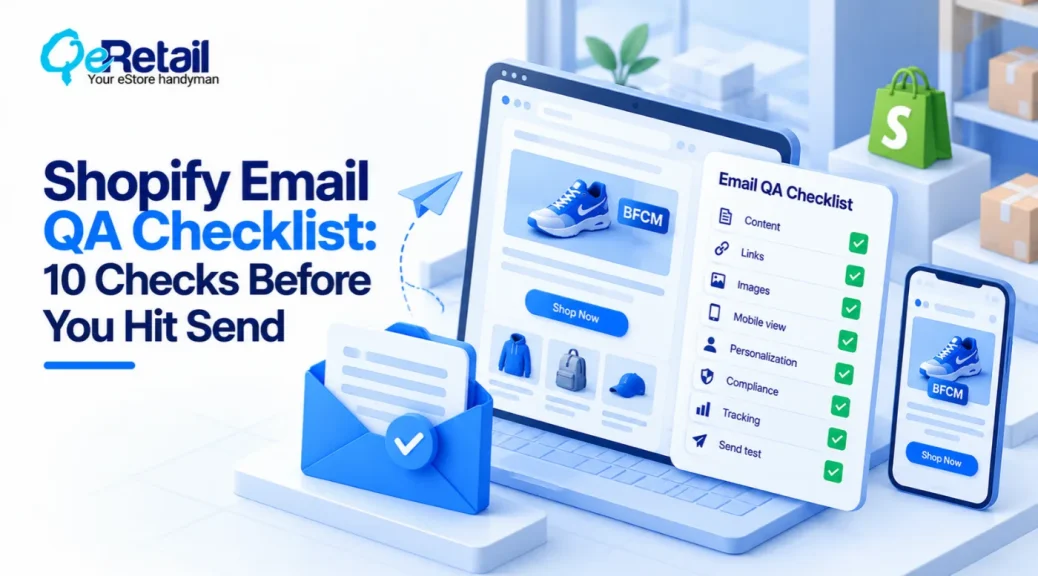
10 Shopify Email QA Checks To Run Before Sending A Revenue-Critical Campaign
A campaign can look correct in the email editor and still create problems once customers receive it. These checks focus on the details that can disrupt promotional offers, customer experience, deliverability, or revenue tracking before a campaign goes live.
1. Validate The Audience And Customer Data
The right offer means little if it reaches the wrong customers. Outdated customer tags, inaccurate purchase history, or incorrect segment conditions can include people who are not eligible for the campaign.
Marketing consent and suppression records also need to remain consistent across Shopify and connected email platforms, particularly when customer data is synchronized between multiple systems.
What Should Shopify Stores Do To Improve?
- Review customer segment conditions and recipient counts
- Confirm marketing consent and unsubscribe status
- Check customer tags and purchase data used for targeting
- Investigate unexpected changes in audience size
Quick Win:
Compare the final recipient count with a similar campaign and investigate significant differences before approving the send.
2. Test Discount Rules And Promotional Conditions
A discount advertised in an email must work as promised at checkout. Minimum spending requirements, product exclusions, customer-specific codes, and combined offers can introduce unexpected results when the email’s wording does not match the actual discount configuration.
What Should Shopify Stores Do To Improve?
- Match email copy to the configured discount rules
- Test minimum-spend thresholds and product exclusions
- Check discount combinations and customer eligibility
- Verify promotion start and expiry times
Quick Win:
Test an eligible order, an excluded product, and a mixed cart to confirm that each promotional rule behaves as expected.
3. Verify Product Links And Availability
Every product link should take customers to the intended destination, with the correct product, variant, and promotional information. Broken URLs, unavailable variants, and outdated collections can interrupt the purchase journey just as customers are ready to buy.
Inventory also deserves attention when a campaign promotes limited-stock items or products that may sell quickly before the email reaches the entire audience.
What Should Shopify Stores Do To Improve?
- Open all primary product and collection links
- Confirm featured variants are available
- Check landing-page pricing against the email offer
- Review redirects and alternatives for unavailable products
Quick Win:
Follow the main CTA from the test email to checkout and confirm that the advertised product and offer remain accessible.
4. Review Email Content And Personalization
Personalized emails depend on accurate customer and product data. Missing names, unsuitable recommendations, empty content blocks, or incorrect fallback values can make a campaign feel unfinished even when its overall design looks polished.
What Should Shopify Stores Do To Improve?
- Proofread subject lines, preview text, and promotional claims
- Test personalized fields and fallback values
- Confirm product recommendations match the intended audience
- Keep essential offer details in readable text
Quick Win:
Preview the campaign with representative customer records, including records with missing optional information where supported.
5. Check Mobile Rendering And Email Accessibility
A well-designed email can become difficult to use on a smaller screen. Product cards may stack awkwardly, buttons may become difficult to tap, and important offer details may lose their visual hierarchy across different email clients.
Accessibility also matters when customers use screen readers, rely on alternative text, or need sufficient contrast to read the message.
A campaign should remain understandable even when some visual elements do not display as intended.
What Should Shopify Stores Do To Improve?
- Review mobile and desktop previews
- Check button size, spacing, and text readability
- Verify image scaling and alternative text
- Ensure the main CTA remains easy to find and use
Quick Win:
Open the test email on a real mobile device and check whether the offer and next action are immediately clear.
6. Verify Sender Details And Deliverability
Sender configuration and sending practices affect whether campaigns reach inboxes consistently.
Before a major campaign, review the sending domain and recent performance rather than assuming that previous successful sends guarantee the next campaign will perform the same way.
What Should Shopify Stores Do To Improve?
- Confirm the sender name and From address
- Review SPF, DKIM, and DMARC configuration where applicable
- Check recent delivery failures and spam complaint trends
- Verify that the intended sending domain is configured correctly
Quick Win:
Review recent deliverability data before sending to a larger audience or launching through a new sending setup.
7. Test Unsubscribe And Suppression Handling
An unsubscribe link is not simply a footer requirement; it is part of the system that keeps marketing communication aligned with customer preferences. If an opt-out is not recorded or synchronized correctly, a customer may continue to appear eligible in a connected marketing platform.
This is particularly important when Shopify customer records, email applications, and other marketing tools manage overlapping consent or suppression data.
What Should Shopify Stores Do To Improve?
- Confirm the unsubscribe link is present and functional
- Check suppression records across connected platforms
- Verify that consent status is synchronized correctly
- Review applicable email marketing requirements
Quick Win:
Use the platform’s supported testing process to verify the unsubscribe journey and confirm that opt-out records update as expected.
8. Validate Tracking And Revenue Attribution
Campaign performance is difficult to evaluate when tracking parameters are missing or inconsistent.
The email may generate visits and orders, but your team may not be able to distinguish that activity from other traffic sources or compare campaigns reliably.
Tracking becomes more complex when multiple links, landing pages, analytics tools, and attribution settings are involved. Establishing consistent conventions before sending makes the resulting data more useful.
What Should Shopify Stores Do To Improve?
- Check UTM parameters on campaign links
- Use consistent campaign naming conventions
- Verify that redirects preserve tracking parameters
- Confirm analytics records the expected landing-page visits and events
Quick Win:
Open a tracked link from the test email and verify that its campaign parameters remain in the destination URL.
9. Test The Complete Purchase Journey
A product link may work, a discount may be configured correctly, and a landing page may load properly, yet the complete journey can still contain friction. Shipping conditions, payment methods, cart rules, or checkout interactions may introduce problems that are not visible when each element is reviewed separately.
Testing the journey from email click to purchase helps identify these gaps before real customers encounter them.
What Should Shopify Stores Do To Improve?
- Test primary CTAs and promotional landing pages
- Verify cart and checkout behavior
- Check shipping and payment conditions relevant to the offer
- Confirm that confirmation and order data behave as expected
Quick Win:
Run a complete test purchase using the campaign’s main offer and review each step for errors or unexpected conditions.
10. Review The Final Campaign And Send Schedule
The final campaign may differ from the version that was originally tested. A last-minute edit to a link, discount, audience, or email block can introduce a problem after the initial review has been completed.
Scheduling needs the same attention. A campaign sent too early, too late, or after a promotion expires can create confusion and reduce the value of the offer.
What Should Shopify Stores Do To Improve?
- Send a fresh test after significant changes
- Confirm the final recipient count and audience
- Check the scheduled date, time, and time zone
- Obtain approval from the campaign owner
Quick Win:
Use a pre-send sign-off covering the audience, offer, links, test email, schedule, and final approval.
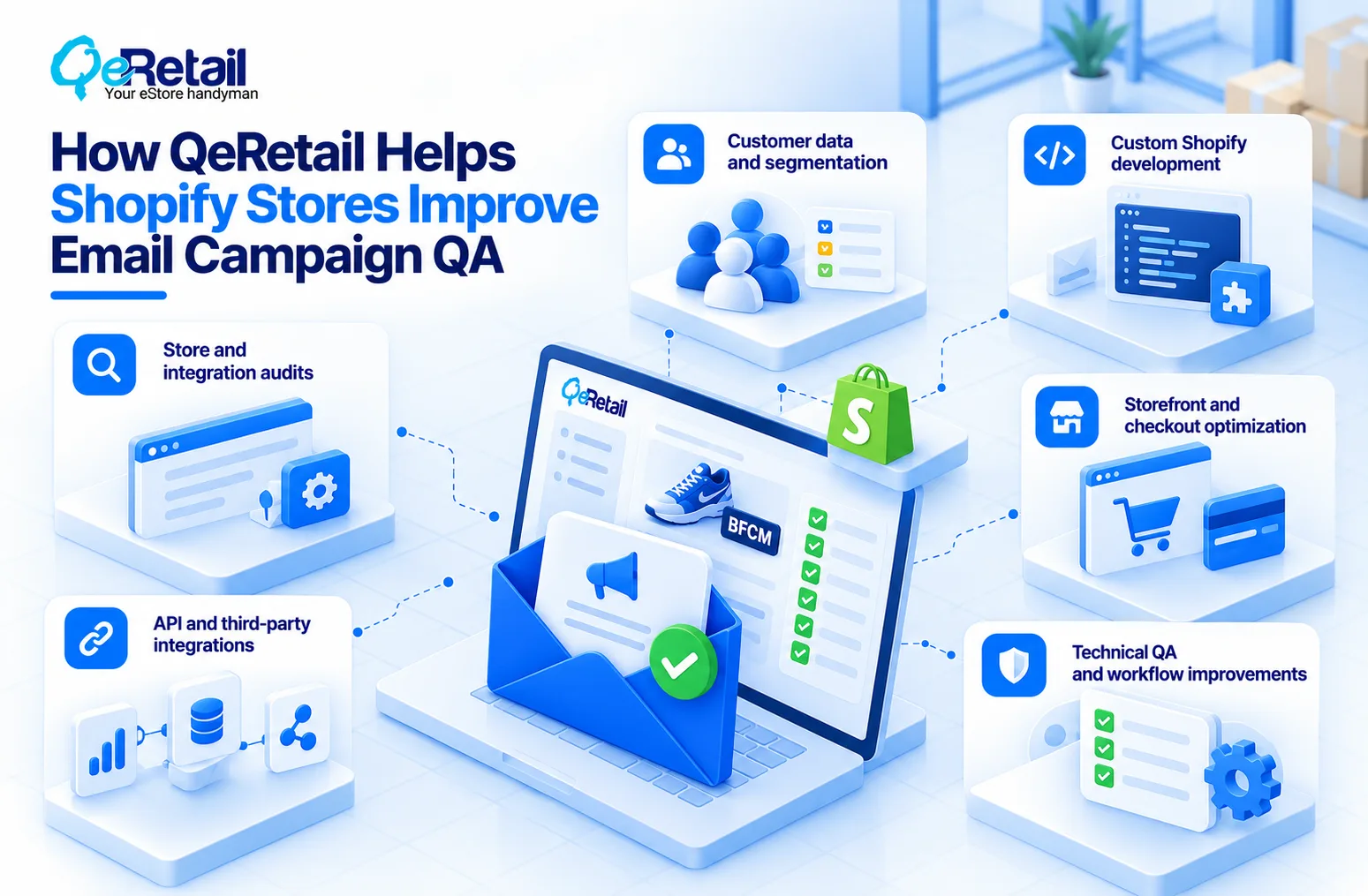
How QeRetail Helps Shopify Stores Improve Email Campaign QA
QeRetail helps growing Shopify businesses identify technical and operational issues that affect storefront performance, customer data, integrations, and the overall buying experience.
1. Shopify Store and Integration Audits
We review Shopify configurations, connected applications, and data flows to identify dependencies that may affect campaign execution or create inconsistencies across systems.
2. Customer Data and Segmentation
Our team can assess how customer records, tags, marketing consent, and connected email platforms work together, helping merchants identify gaps that could affect audience selection and personalization.
3. Custom Shopify Development
We build custom Shopify functionality and business logic when standard settings or existing applications cannot support the workflows a store requires.
4. Shopify API and Third-Party Integrations
We help connect Shopify with marketing, analytics, inventory, and other business systems where campaign accuracy depends on reliable data exchange and synchronized processes.
5. Storefront and Checkout Optimization
Our experts identify friction across product pages, collections, carts, and checkout journeys that may prevent customers from completing purchases after clicking through from an email campaign.
6. Technical QA and Workflow Improvements
We help merchants assess critical customer journeys, identify recurring technical problems, and implement improvements or automation where manual processes create avoidable risk.

Conclusion
Revenue-critical email campaigns require more than a final content review. The audience, offer rules, product availability, landing pages, deliverability, and tracking must work together to support the intended customer journey.
For a growing Shopify store, a repeatable QA process helps reduce avoidable campaign errors and makes it easier to identify problems before they affect customer experience or revenue measurement.
QeRetail helps Shopify businesses improve storefront functionality, integrations, custom workflows, and technical processes that support reliable campaign execution.
Contact us to identify the Shopify workflow and integration improvements that can make your email campaigns more dependable.
Frequently Asked Questions
What Should Shopify Stores Check Before Sending A Revenue-Critical Email?
Does Shopify Automatically Check Emails For Errors?
How Can I Test A Shopify Email Discount Before Launch?
Why Is Email QA Important For Shopify Revenue Tracking?
Can Custom Shopify Development Help Improve Email QA?
Table of Contents