If you are planning only for BFCM and not making your Shopify store ready for the peak traffic that can hit right now. Yes, a holiday survey by Accenture shows that 9 in 10 shoppers plan to start shopping before Black Friday and Cyber Monday.
So your peak is already live. And most stores are still installing apps, tweaking themes, and pushing code like it is a quiet Tuesday.
That is the gap. Peak failures rarely come from traffic itself. They come from the last-minute change nobody tested under load. And when the BFCM arrives, your store may not cope with the traffic.
Because, as per Deloitte, U.S. holiday eCommerce is projected to grow from $316.1 billion to $318.9 billion for November 2026 through January 2027, up 7.5% to 8.4%. That traffic is not waiting for Black Friday.
This guide gives you a three-layer audit (apps, theme, and code) plus a freeze date, so your store holds when the traffic lands.
Key Action Points:
- Remove every app you cannot tie to revenue this quarter.
- Duplicate your live theme and test every change on the copy.
- Set a code freeze date of November 16 and publish it to your team.
- Walk the full checkout on three real devices before the freeze.
- Assign one owner and one rollback plan for Black Friday week.

Why Most Shopify Stores Break Before Black Friday?
Peak readiness is not a traffic problem. It is a change-control problem. Stores that stumble on Black Friday rarely lack hosting. They lack discipline over what gets added to the storefront in November.
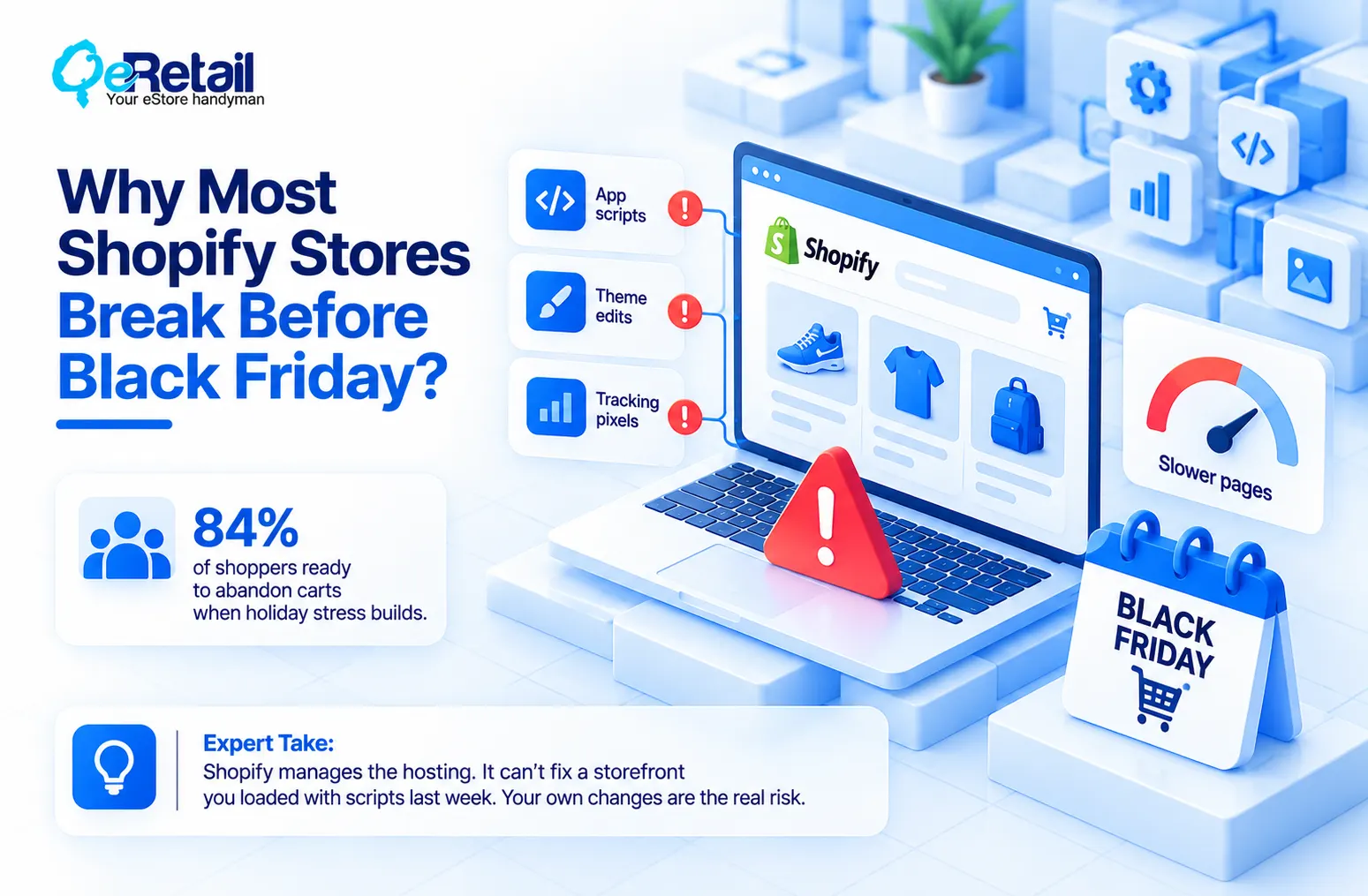
Every app script, theme edit, and tracking pixel competes for the same few seconds of shopper patience. Accenture’s 2025 holiday survey found 84% of shoppers ready to abandon carts when holiday stress builds. A slow, glitchy page is stress you built yourself.
Expert Take:
Shopify manages the hosting. It cannot fix a storefront you loaded with scripts last week. Your own changes are the real risk.
The 3-Layer Peak Traffic Audit
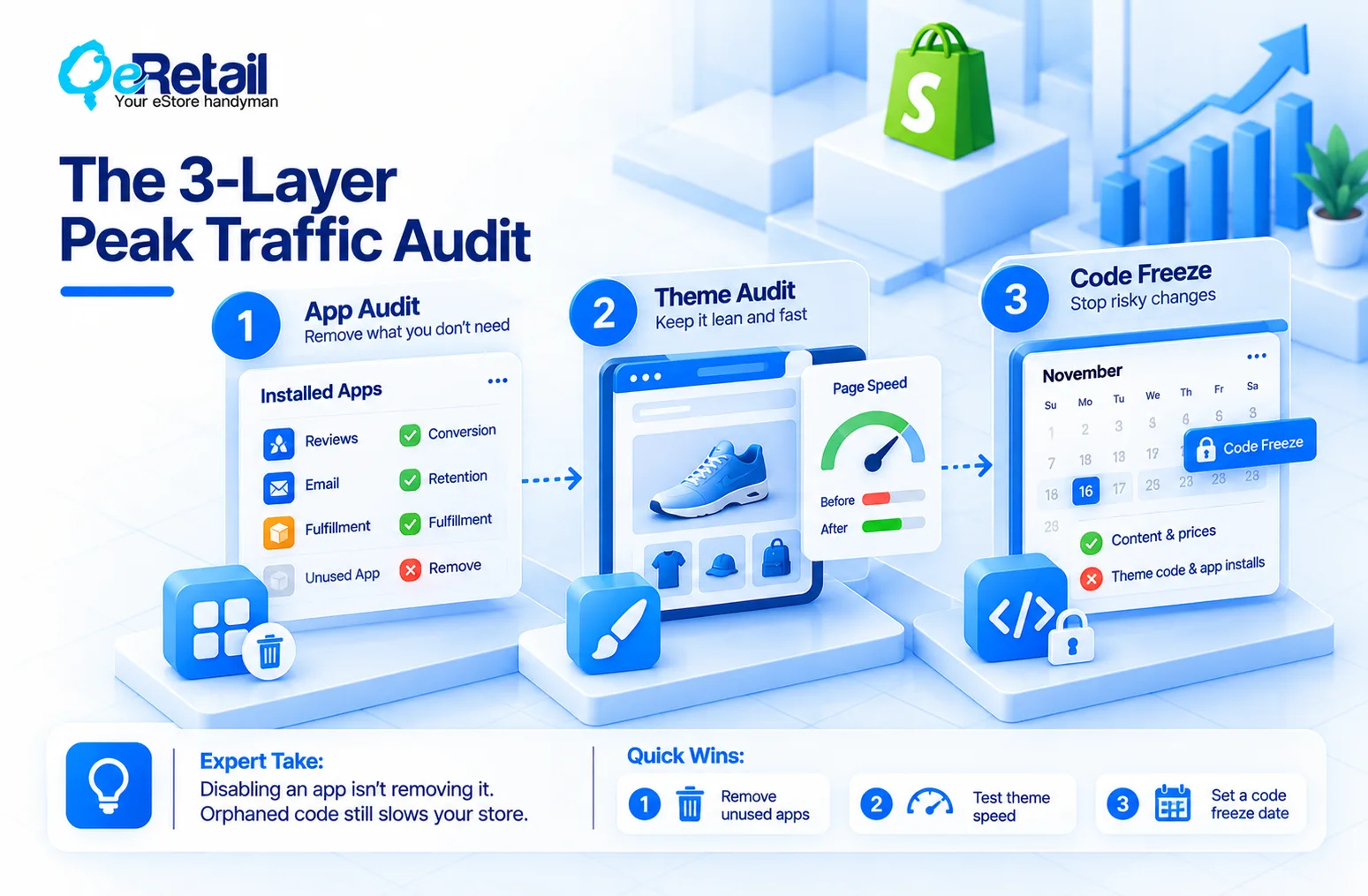
Audit in this order: apps first, theme second, code last. Each layer feeds the next, and each needs a named owner.
Layer 1: The App Audit
Apps are where most slowdowns start. Many inject scripts into your storefront, and the weight stacks. Open your Shopify admin, list every installed app, and match each one to a revenue job: conversion, retention, or fulfillment. No job, no place on your store. Then check for leftovers. Uninstalled apps often leave snippets in your theme files that keep loading.
Expert Take:
Disabling an app is not removing it. Orphaned snippets keep firing requests to services you no longer use. Delete the code, not just the app.
Quick Wins:
- Export your app list and tag each app with a revenue job and an owner.
- Uninstall anything unused for 90 days, then search theme files for its leftover code.
- Keep one app per job. Two review apps or two popup tools is one too many.
Layer 2: The Theme Audit
Your theme is your conversion surface. Before Black Friday, you want it lean, tested, and recoverable. Duplicate the live theme, make every change on the copy, and preview it on mobile first, because mobile is where your ad clicks land.
Record your Online Store Speed report as a baseline, then compare after each change. Build campaign pages now, using sections your marketing team can edit without a developer.
Expert Take:
A beautiful theme that adds four seconds on mobile is a bad theme. Cut the homepage slider first. It rarely earns its weight.
Quick Wins:
- Duplicate the live theme and name it with today’s date.
- Record your speed baseline before touching anything.
- Compress hero images and remove autoplay video above the fold.
- Build Black Friday landing pages and banners in the theme editor, not in code.
Layer 3: The Code Freeze Audit
A code freeze means nothing ships to your live theme after a set date, except content and price changes. Pick November 16. That leaves eleven days of stable traffic before Black Friday on November 27, plus room to fix what the final test finds.
List every pending change today. Anything not tested by November 9 gets cut or moved to December. Before the freeze, run your full checkout test from product page to payment..
Expert Take:
A freeze is not a ban on work. It is a ban on risk. Banners, prices, and inventory can move. Theme code, app installs, and checkout changes cannot. The change that breaks Black Friday is rarely the big one. It is the quick fix pushed at 11 p.m. on Wednesday.
Quick Wins:
- Announce the freeze date to your team, agency, and freelancers in writing.
- Write one rollback plan: which theme you republish, and who does it.
- Restrict staff permissions for theme edits once the freeze starts.

4-Week Implementation Roadmap
What is your slowest page right now? (If you cannot name it, the audit will not fix it.) Start there.
1. Week 1 (Oct 27 to Nov 1): Audit apps, record the speed baseline, and list every pending change.
2. Week 2 (Nov 2 to Nov 8): Remove dead apps and leftover code. Build campaign pages on the duplicate theme.
3. Week 3 (Nov 9 to Nov 15): Test checkout, discount codes, and shipping rules on three devices. Approve the final theme.
4. Week 4 (Nov 16 to Nov 26): Publish the approved theme, freeze code, and change content only.
What Should Your Store Focus On at Each Revenue Tier?
The audit stays the same. The priority changes with your revenue.
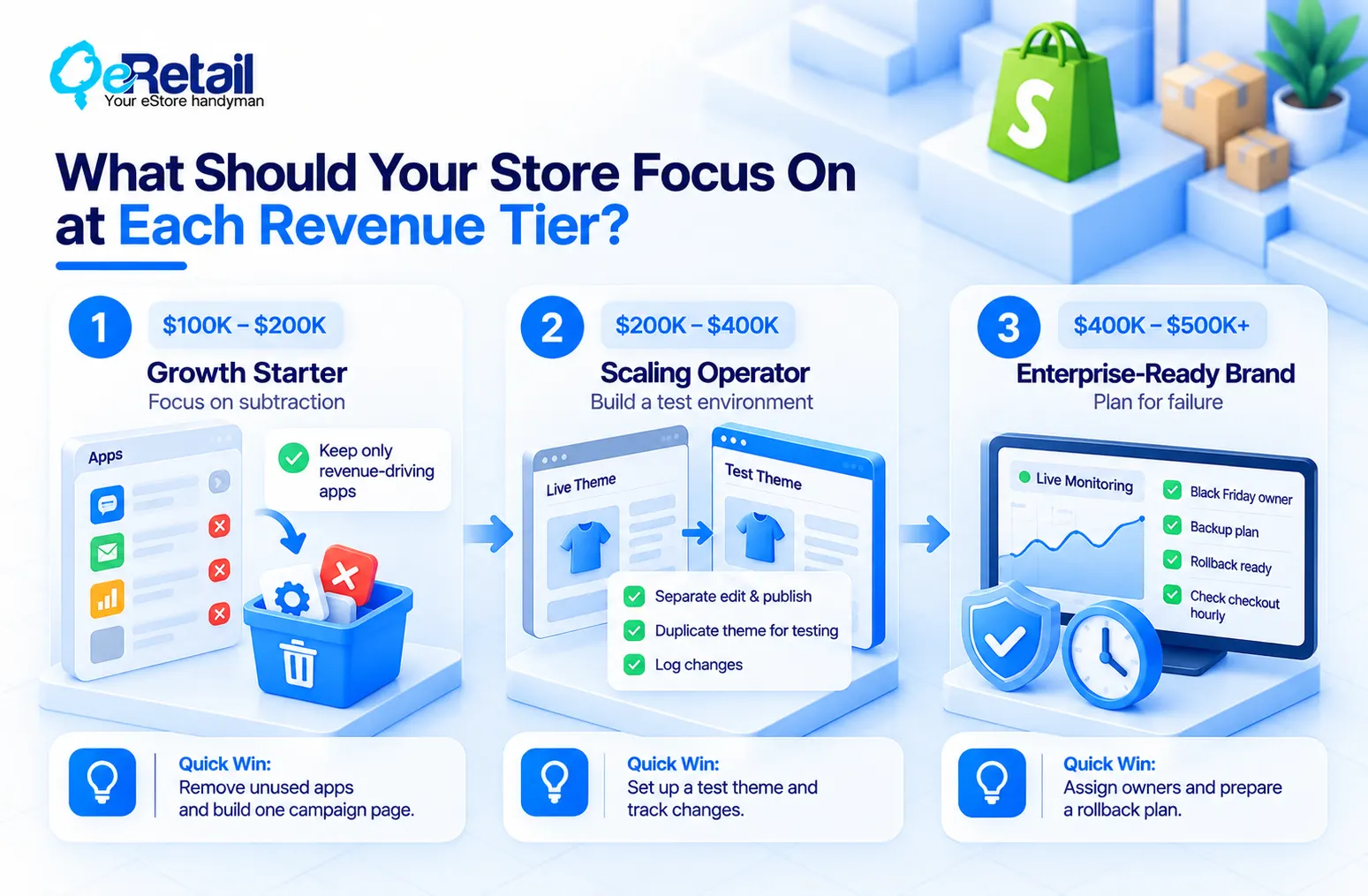
The Growth Starter ($100K to $200K): Focus on Subtraction!
You probably run more apps than your traffic justifies. Cut to the handful that earn money, and spend the saved time on one tested campaign page.
The Scaling Operator ($200K to $400K): Build a Test Environment!
More people touch your theme at this tier. Separate who can edit from who can publish, keep a duplicate theme for testing, and log every change in one shared sheet.
The Enterprise-Ready Brand ($400K to $500K+): Plan for Failure
One slow hour now costs real money. Name a Black Friday owner, a backup, and a rollback plan. Check checkout hourly through Cyber Monday.
Stop Patching Before Peak. Start Freezing Before It.
Most stores treat November like any other month. One more app, one more popup, one more tweak. If you ran a speed audit but still ship changes the week of Black Friday, you did not prepare. You just measured.
A frozen, tested store compounds. Your ad spend lands on pages that load, your checkout holds, and your team watches numbers instead of fighting fires. That edge builds every season you repeat it, and it protects every dollar you spend to reduce Shopify customer acquisition cost.
Frequently Asked Questions
When Should a Shopify Store Start a Code Freeze Before Black Friday?
How Many Apps Is Too Many on a Shopify Store?
Can I Still Install Apps or Edit My Theme During Black Friday Week?
How Long Does a Peak Readiness Audit Take for a Small Team?
Table of Contents