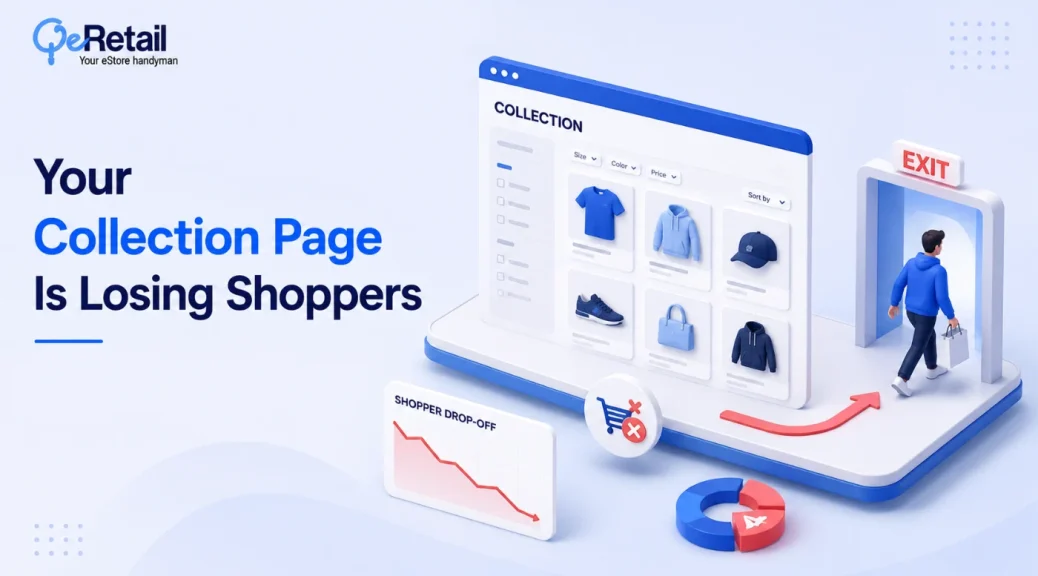
58% of desktop ecommerce sites and 78% of mobile sites have mediocre or worse product-list performance. Your store is not automatically exempt, and your analytics will not tell you that directly.
Most store owners audit the homepage, the product page, and checkout. The collection page sits in between, matching shopper intent to your catalog, and gets almost no attention.
The gap is not visual. Your grid looks fine. The gap is structural: filters that hide what shoppers need, sort defaults nobody chose on purpose, product cards ordered by habit, and pagination that quietly drops people.
This audit walks through five places shoppers get lost, and what to fix first.
Key Action Points:
- Promote the filters most likely to change the shopper’s decision, not simply the three most frequently used
- Replace “Featured” as default sort with a ranking logic you can defend
- Reorder cards so price and rating count sit above decorative badges
- Add a visible “Showing X of Y” count, sticky through pagination
- Test a mobile search-within-category field on your top collection pages

Why Most Shopify Filters Send Shoppers Away
Filters are the first place intent gets lost. Most sites don’t offer all the filter types shoppers need, and most don’t promote the ones that matter for their category. Your theme ships filters as a checkbox list, not a merchandising strategy.
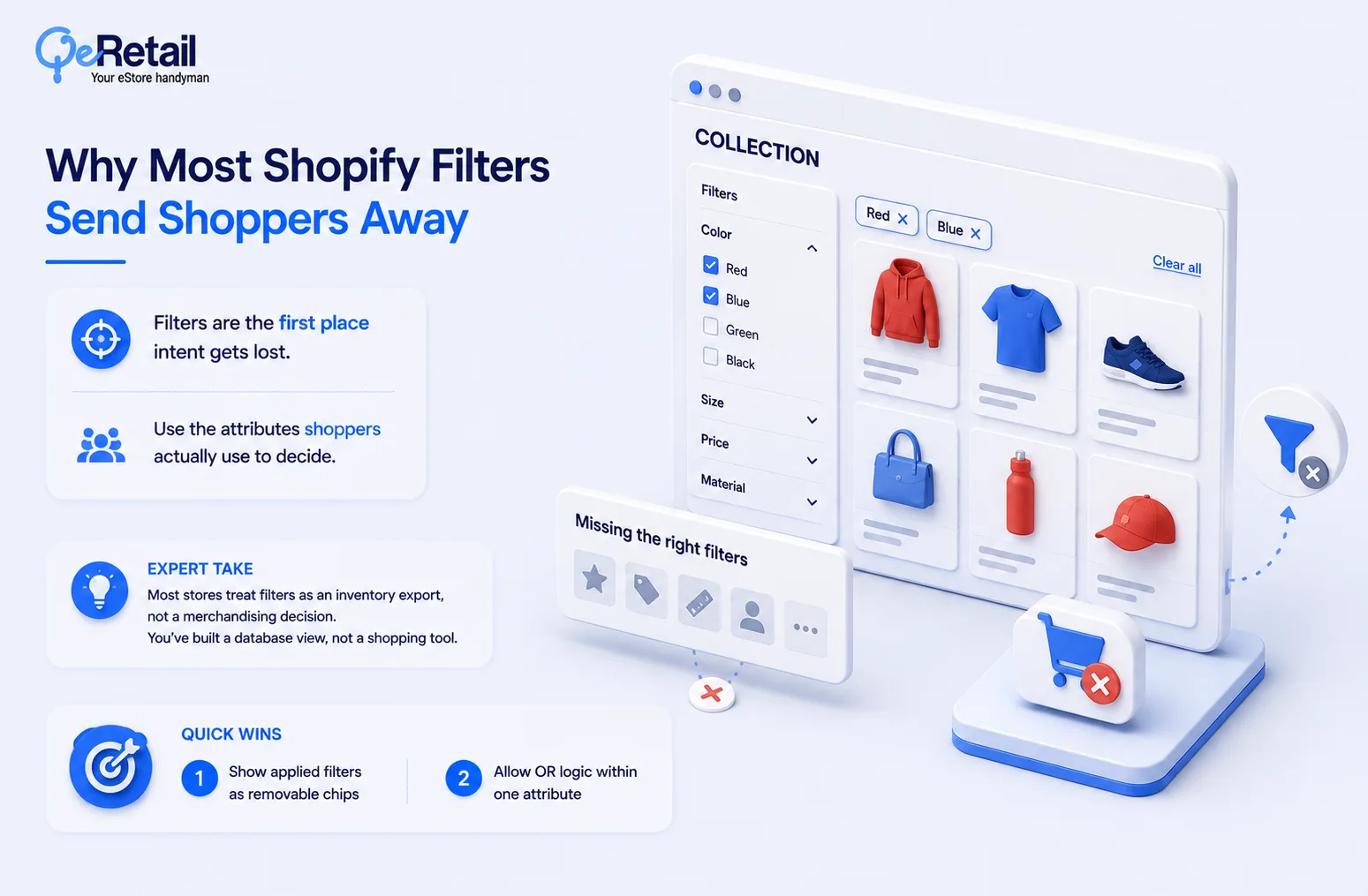
The filters shoppers can’t find don’t get used.
Filters should reflect the attributes shoppers actually use to evaluate products, not simply the fields your inventory system happens to contain.
Expert Take:
Most stores treat filters as an inventory export, not a merchandising decision. Mirror the attribute list instead of how shoppers describe what they want. You’ve built a database view, not a shopping tool.
Quick Wins:
- Show applied filters as removable chips (many sites skip this)
- Allow OR logic within one attribute so “Red or Blue” doesn’t return zero results
The Sort Default Nobody Chose on Purpose
Sort order is the first ranking decision a shopper sees, and 64% of eCommerce sites don’t offer all four types shoppers expect: price, rating, best-selling, and newest, according to Baymard’s benchmark.
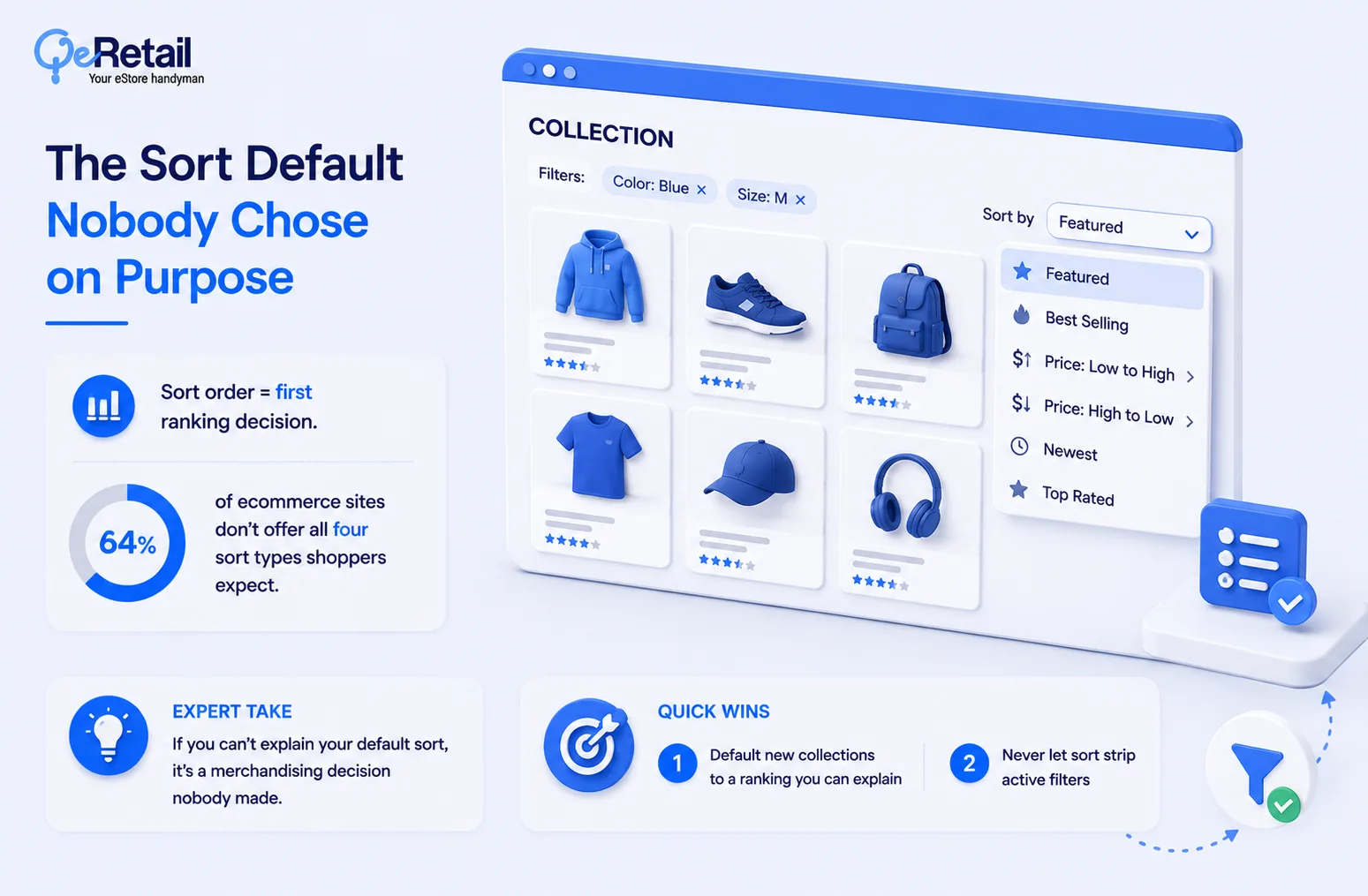
“Featured” can be a deliberate merchandising ranking. If it’s just inherited collection order rather than a deliberate ranking strategy, it isn’t doing much merchandising work.
Expert Take:
If you can’t explain why your default sort shows product A before product B, that’s not a technical setting. It’s a merchandising decision nobody made, and the shopper bounces before you ever find out.
Quick Wins:
- Default new collections to a ranking you can explain, not creation date
- Never let sort strip active filters when a shopper changes it
The Product Card Hierarchy Problem
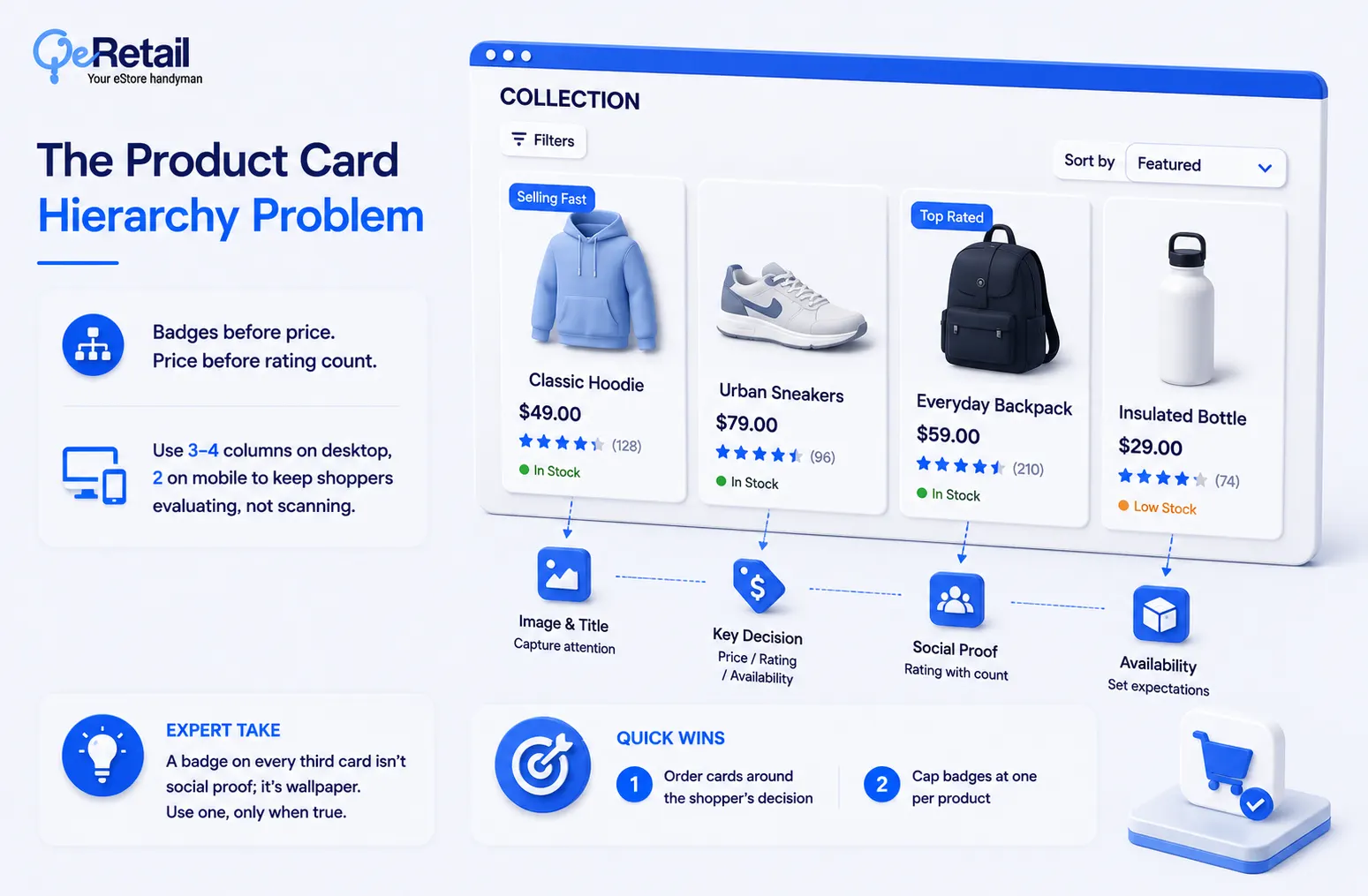
The product card is the smallest unit of your merchandising, and most Shopify themes make the same mistake: badges before price, price before rating count.
Expert Take:
A badge that says “Bestseller” on every third card isn’t social proof anymore; it’s wallpaper. Limit badges to one per card and only when it’s true and specific: “Selling Fast,” not “New.”
Quick Wins:
- Order cards around your category’s decision: image and title first, then whichever of price, rating, or availability actually helps shoppers compare without opening the PDP
- Cap badges at one per product; don’t default to “Bestseller”
Pagination That Loses Shoppers Without Telling You
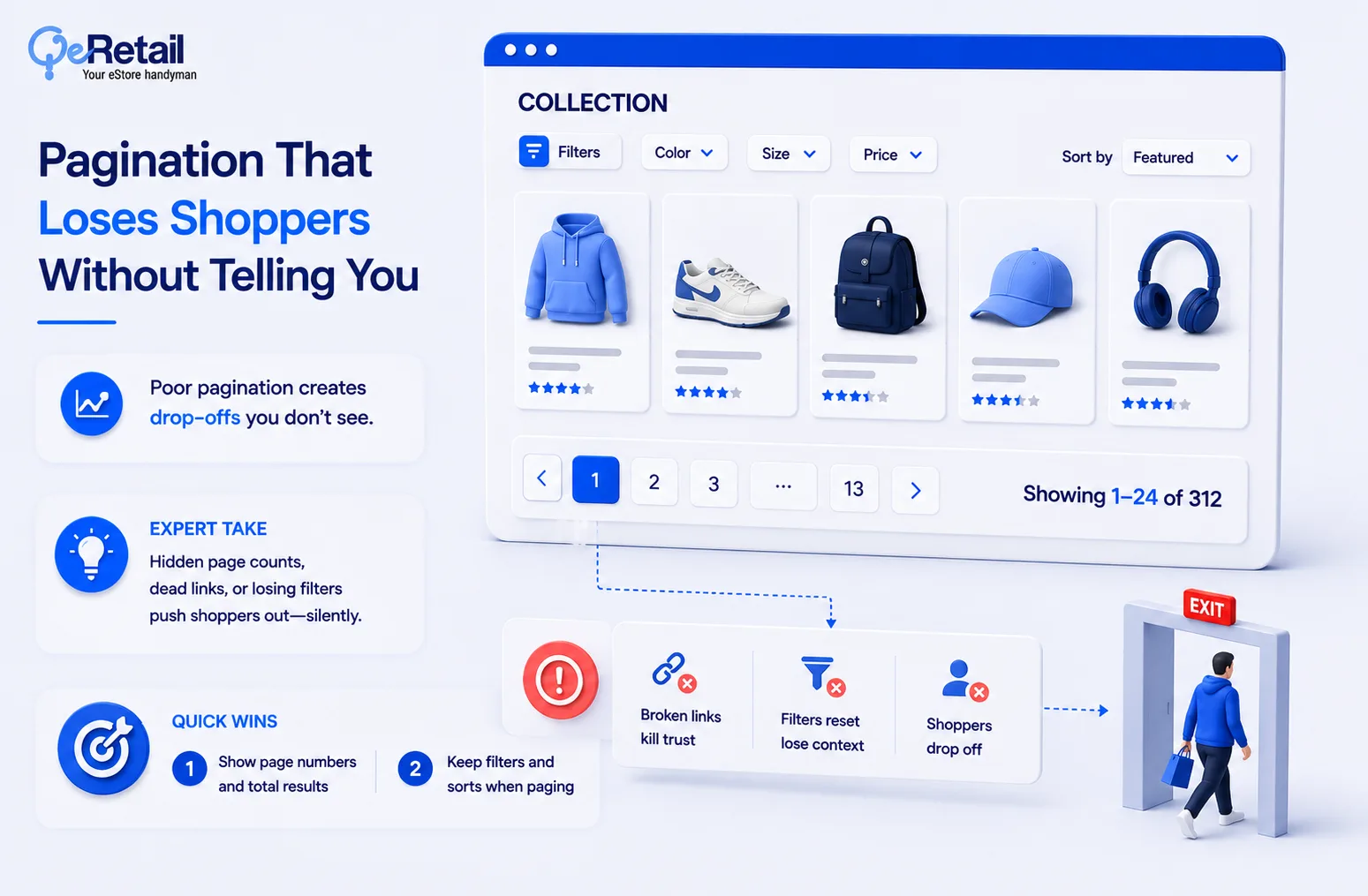
Infinite scroll feels modern, but whether it helps or hurts depends on shopper intent and how it’s implemented. Done wrong, it removes the shopper’s sense of how much catalog is left. Retailers solving this don’t ban infinite scroll; they constrain it.
Expert Take:
Infinite scroll without a sticky filter bar is the worst combination available. You’ve removed the exit ramp and the map at the same time.
Quick Wins:
- Display “Showing 1-24 of 312” on every collection page
- Keep the filter bar sticky through scroll or “Load More” clicks

Category Discovery Shoppers Never Reach
Filters and sort only matter once the shopper is on the right collection page. If category discovery fails, the rest of your merchandising never gets a chance to work.
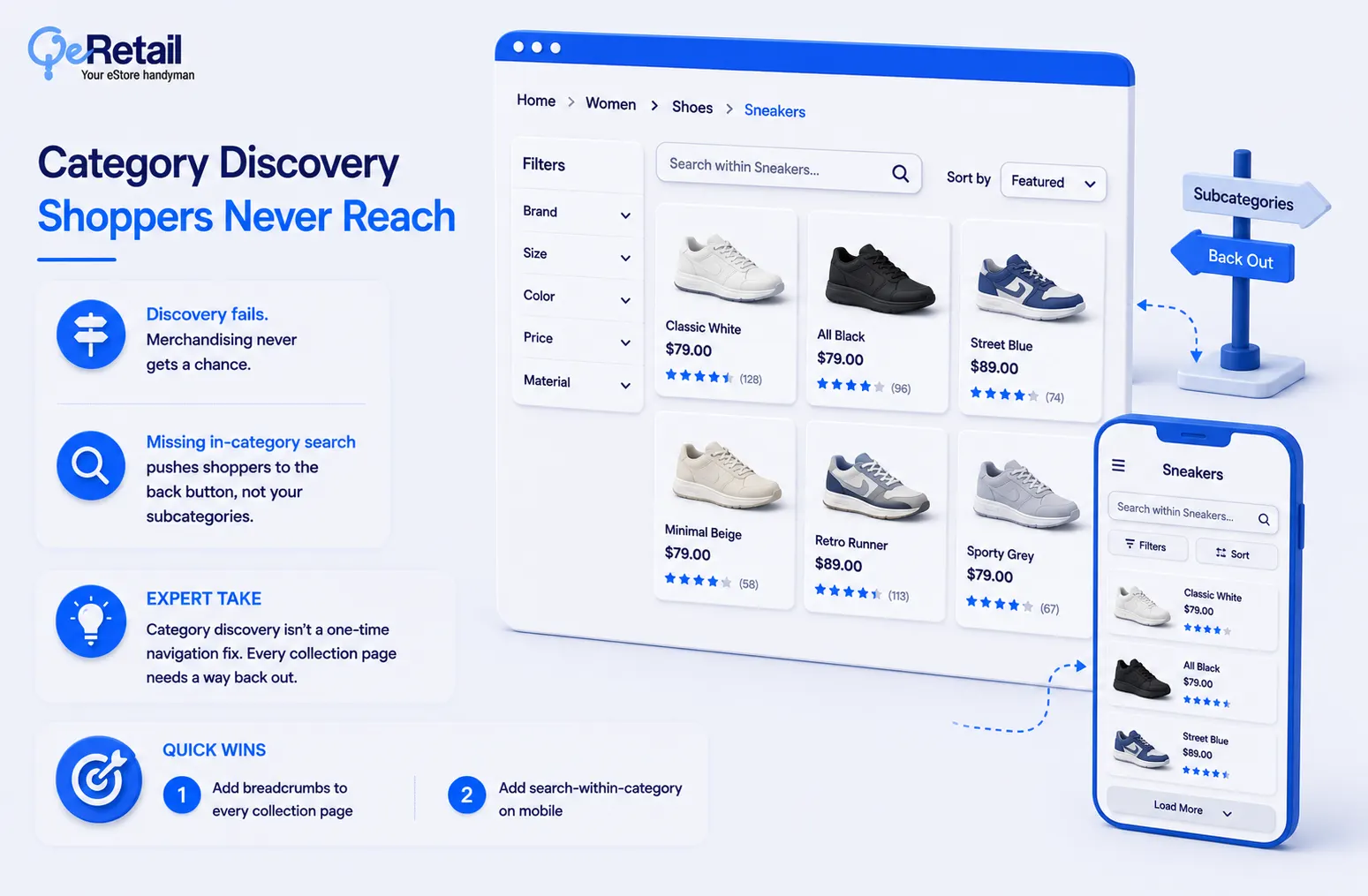
Few sites let a shopper narrow their current category by keyword instead of forcing them back to the main nav. That missing field pushes shoppers to the back button instead of your subcategories.
Expert Take:
Category discovery isn’t a navigation problem you solve once in the header. It’s a per-page problem, and every collection page needs its own way back out.
Quick Wins:
- Add breadcrumb navigation to every collection and subcollection page
- Test a search-within-category field on mobile collection pages
Score Your Collection Page Before You Scale Traffic
Rate each area 0 to 4 using what you just read as the standard, then add up your total.
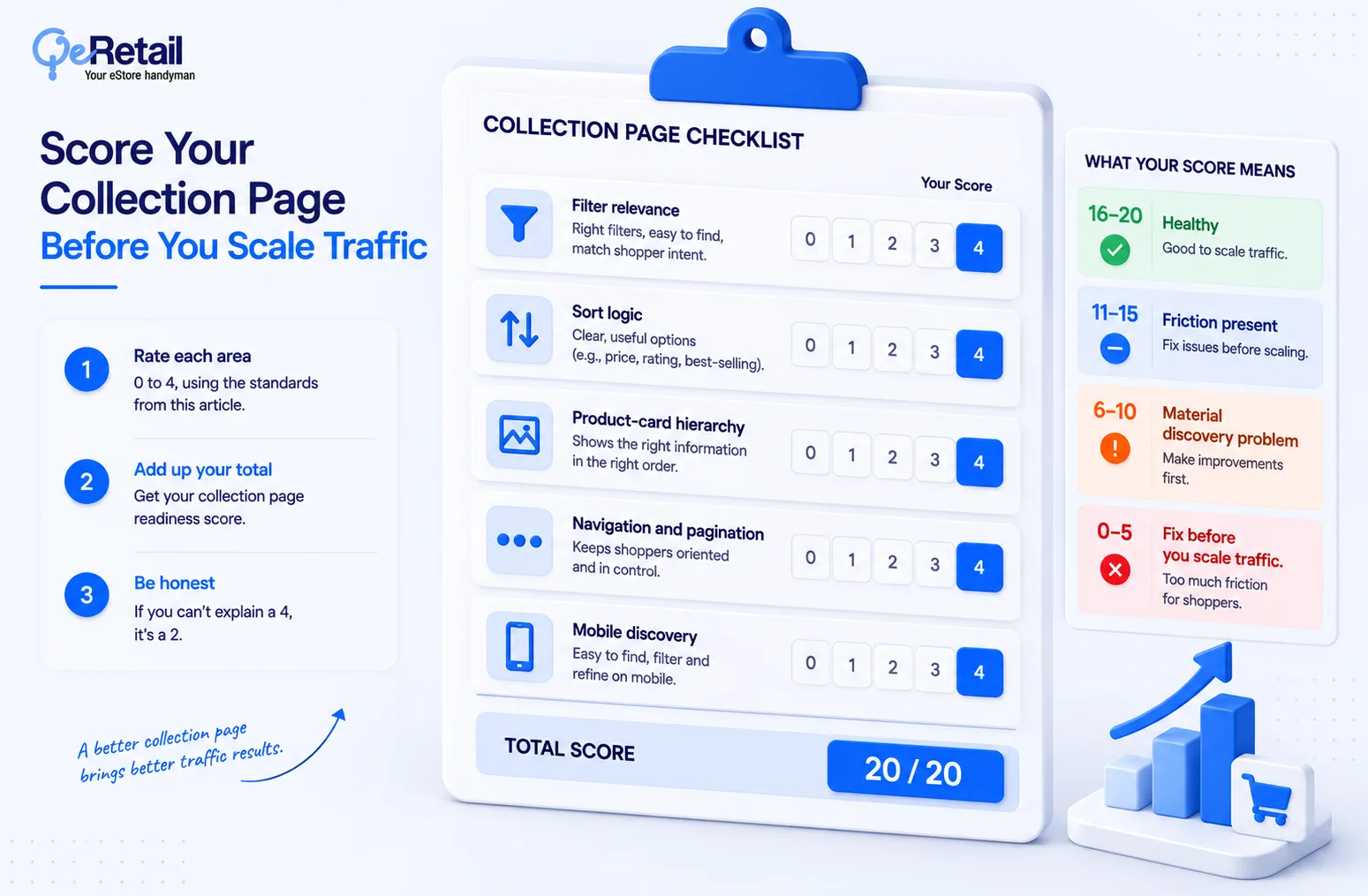
- Filter relevance: 0 to 4
- Sort logic: 0 to 4
- Product-card hierarchy: 0 to 4
- Navigation and pagination: 0 to 4
- Mobile discovery: 0 to 4
Give each area 0 points if it creates obvious friction, 2 if it works but has meaningful gaps, and 4 if it is deliberate, category-appropriate, and easy for shoppers to use. If you cannot explain why you gave yourself a 4, give yourself a 2.
Score: 16-20 healthy. 11-15 friction present. 6-10 material discovery problem. 0-5 fix before you scale traffic.
Stop Decorating the Grid. Start Auditing the Path.
Most Shopify stores treat the collection page as a container: drop the theme’s default grid on it, pick a filter app, move on to ads. That’s not merchandising. That’s decoration with a checkout button attached.
The stores compounding an advantage here aren’t the ones with the prettiest cards.
They’re auditing filters, sort defaults, card hierarchy, pagination, and category discovery as one connected system, the same system already eating your customer acquisition cost if shoppers can’t self-serve to a product.
Score below 15? Treat that collection page as a priority for investigation before you scale traffic.
Bring us the collection page. Book a free consultation, and we will pressure-test your filters, ranking logic, card hierarchy, and mobile discovery, and show you where the friction is before you put another dollar behind a page you have not pressure-tested.
Frequently Asked Questions
Why Do Shoppers Abandon Shopify Collection Pages So Often?
Should I Use Infinite Scroll Or Pagination On Shopify Collection Pages?
How Many Filters Should A Shopify Collection Page Show?
Can A Small Shopify Team Run This Audit Without An Agency?
Table of Contents