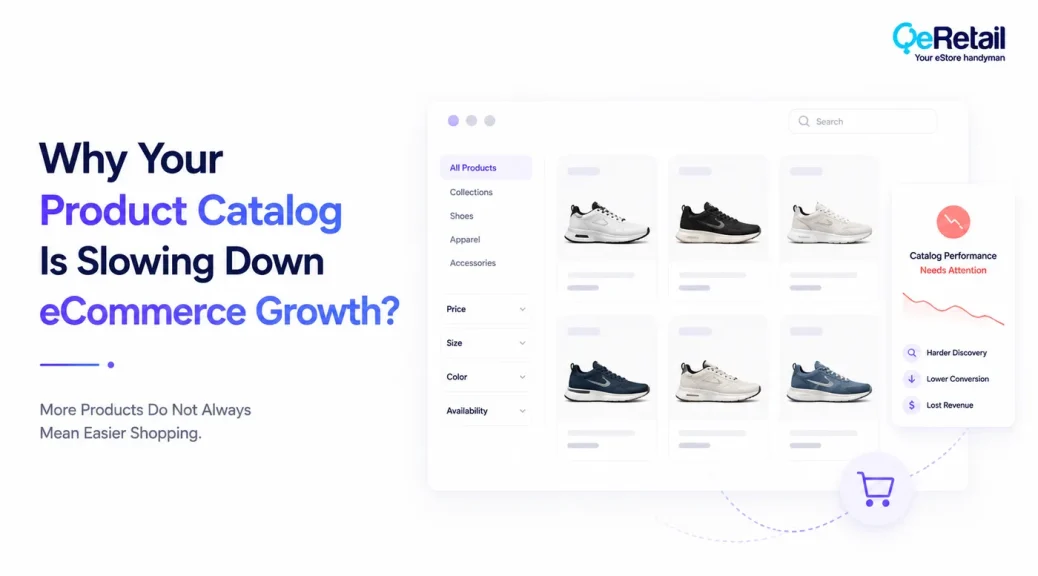
Your product catalog may be growing every month, but that does not automatically mean your Shopify store is becoming easier to shop.
As stores add new products, variants, collections, seasonal items, bundles, and promotional products, the catalog can gradually become harder to manage and harder for customers to navigate.
The problem is rarely the number of products alone.
It is what happens when product information becomes inconsistent, categories become unclear, filters become less useful, duplicate products accumulate, and customers struggle to understand which product is right for them.
That can affect more than user experience. A poorly structured catalog can make product discovery harder, weaken merchandising decisions, create maintenance work, and reduce the value of traffic already reaching your store.
Baymard found that 50% of eCommerce sites in its benchmark failed to provide adequate product-list attributes, making it harder for shoppers to assess relevant products.
For growing Shopify stores, the catalog should therefore be treated as part of the growth infrastructure, not simply as a database of products.

Key Action Points Summary
- Audit products, variants, collections, and categories regularly
- Remove duplicate, outdated, and unnecessary catalog entries
- Make product information consistent across similar products
- Improve collection, search, filtering, and sorting experiences
- Give customers enough information to compare products confidently
- Keep pricing, availability, images, and product attributes accurate
- Review how catalog structure affects mobile shopping
- Connect product data with SEO and shopping-feed requirements
- Identify products that receive traffic but struggle to convert
- Treat catalog quality as a conversion and growth metric
Quick Wins: Find Where Your Product Catalog Is Creating Friction
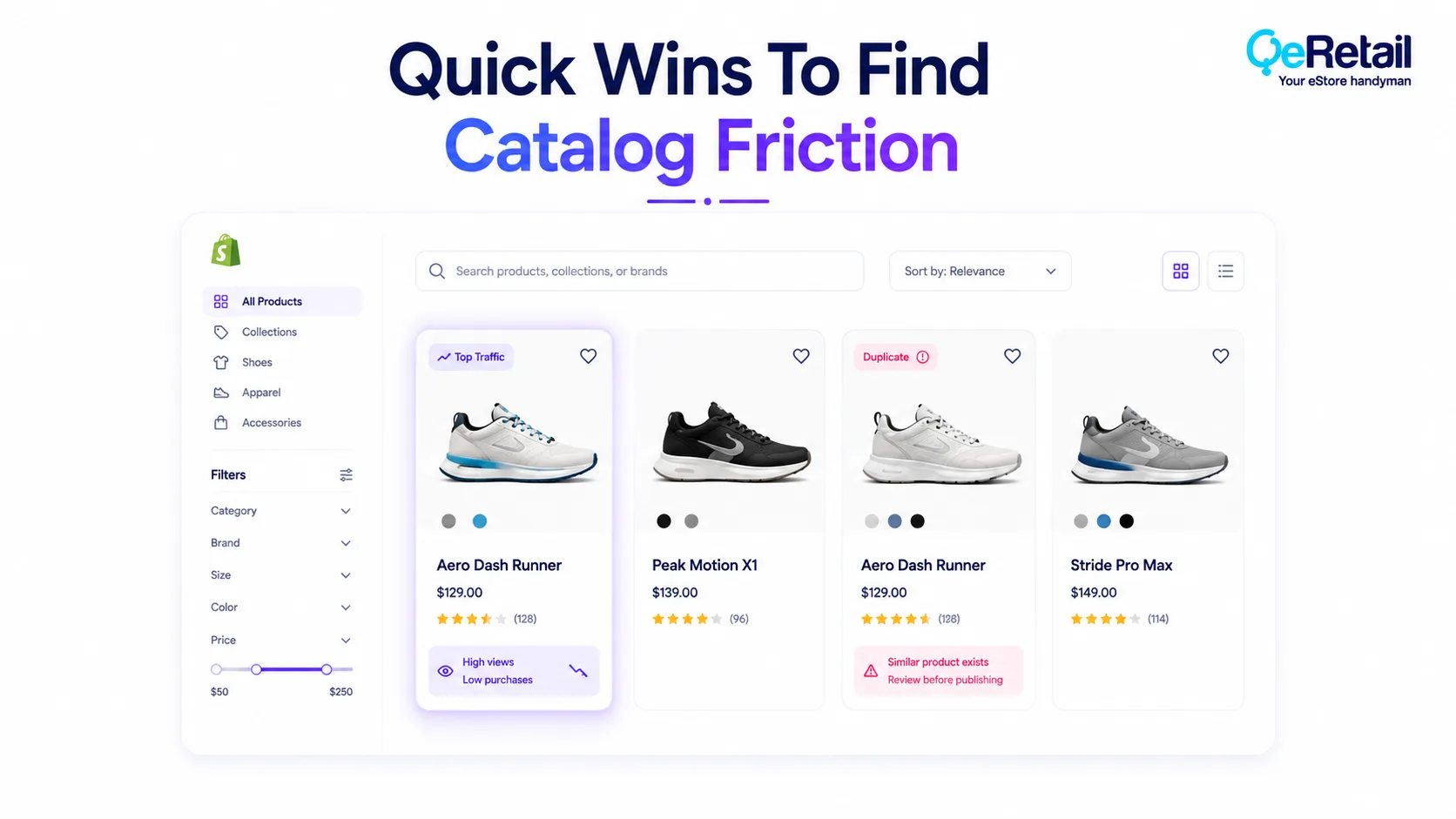
Before restructuring your entire Shopify catalog, start with a few focused checks. These quick wins can reveal whether product organization is making discovery, comparison, or purchasing harder than necessary.
1. Review Your Top Product Collections
Open your highest-traffic collections as a customer would. Check whether products are logically grouped and whether shoppers can quickly understand their available choices.
2. Check Your Product Information Consistency
Compare five similar products side by side. Look for differences in titles, specifications, images, descriptions, sizing information, and important attributes.
3. Find Duplicate Or Outdated Products
Search your catalog for discontinued products, duplicate listings, old seasonal products, and variants that are no longer relevant to customers.
4. Test Your Filters And Search
Search for common product types and use your collection filters. Check whether the available options actually help customers narrow down their choices.
5. Review Products With Traffic But Weak Sales
Identify products receiving meaningful visits but generating few purchases. Poor information, weak merchandising, or confusing product positioning may be contributing to the gap.
Baymard’s 2025 benchmark found that 58% of desktop eCommerce sites and 78% of mobile sites had poor or mediocre product-list UX, showing how easily product discovery can become a growth barrier.
5 Strategies To Turn Your Shopify Product Catalog Into A Growth Asset
A healthy catalog should contain accurate products and help customers discover, compare, understand, and confidently choose what to buy.
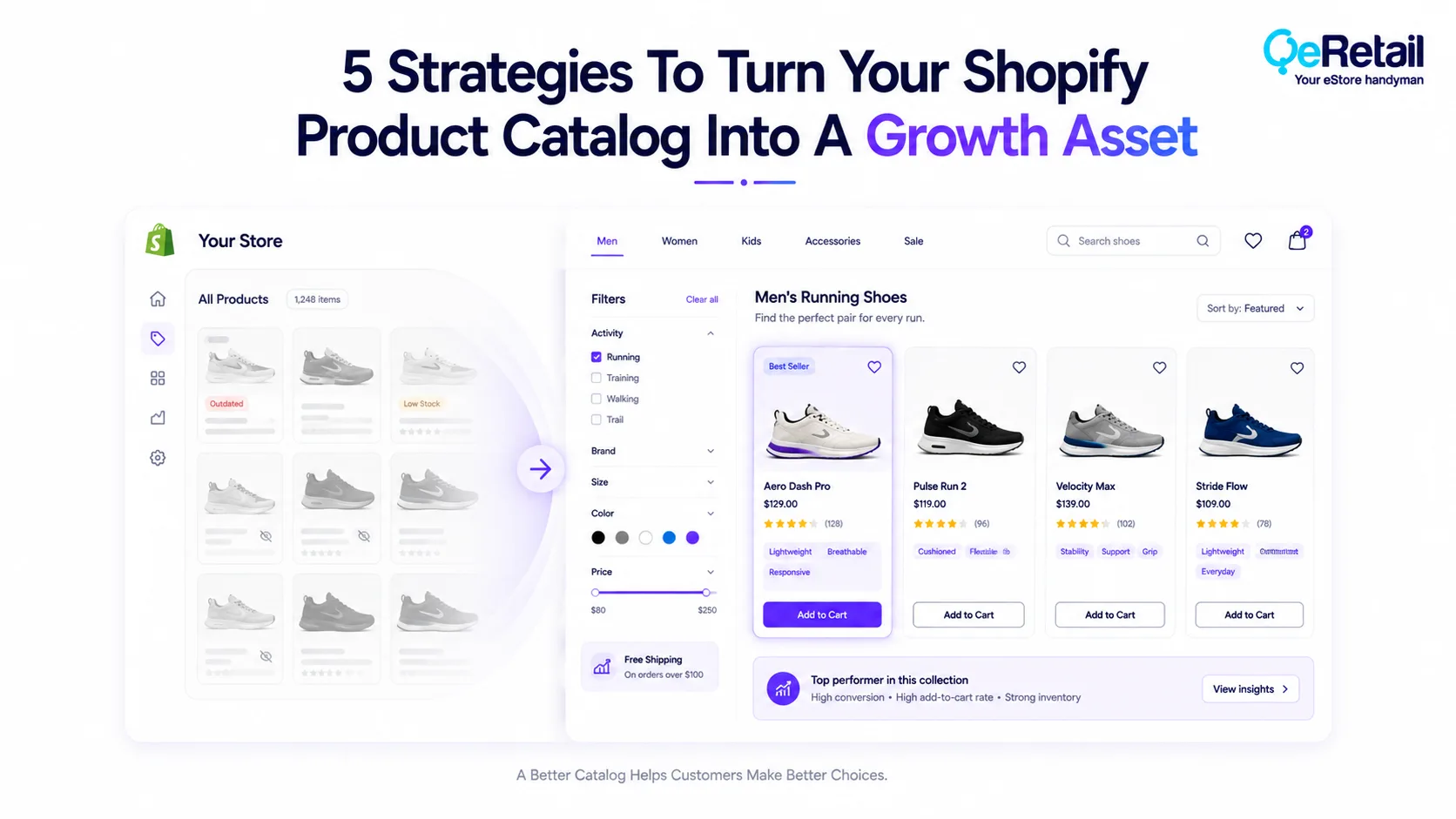
These five strategies can help Shopify stores turn catalog complexity into a more useful shopping experience.
1. Remove Products That No Longer Support The Customer Journey
Every product in your catalog creates another piece of information that needs to be maintained.
When discontinued products, outdated collections, duplicate listings, or irrelevant variants remain active, they can make the store harder to navigate and maintain.
What Should Shopify Stores Do To Improve?
- Identify discontinued products
- Remove unnecessary duplicate listings
- Archive outdated seasonal products
- Review inactive variants
- Check products that receive little engagement
- Keep only relevant products visible where appropriate
Quick Wins:
Export your product catalog and identify products with no recent sales, traffic, or inventory activity. Review these before creating more products.
2. Standardize Product Information Across The Catalog
Customers should not have to interpret a different information structure every time they open a product.
Inconsistent titles, specifications, images, measurements, or descriptions make comparison harder and can weaken confidence during the purchase decision.
What Should Shopify Stores Do To Improve?
- Standardize product titles
- Use consistent product attributes
- Maintain similar image standards
- Structure descriptions consistently
- Add category-specific specifications
- Keep important information easy to scan
Quick Wins:
Choose one product category and compare ten product listings. Identify the three information fields that appear inconsistently and standardize them.
3. Make Product Discovery Easier As The Catalog Grows
A large catalog becomes valuable only when customers can find the right products without unnecessary effort.
Navigation, collections, search, filters, and sorting should work together rather than forcing customers to explore the catalog manually.
What Should Shopify Stores Do To Improve?
- Organize products into intuitive collections
- Use meaningful filter options
- Improve internal search relevance
- Remove unnecessary filtering choices
- Use sorting that reflects customer needs
- Review navigation as the catalog expands
Quick Wins:
Ask someone unfamiliar with your store to find three specific products. Watch where they hesitate, search, backtrack, or open unnecessary pages.
4. Connect Product Data With Search And Shopping Visibility
Your catalog does not only serve customers visiting your Shopify store.
Product information can also influence how search engines and shopping platforms understand and display your products.
What Should Shopify Stores Do To Improve?
- Keep product titles descriptive
- Maintain accurate pricing and availability
- Use appropriate product structured data
- Keep product feeds updated
- Maintain consistent product identifiers
- Review feed errors and missing attributes
Quick Wins:
Choose your highest-value products and check whether their titles, pricing, availability, images, and key product attributes are consistent across your store and shopping feeds.
5. Use Catalog Data To Improve Merchandising Decisions
Your catalog can reveal more than what you sell.
It can show which products attract traffic, which products are frequently compared, which variants are ignored, and where customers lose interest before purchasing.
That information can help store owners decide which products deserve better positioning, stronger content, improved merchandising, or removal.
What Should Shopify Stores Do To Improve?
- Compare traffic with product sales
- Identify high-traffic low-conversion products
- Review underperforming variants
- Analyze products by category
- Improve products with strong demand signals
- Remove catalog complexity that does not create value
Quick Wins:
Find five products with strong traffic but weak conversion. Review their product information, positioning, reviews, imagery, and merchandising before deciding what needs improvement.
How QeRetail Helps Improve Shopify Product Catalog Performance
QeRetail helps Shopify businesses identify catalog-related friction across product discovery, product information, store navigation, and customer experience so the catalog supports growth instead of creating unnecessary complexity.
Shopify Catalog and Product Experience Assessment
We review product organization, collections, product information, navigation, filters, and merchandising to identify areas where catalog structure may be making shopping more difficult.
Product Page Optimization
Our team helps improve product information, content hierarchy, imagery, specifications, and purchasing interactions so customers can understand products more confidently.
Shopify Theme and Navigation Customization
We customize Shopify themes and store navigation to make growing catalogs easier to browse, search, filter, and compare across desktop and mobile experiences.
Product Data and Catalog Structure Improvements
We help businesses improve product-data consistency, collection organization, variant presentation, and other catalog elements that influence both usability and store management.
Conversion-Focused Catalog Optimization
We connect catalog improvements with customer behaviour and conversion performance to identify which products, collections, and experiences deserve attention first.

Conclusion
A growing catalog can quietly become a liability when every new product adds complexity without improving the shopping experience.
The better approach is to treat product information, organization, discovery, and merchandising as connected parts of your eCommerce growth strategy.
When customers can quickly understand what you sell, compare relevant options, and find the right product, the value of your existing traffic can increase without simply adding more products.
QeRetail helps Shopify businesses turn complex catalogs into clearer, more usable shopping experiences through product-page optimization, navigation improvements, Shopify customization, and conversion-focused store improvements.
Contact us to identify where your product catalog may be creating unnecessary friction.
Frequently Asked Questions
Why Can A Large Product Catalog Slow Shopify Store Growth?
How Do I Know If My Shopify Product Catalog Needs Improvement?
Should Shopify Stores Remove Products That Do Not Sell?
Does Product Information Affect Ecommerce Conversion Rates?
Can Product Catalog Optimization Improve Shopify SEO?
Table of Contents