
Aje, an Australian fashion label running 18 boutiques, found that 75% of its customers browsed on smartphones while its store was still built for desktop. The audit surfaced problems such as,
- A mobile checkout that stalled on payment entry
- Layouts that reflowed badly below tablet width
- Page weight that punished every mobile session
Redesigning the desktop site would have been the conventional response, though desktop was already converting and the traffic causing the loss never touched it. Aje rebuilt for mobile on Shopify Plus instead, adding responsive layouts and Shop Pay, and its conversion rate rose 135% within weeks.
A mobile-first audit finds that gap before anyone commissions a redesign. This article covers the four surfaces a mobile-first audit checks, and what agencies delivering it should charge for.
Key Action Points:
- Segment analytics by device before booking any design work
- Measure load on a throttled mobile connection, not your laptop
- Count checkout steps on a phone, start to finish
- Audit uninstalled apps for scripts still loading
- Fix the surface with the largest revenue gap first
1. Where the Revenue Actually Leaks
Mobile brings in the majority of your traffic. Desktop still converts better. That mismatch is the whole story.
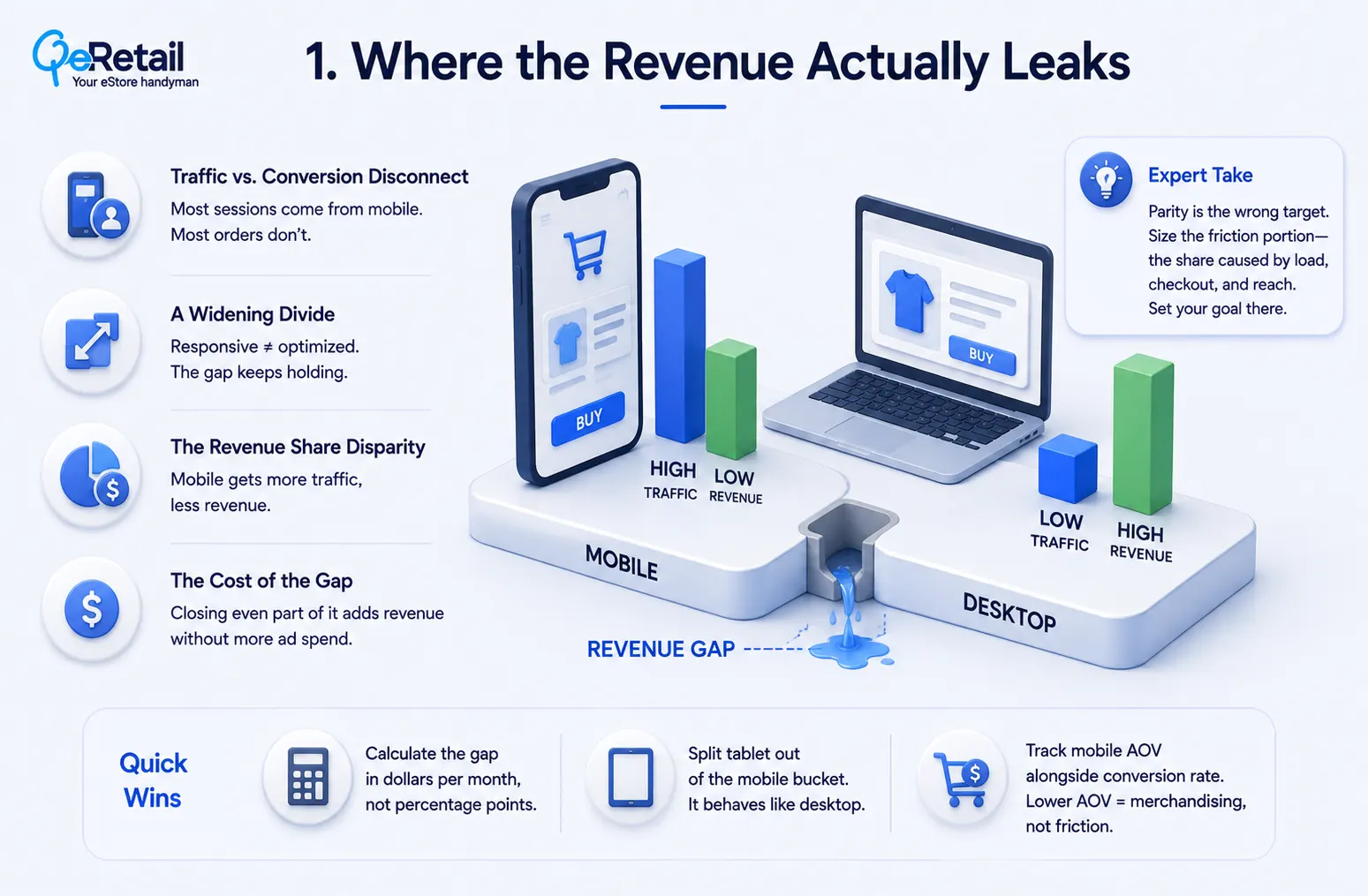
1. Traffic vs. Conversion Disconnect– Most of your sessions come from phones, but most of your completed orders do not. You are paying to acquire mobile traffic and then handing it a worse experience than the one you built for desktop.
2. A Widening Divide– Responsive design was supposed to close this. It did not. Making a desktop layout shrink is not the same as making it work under a thumb, and the gap keeps holding because the underlying interaction friction was never touched.
3. The Revenue Share Disparity– Mobile takes the bigger share of traffic and the smaller share of revenue. On a typical Shopify store, mobile conversion sits below desktop conversion, month after month, and nobody flags it because the blended number looks fine.
4. The Cost of the Gap– Closing even part of the gap adds revenue without adding a single dollar of ad spend. That is the part store owners miss. This is not a growth project. It is recovery.
Expert Take:
Parity is the wrong target. Mobile will never match desktop, because part of that gap is research behavior and always will be. Chase parity and you burn budget on the portion of the gap that was never recoverable. Size the friction portion instead: the share caused by load, checkout, and reach, and set your goal there.
Quick Wins:
- Calculate the gap in dollars per month, not percentage points, so it competes properly against your ad budget for attention
- Split tablet out of the mobile bucket, because tablet behaves like desktop and quietly inflates your mobile numbers
- Track mobile average order value alongside conversion rate, since a lower mobile AOV points at merchandising rather than friction
2. Audit Load Time Before Auditing Layout
Speed is the surface most audits skip. And it moves conversion more reliably than visual design does, which is the uncomfortable part. Deloitte Digital studied 37 retail, travel, and luxury brands and found a 0.1-second improvement in mobile load lifted retail conversions 8.4% and average order value 9.2%.
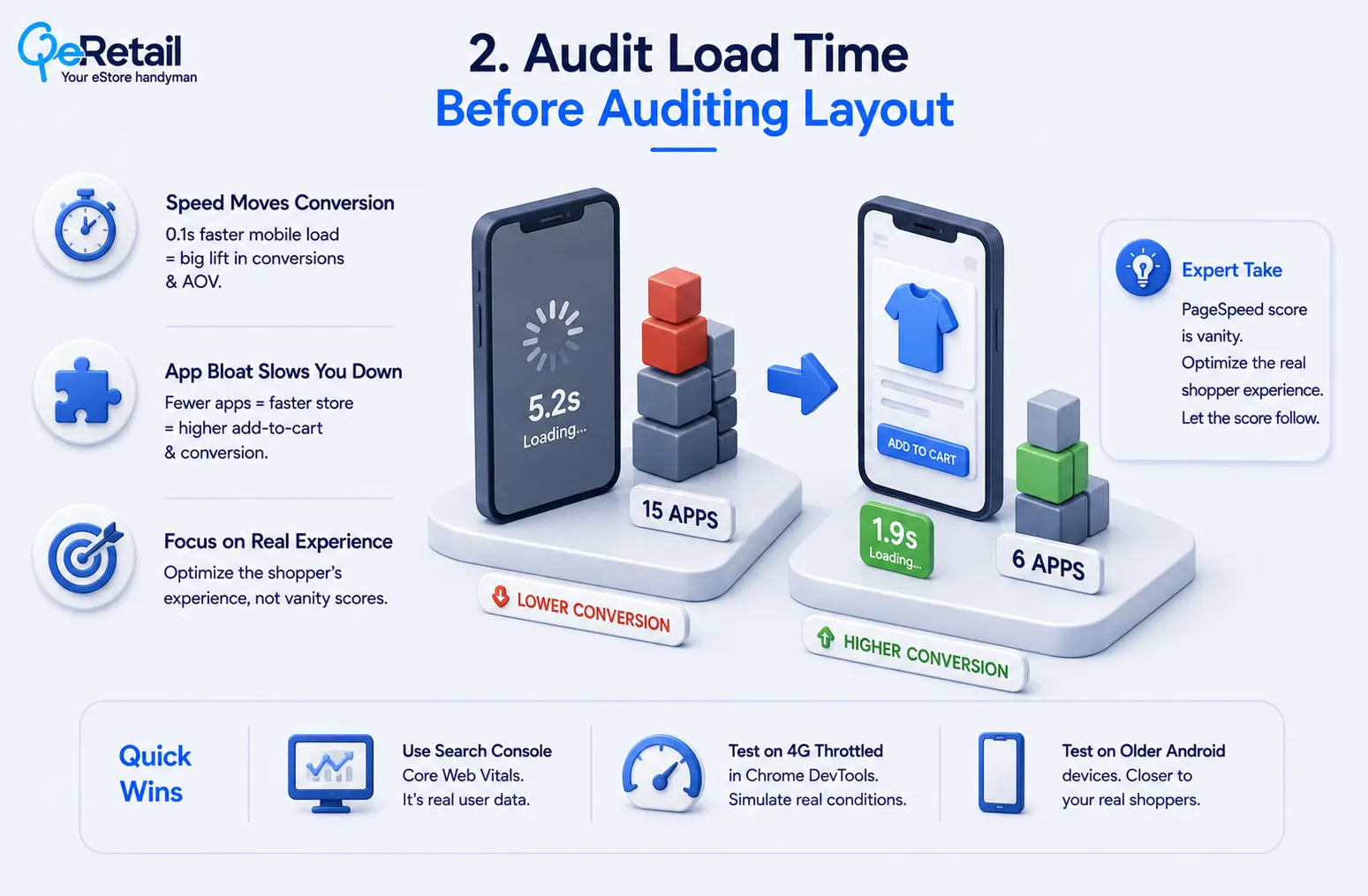
That is a tenth of a second. So before you touch a single layout decision, look at what your storefront is loading.
How App Scripts Suppress Mobile Conversion Rate
Wiro Agency documented the mechanism on a UK homeware retailer. They cut the app stack down, load time dropped hard, and add-to-cart went up. No redesign involved. Speed Boostr repeated it on a fashion retailer, moving PageSpeed from 32 to 58 by cutting 15 apps to 6, which lifted mobile conversion 31%. Both are agency self-reports with anonymized clients, so read the magnitude as directional.
Expert Take:
The PageSpeed score is vanity, and chasing it to 90 is how agencies bill for months. Google does not rank on your lab score. It uses field data from real Chrome users, which can look fine while your lab score looks terrible, or the reverse. Optimize the number the shopper actually experiences and let the score follow.
Quick Wins:
- Read your Core Web Vitals report in Search Console first, because that is field data and everything else is a simulation
- Test on a throttled 4G profile in Chrome DevTools, since your office wifi hides the exact problem you are hunting
- Time your storefront on a three-year-old Android handset, which is closer to your median shopper than the phone in your pocket

3. Treat Checkout as Its Own Audit Surface
Checkout behaves differently on a phone, so a mobile-first audit measures it separately from the catalog. Baymard Institute, drawing on more than 28,000 hours of usability testing, reports the average site carries 32 unaddressed checkout improvements worth roughly a 35% conversion lift. Thirty-two fixes sitting there, on the average store, unclaimed.
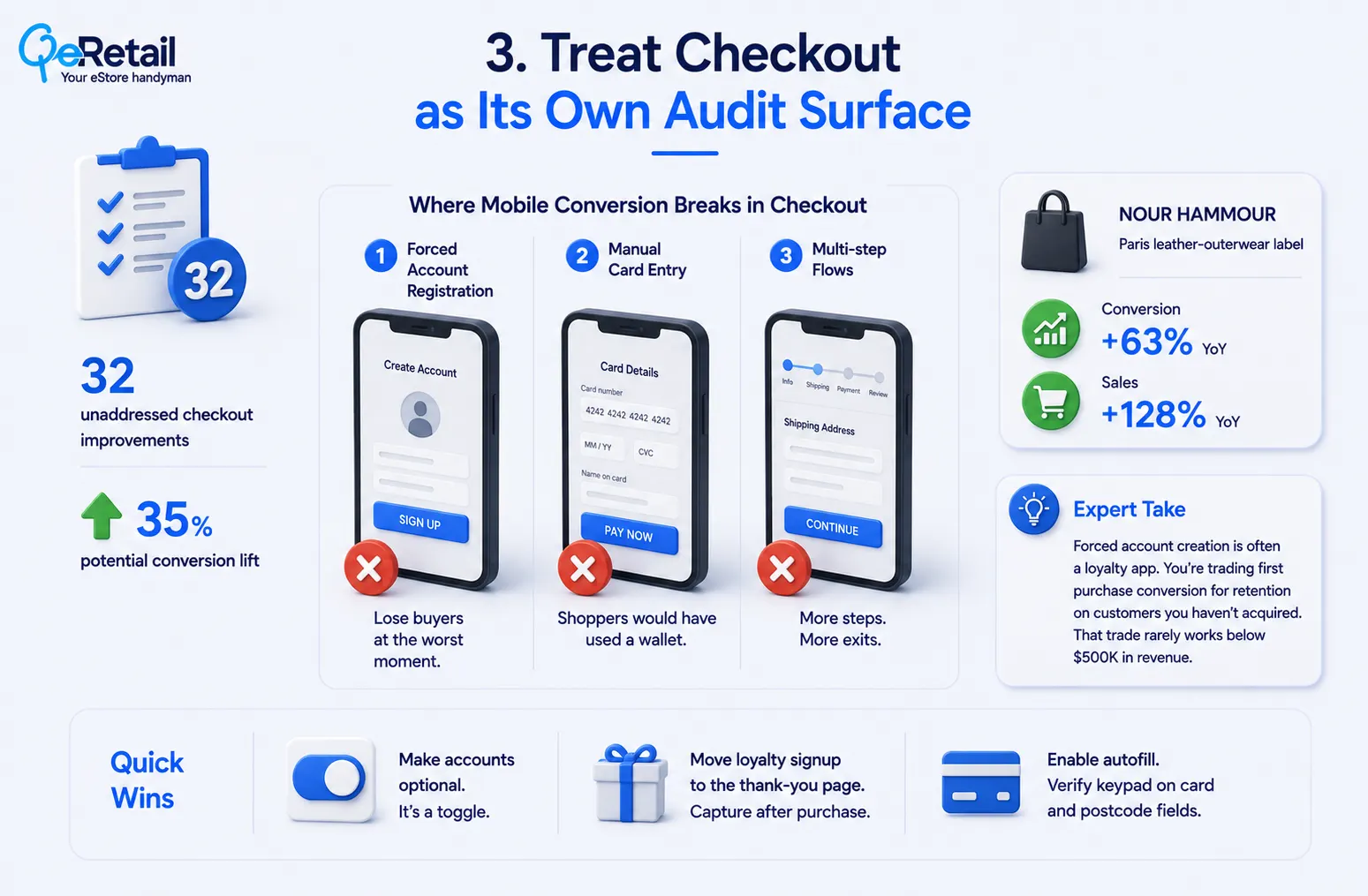
Where Mobile Conversion Rate Breaks in Checkout
Three failures keep showing up on phones, like,
1. Forced Account Registration– You lose a share of buyers outright, at the exact moment they had their card out.
2. Manual Card Entry– These are shoppers Shopify and Apple Pay would have kept for you. The wallet was right there.
3. Multi-step Flows– Every step compounds the two losses above. More screens, more exits.
Nour Hammour, a Paris leather-outerwear label, took the furthest version of the fix by combining Shopify with Sanity CMS for a headless storefront. As a result, conversion rose 63% year over year with sales up 128%. Headless architecture is rarely the right answer below $500,000 in revenue, though it establishes the ceiling.
Expert Take:
Forced account creation is rarely a checkout setting. It is a loyalty app doing what you paid it to do. You are trading first-purchase conversion for retention on customers you have not acquired yet. That trade almost never works below $500,000 in revenue.
Quick Wins:
- Set customer accounts to optional today, which is a toggle rather than a project.
- Move the loyalty signup to the thank-you page so it captures the customer after the money has cleared.
- Enable address autofill and verify the numeric keypad triggers on card and postcode fields, since a wrong keyboard type costs you taps at the worst moment.
4. Sequence the Mobile-First Audit by Revenue at Stake
A mobile-first audit produces a ranked list, not a wish list. So order the findings by revenue exposure rather than by effort.
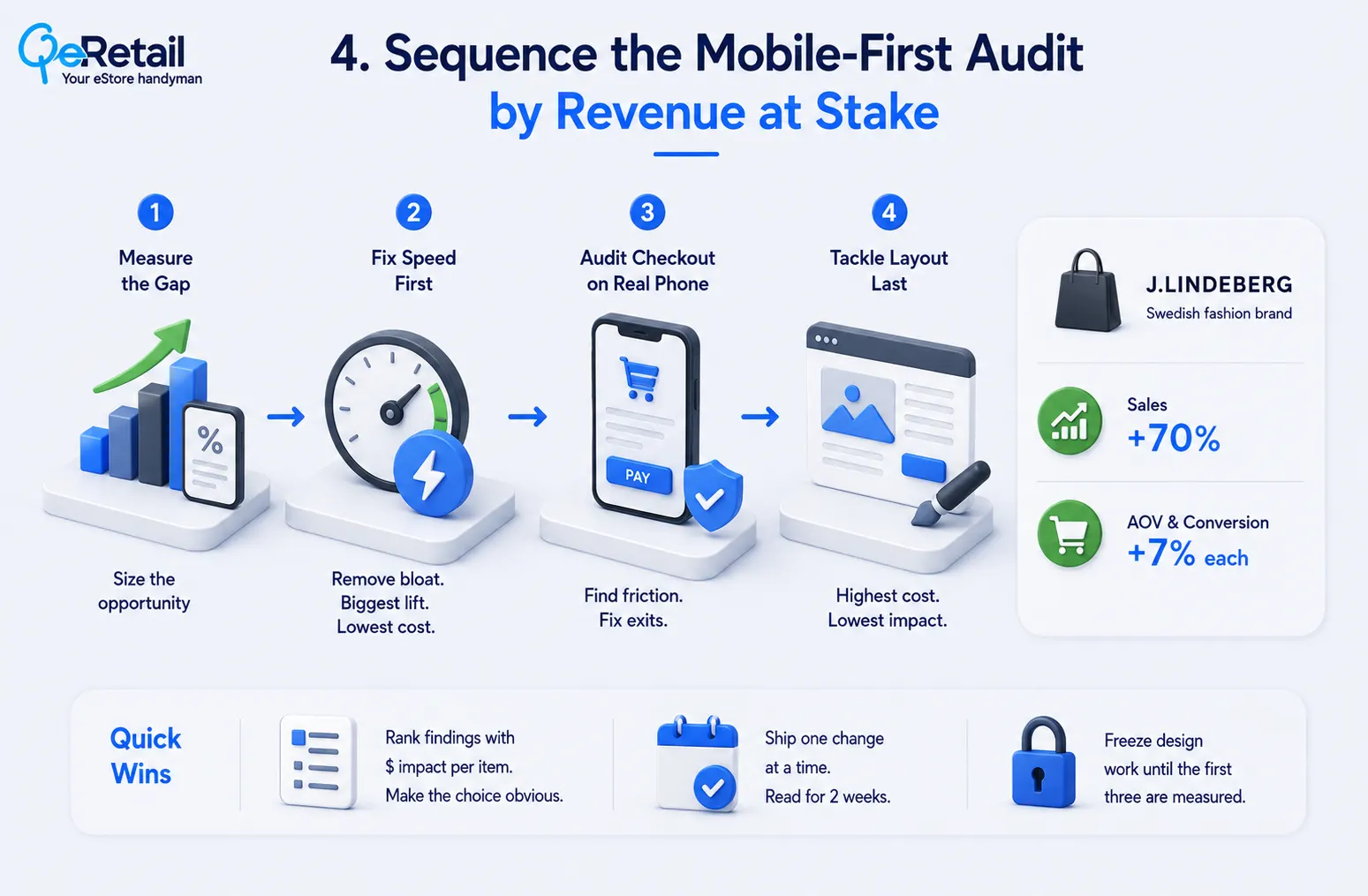
Measure the device-segmented conversion gap first, since it sizes everything downstream. Test load on a throttled connection second. Walk checkout on a real phone third. Reserve layout and visual design for last, as it is the most expensive surface and the least often responsible.
J.Lindeberg demonstrates what disciplined sequencing buys. The Swedish brand paired an internal team with the design agency Grebban, replatformed in 16 weeks against an ERP deadline, and sales increased 70% with average order value and conversion each up roughly 7%.
Expert Take:
Rank by revenue exposure, but break ties on reversibility. A cheap reversible change ships this week and produces the data that justifies the expensive one. And ship them one at a time.
Quick Wins:
- Build the findings into a ranked table with a dollar estimate per row, so the budget conversation has one obvious answer.
- Ship one change at a time with a two-week read before the next, keeping every result attributable.
- Freeze all design work until the first three surfaces are measured.
5. For Agencies: Deliver Mobile-First Audits Without Hiring for Them
Agencies face the opposite constraint to merchants. The demand for mobile-first audit work is already in the pipeline. Delivery capacity is the bottleneck. Because auditing speed, checkout, and theme code require certified Shopify Plus developers and CRO specialists, and that is expensive to carry full-time against uneven demand.
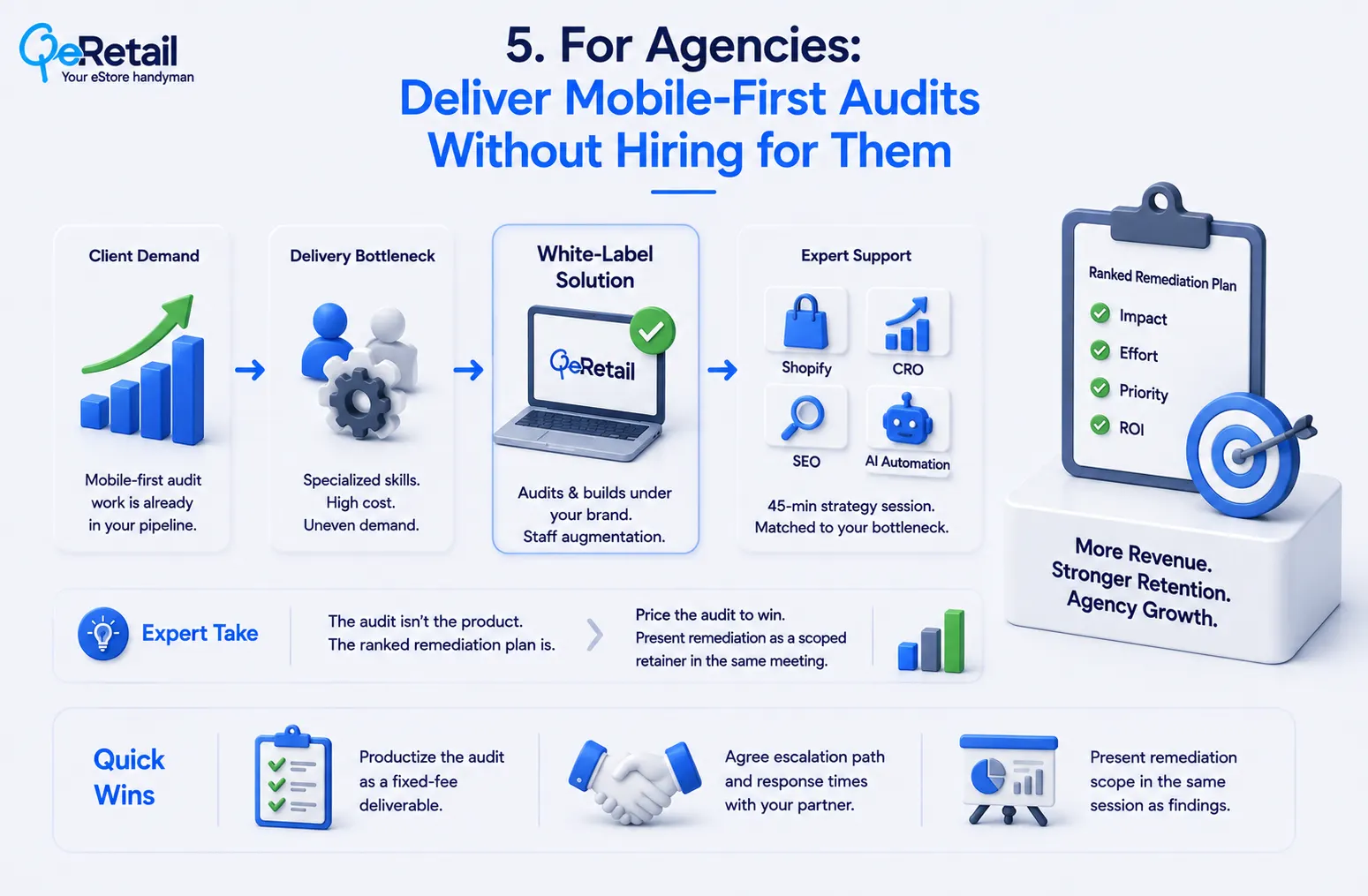
White-label delivery resolves the mismatch. QeRetail is a Shopify Plus Partner running audits and builds under the agency’s brand, with staff augmentation for teams that would rather keep the work in-house. The 45-minute strategy session pairs you with specialists in Shopify and CRO, agency growth, SEO, and AI automation, matched to the bottleneck you name when applying.
Expert Take:
The audit is not the product. The ranked remediation plan is. Agencies that sell the audit as a standalone deliverable hand the client a document and watch someone else bill the fixes. Price the audit to win, then present the ranked findings as a scoped remediation retainer in the same meeting.
Quick Wins:
- Productize the audit as a fixed-fee deliverable with a named turnaround
- Agree the escalation path and response times with your white-label partner before the first client
- Present remediation scope in the same session as the findings.

Final Thoughts
Most stores commission a redesign when the mobile-first audit would have found four cheaper fixes with larger returns. The mobile-first audit is worth running precisely because it usually argues against the expensive option.
Measure the four surfaces, rank them by revenue exposure, and let the ranking decide the budget. Book a free strategy session, and we will map your audit findings to the fix that returns the most.
Frequently Asked Questions
What Is A Mobile-First Audit?
How Does A Mobile-First Audit Improve Mobile Conversion Rate?
Why Is Mobile Conversion Rate Lower Than Desktop?
Can An Agency Run A Mobile-First Audit Without In-House Shopify Specialists?
How Long Does A Mobile-First Audit Take To Pay Back?
Table of Contents