You have planned your discounts, built your campaigns, and scheduled your emails. Your campaign is ready. But is your store ready?
Here is what happens when it is not. A shopper clicks your ad, finds the promotional price is wrong, their size is unavailable, or the delivery date contradicts your email. They leave. You paid for that click.
You do not need to rebuild anything. However, you need to fix the problems that interrupt discovery, trust, and checkout.
This Black Friday checklist for Shopify covers eight areas, ranked by impact, each with a practical test.
Key Action Points:
- Test a full purchase with a real promotional offer before spending more on traffic
- Check your five biggest promotional products from ad click to order confirmation
- Fix stock and variant errors on your 20 priority products
- Run one full mobile purchase, not just a homepage scroll

1. Fix Your Checkout Before Increasing Traffic
A shopper who cannot pay is a lost order, no matter how good your marketing is. Checkout comes first for that reason alone.
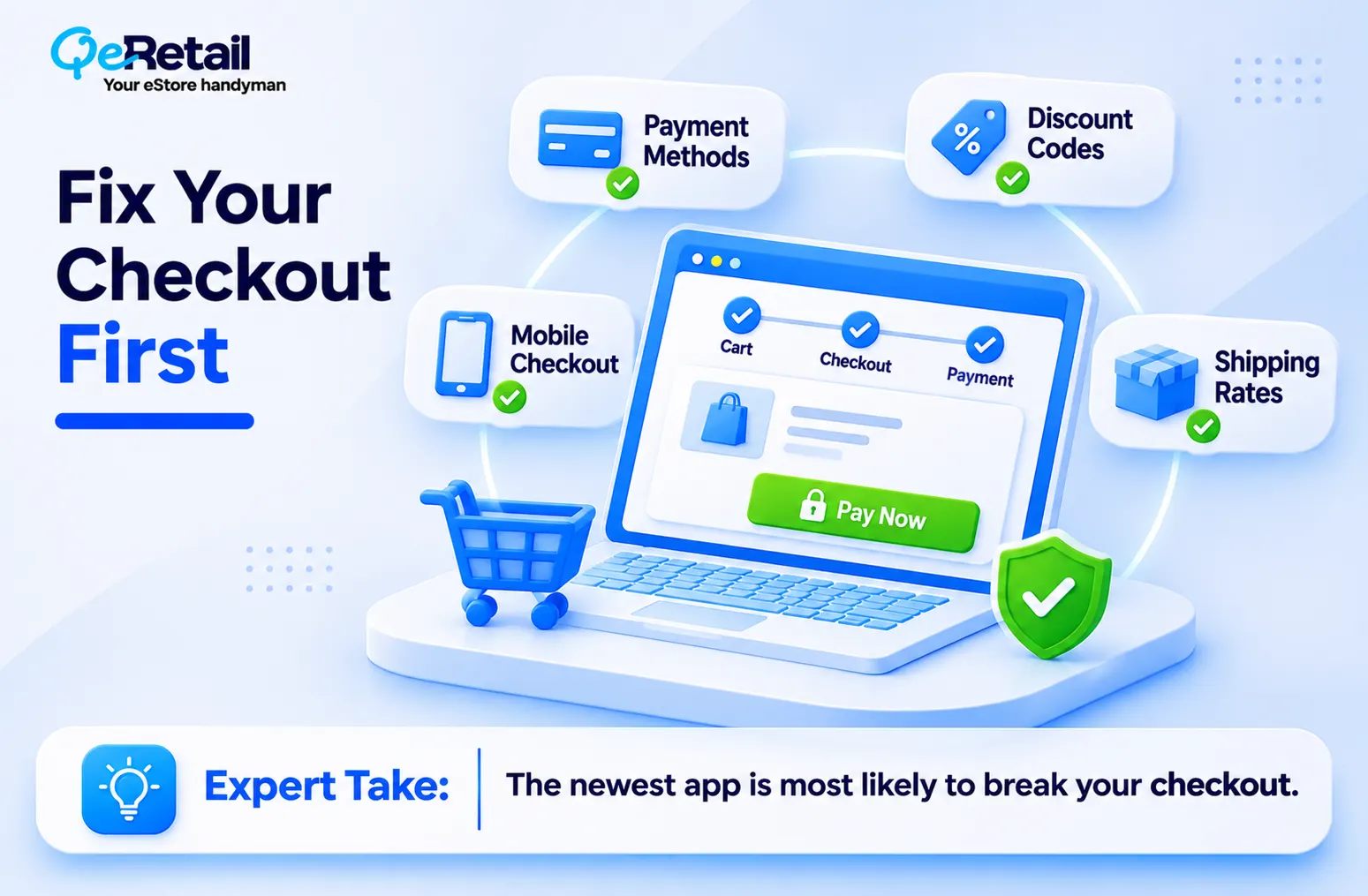
- Test the full purchase journey, including guest and mobile checkout, and any recently installed checkout app.
- Check every payment method and confirm payments actually process.
- Apply discount codes and confirm the total.
- Verify shipping rates and look for unexpected charges.
Expert Take:
The newest app is the most likely culprit. A checkout that worked in October can break after one install. Remove anything you cannot justify.
Practical exercise: Place a test order using a representative promotional offer and a real shipping destination.
What to measure: Checkout errors, abandoned checkouts, and checkout completion.
2. Verify Every Promotional Price and Discount Rule
Your advertised promise and your checkout price must match. A mismatch is a trust problem and a support problem at the same time.

- Verify original and promotional prices.
- Test automatic discounts and discount codes separately.
- Review stacking rules, so codes do not combine in ways you did not plan.
- Confirm scheduled promotions activate at the right time.
Expert Take:
Most discount failures hide in variants and exclusions, not in the headline offer. Test the ugly cases.
Practical exercise: Pick your five most important promotional products and run each through a full purchase.
What to measure: Discount failures, pricing inconsistencies and promotion-related support complaints.
3. Check Inventory and Product Variant Accuracy
Driving demand to products you cannot ship creates cancellations, refunds and angry emails. And it is entirely avoidable.
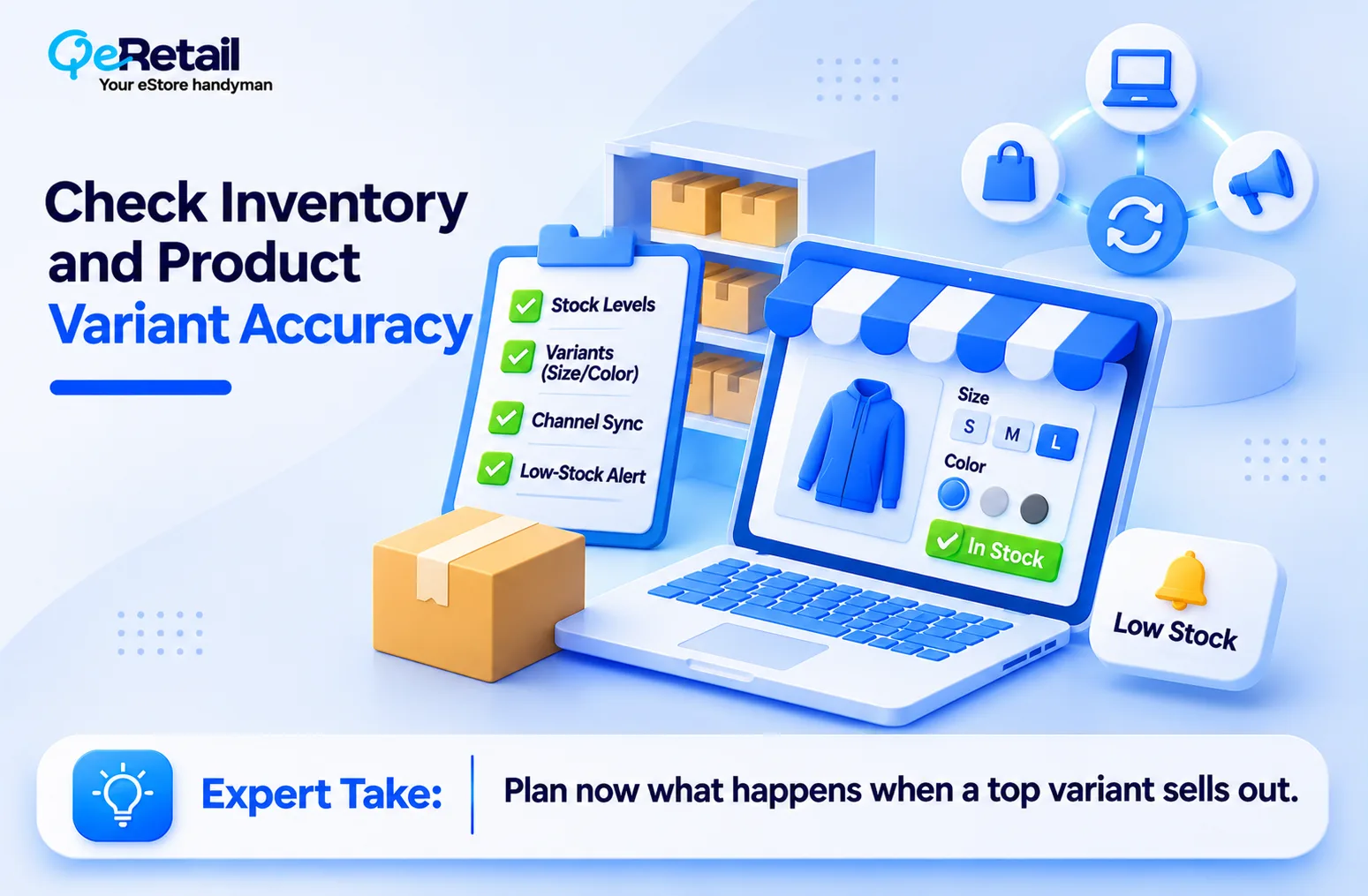
- Verify inventory for promotional products.
- Check size, colour and other variant availability.
- Review inventory sync across sales channels.
- Confirm low-stock products display correctly.
Expert Take:
Your best-selling variant is not your safest variant. It is the one most likely to sell out in the first hour while the ad keeps running. Decide now what happens when it does.
Practical exercise: List the 20 products that matter most to your campaign. This list drives sections 3, 4 and 7.
What to measure: Stock discrepancies, overselling, cancellations and unavailable variants.
4. Improve Your Most Important Product Pages
Shoppers need accurate information to decide whether a product fits their needs. If your page leaves questions open, they will find answers somewhere else.

- Make titles descriptive and specific.
- Add essential specifications and attributes.
- Check product images and variant images.
- Confirm dimensions, materials and compatibility.
- Remove outdated or contradictory information.
Expert Take:
Honest limitations sell better than vague enthusiasm. If a jacket runs small or a charger does not fit older models, say so. You trade a few hesitant clicks for fewer returns.
Practical exercise: Review your 20 priority products. Do not try to rewrite the whole catalog in a week.
What to measure: Product-page engagement, conversion, product questions and return reasons.
5. Fix Shipping, Returns and Customer Trust Information
Customers want to know when the order arrives and what happens if something goes wrong. Make both answers easy to find.
- Make shipping costs easy to understand.
- Publish holiday shipping cutoffs.
- Review delivery estimates against what your carrier can actually do.
- Make return and refund policies accessible, with clear eligibility and conditions.
- Check that product descriptions do not contradict store policies.
Expert Take:
A delivery promise you cannot keep is worse than a slower honest one. Customers forgive slow. They do not forgive late.
Practical exercise: Walk through your store as a first-time customer. Can you find the answers to the five most common purchase questions?
What to measure: Shipping complaints, policy-related tickets and returns caused by wrong expectations.
6. Test Your Store on Mobile
Your store must work on the devices your customers actually use, and most of them will be holding a phone.

- Test homepage navigation.
- Test variant selectors and add-to-cart.
- Check cart and checkout usability.
- Hunt for intrusive pop-ups and overlapping elements.
Expert Take:
Pop-ups that look fine on desktop often cover the add-to-cart button on a phone. Your Black Friday banner is the usual offender.
Practical exercise: Complete one full purchase on a real phone. Not just the homepage.
What to measure: Mobile conversion, technical errors and mobile checkout abandonment.
7. Make Your Products Easier to Discover, Including Through AI Shopping
Product information influences whether shoppers, and supported shopping systems, can understand what you sell. Clean data helps both.

- Check titles and descriptions for clarity.
- Verify categories and attributes.
- Confirm availability and pricing are accurate everywhere.
- Review relevant metafields and structured product information.
- Check eligible AI shopping channels and storefront settings where available.
Expert Take:
Better product data does not guarantee AI recommendations, rankings, visibility or sales. Nobody can promise that. Treat it as groundwork, not a replacement for search, ads or merchandising. See our agentic commerce guide for more.
Practical exercise: Write five to ten realistic shopping queries your customers might use. Test them repeatedly and note whether your products appear in relevant discovery experiences.
What to measure: Catalog completeness, discovery-test results, identifiable referral traffic and attributed orders.
8. Prepare Your Customer Support and Order Fulfillment
More orders mean more pressure. A strong campaign still damages the customer experience if fulfillment and support fall behind.

- Confirm fulfillment capacity and order-processing timelines.
- Prepare answers to common customer questions.
- Set an escalation process for order problems.
- Watch stock and order volumes during the campaign.
Expert Take:
Your team’s capacity is a hard ceiling. If you can only pack a set number of orders a day, plan the offer around that number, not the other way around.
Practical exercise: Build a daily monitoring sheet covering orders, inventory, fulfillment delays, cancellations, and complaints.
What to measure: Order-processing time, fulfillment delays, support response time, and cancellation rates.

Your Final Shopify Black Friday Readiness Scorecard
| Area | What to verify | Priority |
| Checkout | Complete test purchase | Critical |
| Promotions | Correct discounts and prices | Critical |
| Inventory | Accurate stock and variants | Critical |
| Product pages | Complete product information | High |
| Store policies | Shipping and returns clarity | High |
| Mobile | Complete mobile purchase journey | High |
| Product discovery | Catalog and channel readiness | High |
| Operations | Fulfillment and support capacity | High |
Use this prioritization rule when time runs short:
- Fix immediately: Broken checkout, incorrect prices, failed discounts and inventory errors.
- Fix next: Misleading delivery promises, incomplete priority product data and major policy gaps.
- Test before changing: Optional design changes, new apps and untested technical optimizations.
What If You Only Have One Week Left?
Most advice assumes you have a month. You do not. Here is a realistic schedule.
| Timeline | Main focus |
| Days 1-2 | Checkout, promotions and pricing |
| Days 3-4 | Inventory, shipping and product information |
| Days 5-6 | Mobile testing, discovery and fulfillment |
| Day 7 | Final purchase tests and issue monitoring |
Do not introduce unnecessary changes right before Black Friday. Fix what could stop a purchase or cause an operational failure. Leave the redesign for December.
Is Your Shopify Store Ready for Black Friday?
Your campaign can bring more shoppers to your store. But before you increase traffic, you need to know whether your products, pricing, inventory and store information are ready.
A catalog problem is easy to miss. An inaccurate variant, a thin specification or an inconsistent policy creates friction across the whole buying journey. And if you tested the homepage but never the purchase, you didn’t prepare, you just looked.
Need a partner who finds the gaps and ranks the fixes? QeRetail helps you identify product-readiness gaps, prioritize improvements and see what needs attention before Black Friday.
Book Your Free Shopify Product-Readiness Audit, and we will find the gaps, prioritize the fixes and give you a clearer plan.
Frequently Asked Questions
How do I prepare my Shopify store for Black Friday?
What should I check before launching a Black Friday sale?
How far in advance should Shopify merchants prepare for BFCM?
How do I test Shopify discount codes before Black Friday?
How can I improve Shopify product pages before Black Friday?
Does AI shopping readiness matter for Black Friday 2026?
Table of Contents