Only one unit is left in your stock, and two customers are placing orders for it minutes apart. Both of them get a confirmation email. The problem is that either of them will get a cancellation message and a refund.
You lose a customer who trusted your platform to deliver the product. However, with a cancellation, the trust is lost. This is overselling, and it’s rarely a stock problem and more of a visibility problem. Most merchants often check inventory and respond to orders.
Shopify allows you to sell only the product it sees in your inventory. So, every oversold order starts with an error in the data that came from a wrong setting or a syncing issue across systems.
This guide helps you work out which one you are dealing with, fix it, and keep your counts honest across channels, locations, and variants.
Key Action Points:
- Sort your last 10 oversold orders into configuration, operational, or synchronization causes
- Check tracking and “continue selling” settings on your top sellers first
- Name one system as the inventory source of truth, and stop others from overwriting it
- Audit stock by location and by variant, not by product total
- Set written rules for returns, cancellations, and manual adjustments
- Run a daily check on your fastest-moving SKUs

Why is Your Shopify Store Overselling?
Overselling isn’t a single fault but multiple elements coming together to impact customer trust.
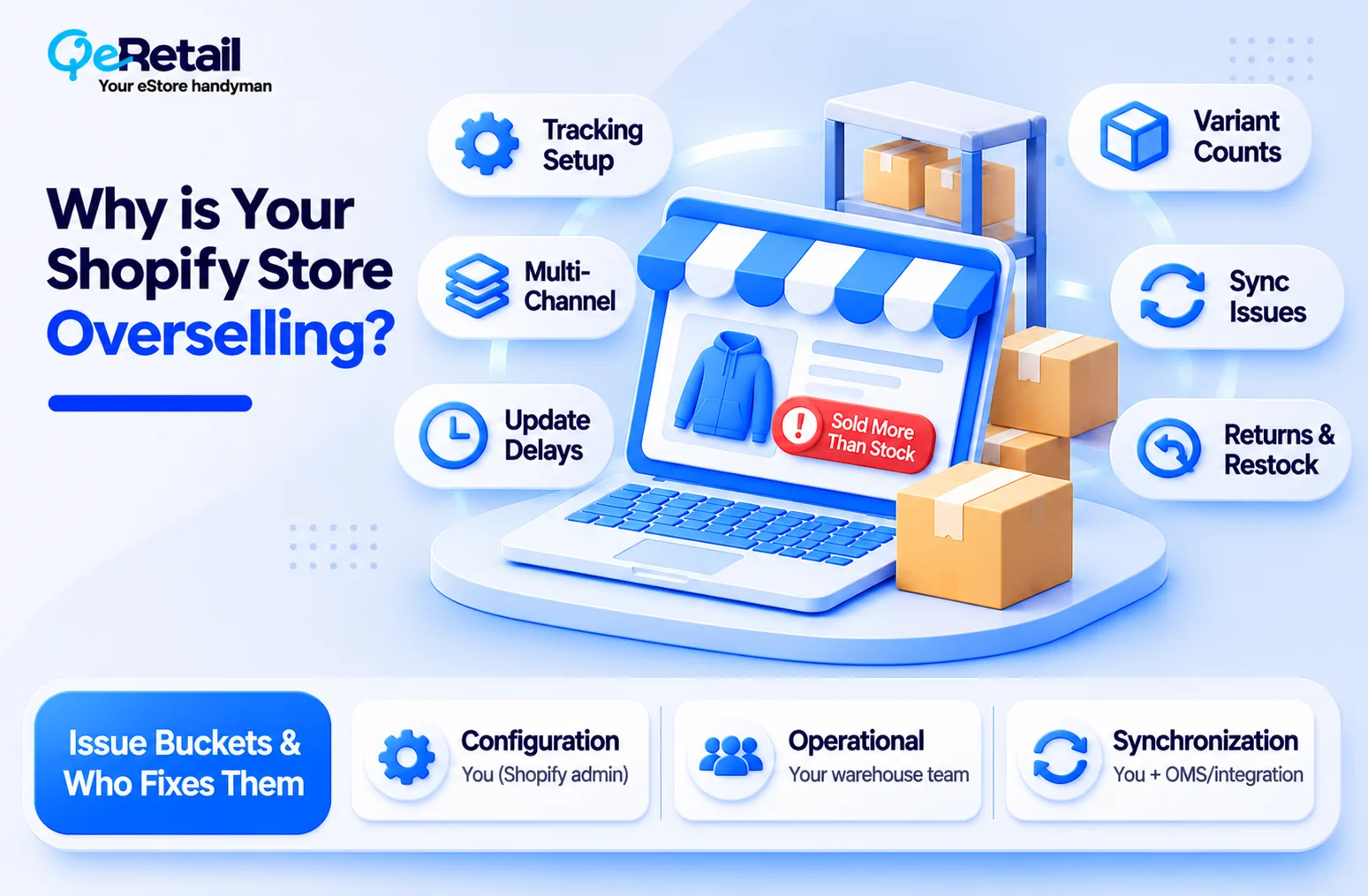
Some of the major reasons for overselling are,
- Tracking is not configured correctly
- Several channels sell from one stock pool
- Updates arrive late
- Variant quantities are wrong
- Manual adjustments introduce errors
- Returns and cancellations never restock
- Your systems are not synchronized.
Which bucket you are in decides who fixes it.
| Issue Type | Typical Signs | Who Fixes It |
| Configuration | Tracking off, wrong location settings, bad variant counts | You, inside Shopify admin |
| Operational | Unexplained adjustments, items not restocked after returns | Your warehouse and support teams |
| Synchronization | Quantities differ between Shopify and another system, delays, duplicates | You plus your integration or OMS provider |
Sort Your Last 10 Incidents
Pull your last 10 inventory-related order problems. Label each one as configuration, operational, or synchronization. The pattern usually shows up fast.
Expert Take:
Merchants blame sync first because it feels outside their control. In practice, a surprising share of overselling comes from a checkbox nobody reviewed. Rule out configuration before you pay for a new integration.
Quick Wins:
- Export oversold and canceled-for-stock orders from the last 90 days
- Tag each by root cause
- Track oversold orders, discrepancies, and stock-related cancellations monthly
Fix Configuration First: Tracking, Locations and Variants
Start with what lives inside Shopify. It is the cheapest fix and the most commonly skipped.
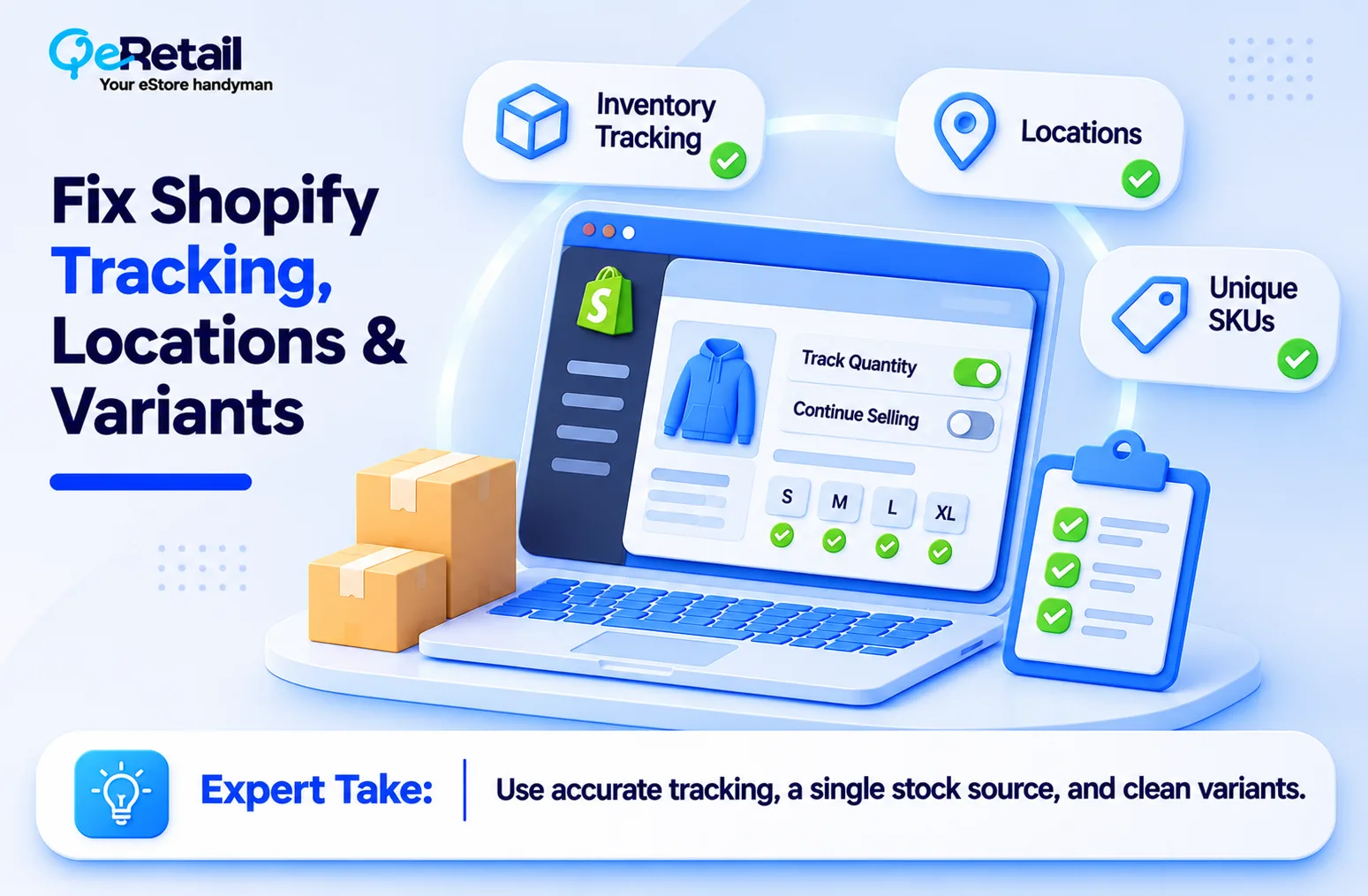
Check Tracking and Continue-Selling Settings
Shopify can only protect stock it tracks. Open your best sellers and confirm “Track quantity” is enabled on every variant, not just the parent product. Then check “Continue selling when out of stock.” If it is on, Shopify will keep accepting orders at zero.
Expert Take:
Turning tracking on does not end overselling. It only gives Shopify a number to work with. If that number is wrong, or another system overwrites it, tracking protects nothing.
Quick Wins:
- Open your top 10 best sellers and confirm “Track quantity” is on for every variant
- Review “Continue selling when out of stock” on each of those products and switch it off unless you run pre-orders or backorders
- Pick one system as the source of truth for stock counts and stop any other app or sync from overwriting Shopify’s number
Audit Locations and Variants
Stock in several locations does not mean every location can sell. Confirm which locations fulfill online orders and compare Shopify’s location counts against the shelf.
Variants are where hidden errors live. Twenty shirts in stock can mean three in the size a customer wants.
Give each variant a unique SKU, remove duplicates, and check bundles, since a kit consumes component inventory.
Expert Take:
For stores importing data from external systems, mismatched SKUs are a common source of silent errors. This is where clean product data earns its keep.
Quick Wins:
- Verify tracking and quantities on your top 20 products
- Compare each active location’s count to a physical count
- Find duplicate SKUs and fix variant-to-product mappings
Synchronize Inventory Across Every Sales Channel
Here is the harder problem. One unit, sold on your storefront, a marketplace, and a social channel, can be sold three times if those channels do not share a current count.
Name One Source of Truth
List every channel and system that sells or edits stock. Then decide which one owns the number. For many stores ,that is Shopify. For others ,it is an inventory or order management system that pushes to Shopify.
Two systems that both write quantities will eventually disagree. Faster syncing doesn’t fix that. Deciding which system is allowed to overwrite does. Most “sync problems” are really ownership problems.
Map the Flow and Watch for Delays
Sketch a simple diagram: where an order originates, which system deducts stock and how that change reaches every other channel. Then check three things: how often updates run, whether external orders reduce Shopify stock, and whether products map correctly between platforms. Failed jobs and duplicate stock records are the usual culprits.
Slow updates matter most on fast sellers. A ten-minute delay is harmless on a slow SKU. On a drop, it is how you sell 40 units you do not have.

Fix Operational Gaps: Returns, Cancellations and Manual Edits
Inventory accuracy depends on what happens after the sale too.
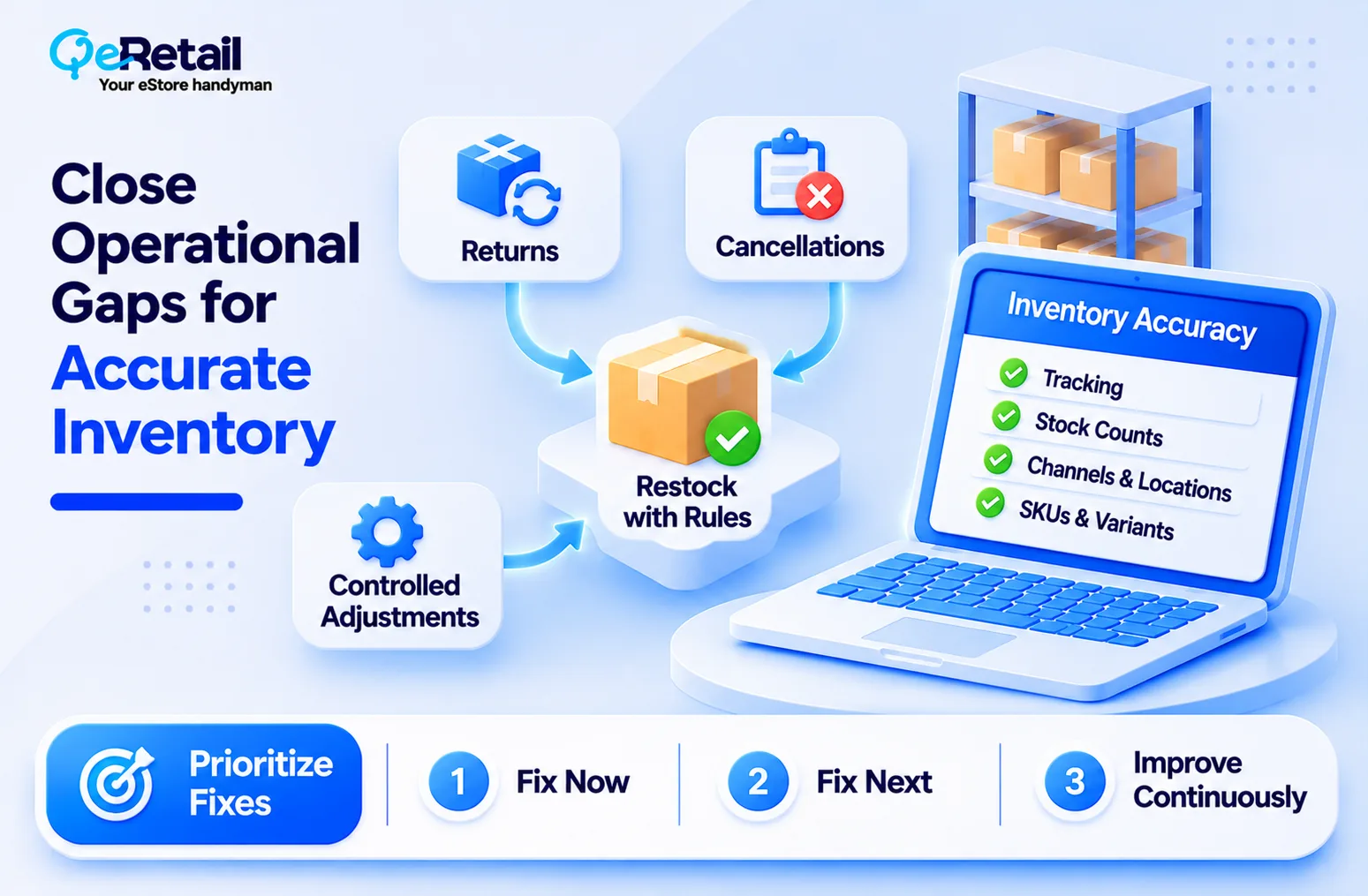
Set Rules for Returns and Cancellations
Decide when a returned item becomes sellable again. Inspect before restocking. When you cancel or refund, choose deliberately whether stock returns to a location, and which one. Track damaged goods separately so they do not reappear as available.
Walk one canceled order and one returned order through your process. Does the quantity change correctly at each stage?
Control Manual Adjustments and Automate the Repetitive Work
Every manual edit is a chance for error, and the risk grows with channels and catalog size. Record a reason for every significant adjustment and assign one owner for corrections.
Don’t buy an app because it is popular. A single-channel, single-location store may be fine on Shopify’s native tools. Add an integration when manual updates start costing hours or causing errors, and make sure it won’t fight another system for control.
Your Shopify Inventory Accuracy Checklist
| What to Check | What Good Looks Like |
| Inventory tracking | Enabled for relevant products and variants |
| Stock quantities | Match actual available inventory |
| Sales channels | Inventory updates consistently |
| Multiple locations | Location-level stock is accurate |
| SKUs and variants | Correct, unique and consistently mapped |
| Automation | Updates are reliable and monitored |
| Returns and cancellations | Adjustments follow defined rules |
| Reconciliation | Physical and recorded stock compared regularly |
Prioritize like this:
- Fix immediately: wrong quantities, disabled tracking where needed, duplicate SKUs and broken synchronization.
- Fix next: location discrepancies, variant mapping and returns-related errors.
- Improve continuously: automation, low-stock alerts, reconciliation and reporting.
Build a daily routine for your highest sellers: review low-stock thresholds, adjustment history and sync failures, with a named owner and an escalation path.
What to Do If Your Store Has Already Oversold
You may not be preventing your first incident. Work the problem in order:
- Identify affected orders.
- Confirm actual available inventory.
- Pause sales of unavailable products.
- Find the source of the discrepancy.
- Contact affected customers promptly.
- Offer alternatives, delayed fulfillment, or refunds.
- Correct the inventory records.
- Investigate the root cause.
Fixing the orders is only step one. If you skip the root cause, you will repeat it next week.
Final Thoughts
Most stores treat overselling as a customer service event. Apologize, refund, move on. But if your counts are still wrong afterward, you didn’t fix anything, you just cleaned up.
Overselling isn’t just an inventory problem. It’s an inventory accuracy and operational visibility problem. One to keep in mind: clean product data alone won’t prevent it. Order processing, allocation, synchronization, locations and fulfilment workflows all matter.
Inconsistent product records and incorrect variant mappings make every one of those harder. QeRetail helps merchants find product data inconsistencies and improve catalog accuracy so inventory decisions rest on reliable information.
Need a partner who can audit where your numbers break? Talk to QeRetail About Your Shopify Product Data, and we will review your catalog, variants and SKU mapping.
Frequently Asked Questions
Why Does My Shopify Store Keep Overselling?
How do I Stop Shopify From Selling Products When They’re out of Stock?
Does Shopify Automatically Update Inventory When an Order is Placed?
How do I Synchronize Inventory Across Multiple Sales Channels?
Can Shopify Manage Inventory Across Multiple Locations?
How can I Prevent Overselling When Selling Product Variants?
Do I Need an Inventory Management app to Prevent Shopify Overselling?
Table of Contents